Two-Factor Authentication
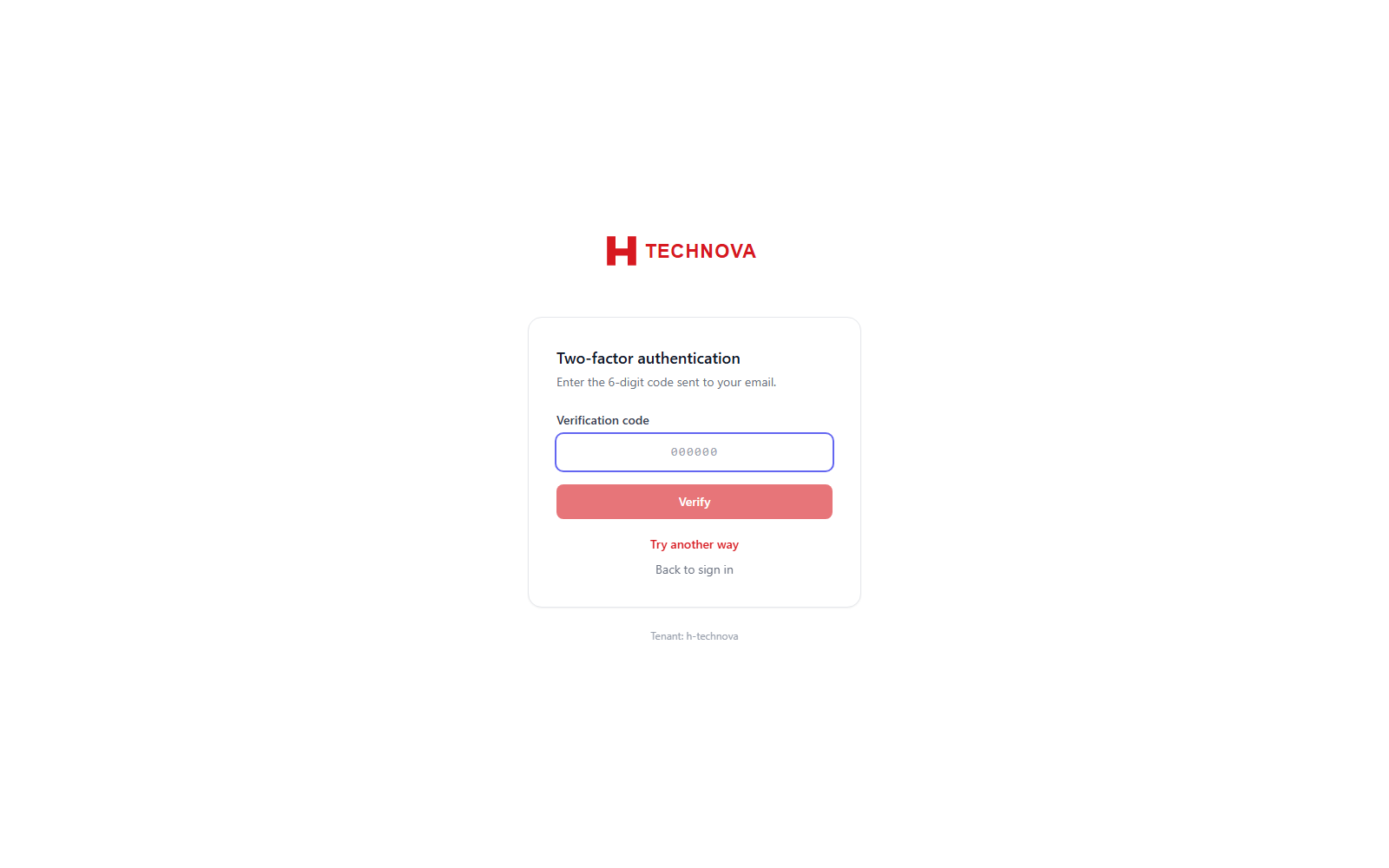
When your account is protected by a second factor, Zetect asks for it immediately after your password. The method you are prompted with is whichever you enrolled — an emailed code, an SMS code, or a code from an authenticator app — and you can switch to any other method you have set up.
How to use it
- Sign in with your username and password as usual.
- On the Two-factor authentication screen, read where the code is coming from (email, SMS or your authenticator app).
- Enter the six-digit verification code and click Verify.
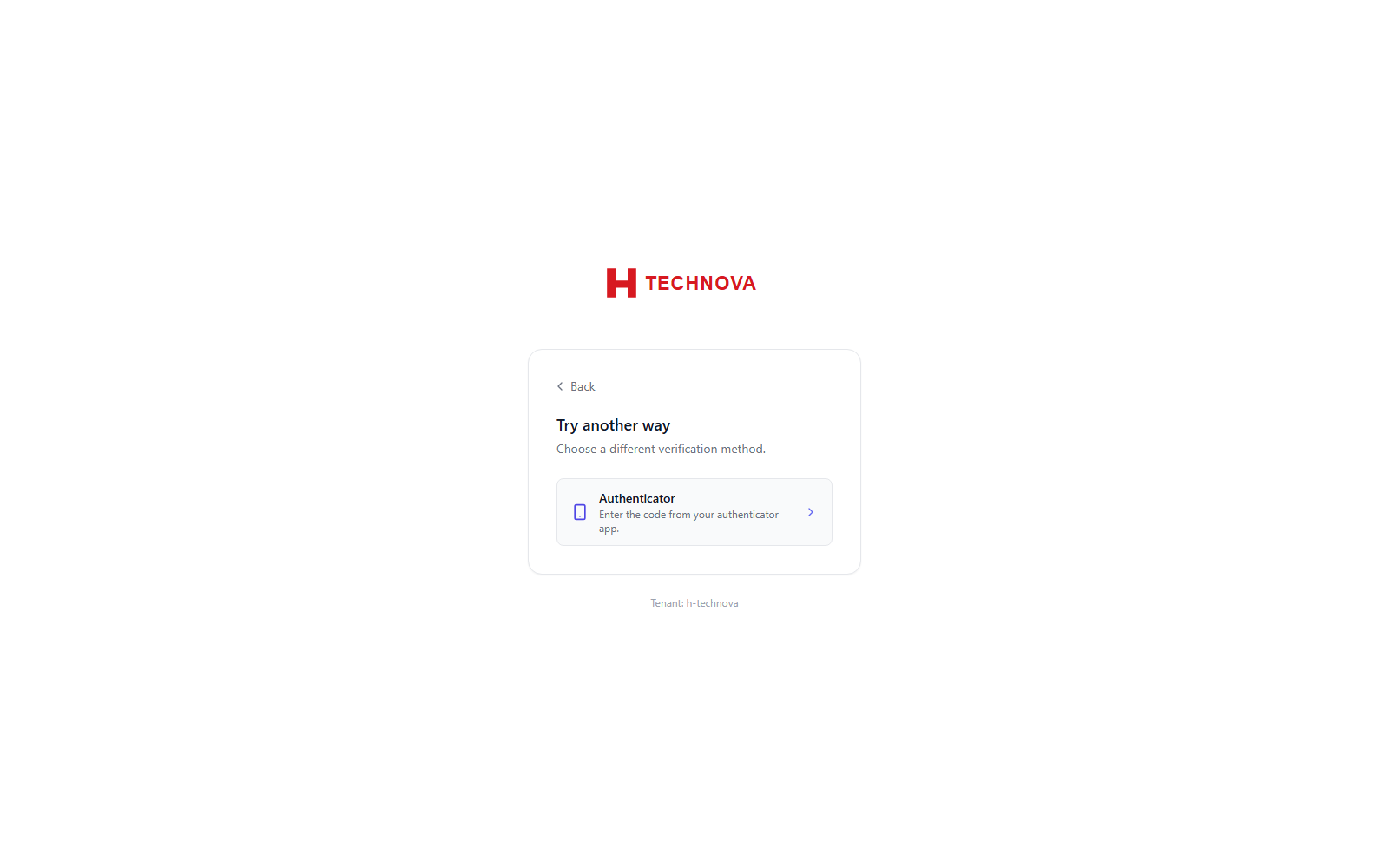
- If you cannot use the method shown, click Try another way and pick a different one.
Field reference
| Field | Description |
|---|---|
| Verification code | The six-digit one-time code. Codes are short-lived — request a fresh one if it has expired. |
| Try another way | Switch to a different enrolled factor. Only appears when you have more than one. |
| Back to sign in | Abandons the attempt and returns to the username step. |