My Certifications
Where reviewers complete certification campaigns assigned to them, deciding for each item whether the access remains appropriate.
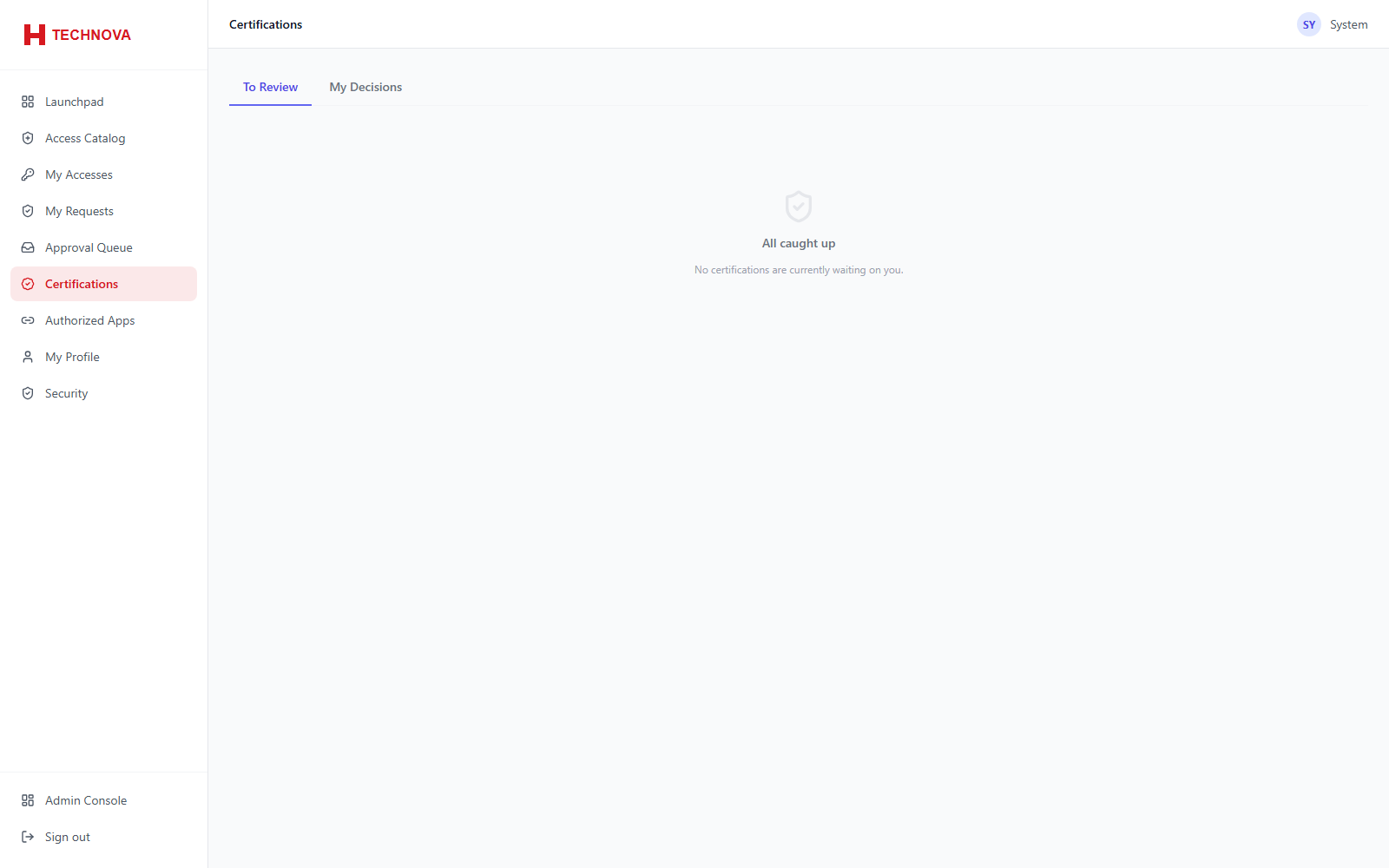
How to use it
- Open Certifications in the portal.
- Work through each item in the campaign.
- Certify to retain the access, or Revoke to remove it.
- Complete before the campaign deadline.
Field reference
| Field | Description |
|---|---|
| Certify | Confirms the access is still required. |
| Revoke | Removes it — a real removal is dispatched to the target system. |