My Accesses
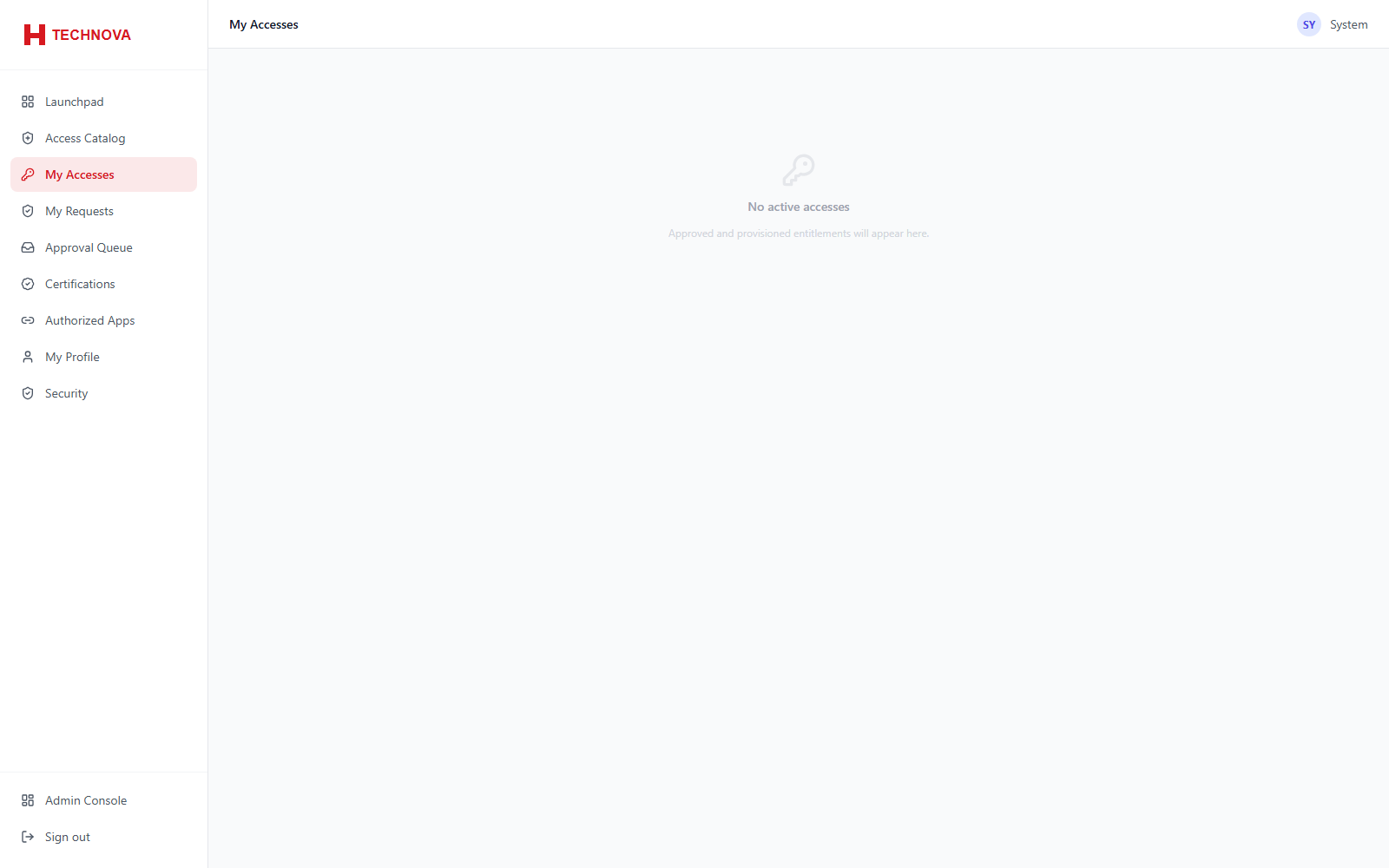
Everything the signed-in user currently holds — useful for self-review and for confirming that newly requested access has actually arrived.
How to use it
- Open My Accesses.
- Review the applications, entitlements and privileged assets held.
Field reference
| Field | Description |
|---|---|
| Source | How the access was granted — birthright policy, an approved request, or direct assignment. |