Security & MFA Enrolment
Self-service security management: password change and enrolment of multi-factor authentication methods.
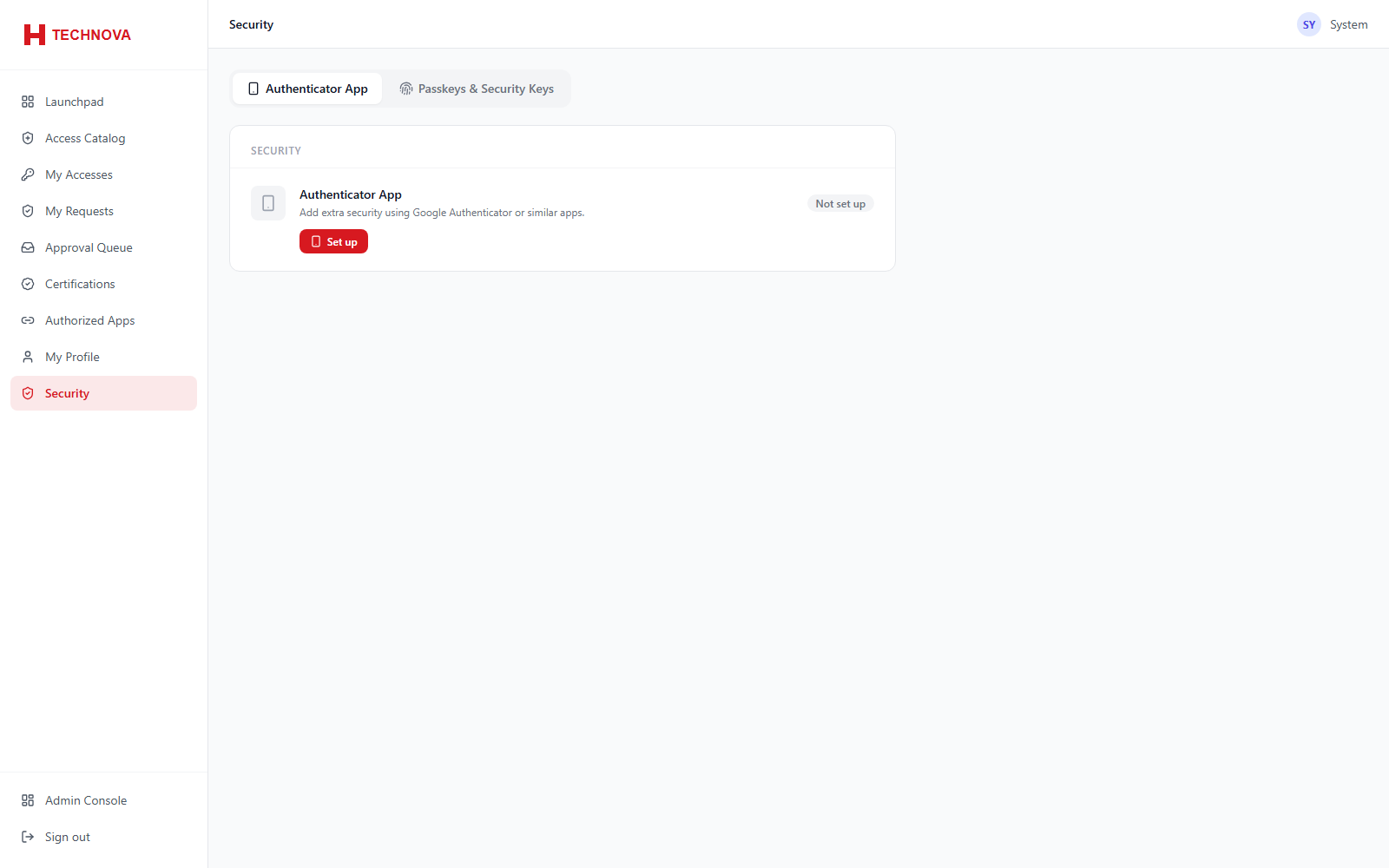 Security & MFA Enrolment — captured from the h-technova tenant.
How to use it
- Open Security — three tabs: Authenticator, Passkeys, and Change Password.
- On Change Password, re-prove your identity first (see below), then set the new password, subject to the tenant password policy.
- Enrol an authenticator app by scanning the QR code and confirming a code.
- Register a passkey if FIDO2 is enabled.
- Remove factors that are no longer used.
Field reference
| Field | Description |
|---|
| Authenticator app | TOTP enrolment via QR code. |
| Passkey | FIDO2 credential bound to the relying party domain. |
| Change password | Validated against the tenant password policy and password history. |