Resetting a Forgotten Password
If you have forgotten your password you can reset it yourself, without contacting an administrator, by proving your identity with one of your enrolled second factors.
How to use it
- On the sign-in page, type your username and click Forgot password?.
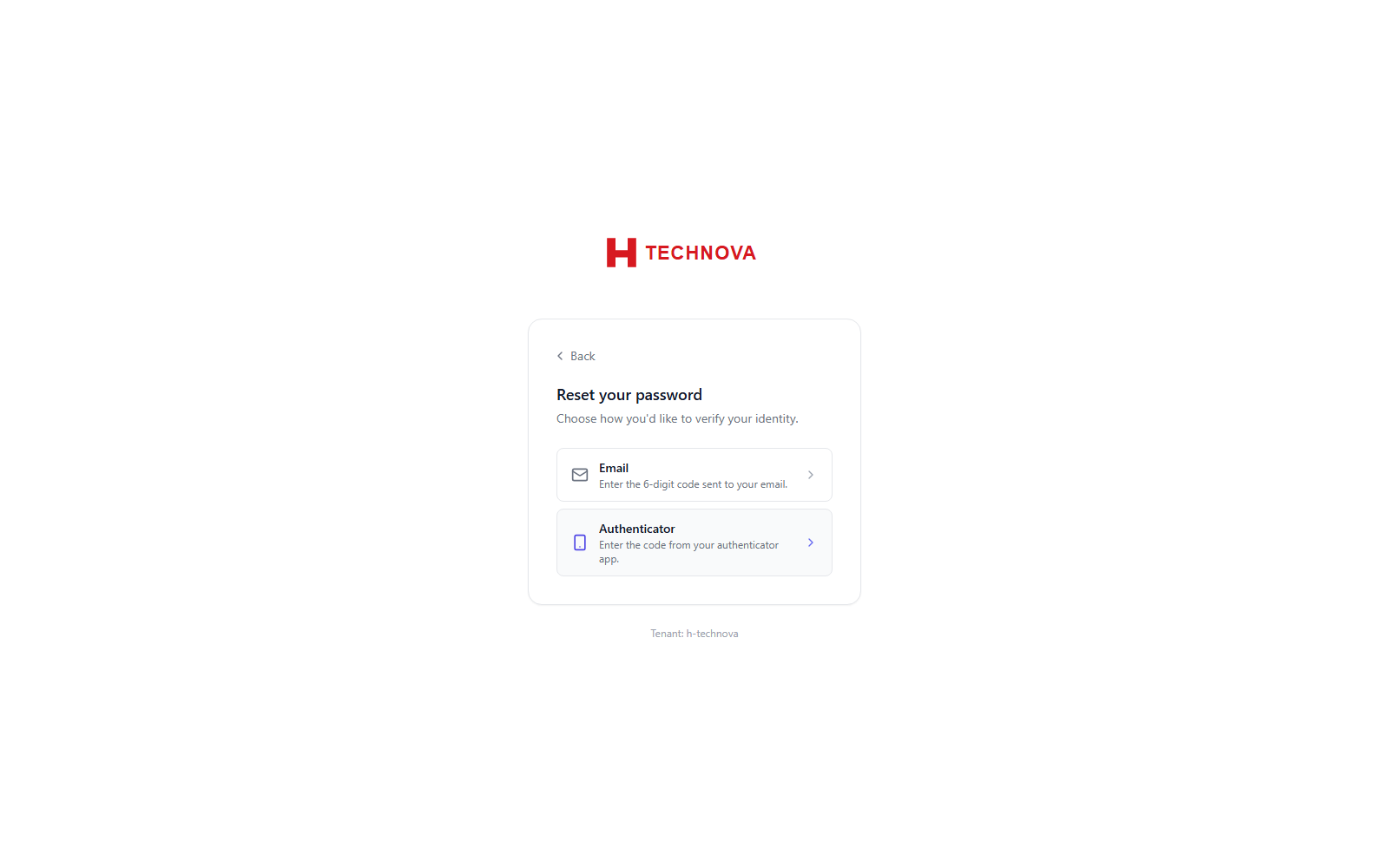
- Choose how to verify your identity — an emailed code, an SMS code, or your authenticator app.
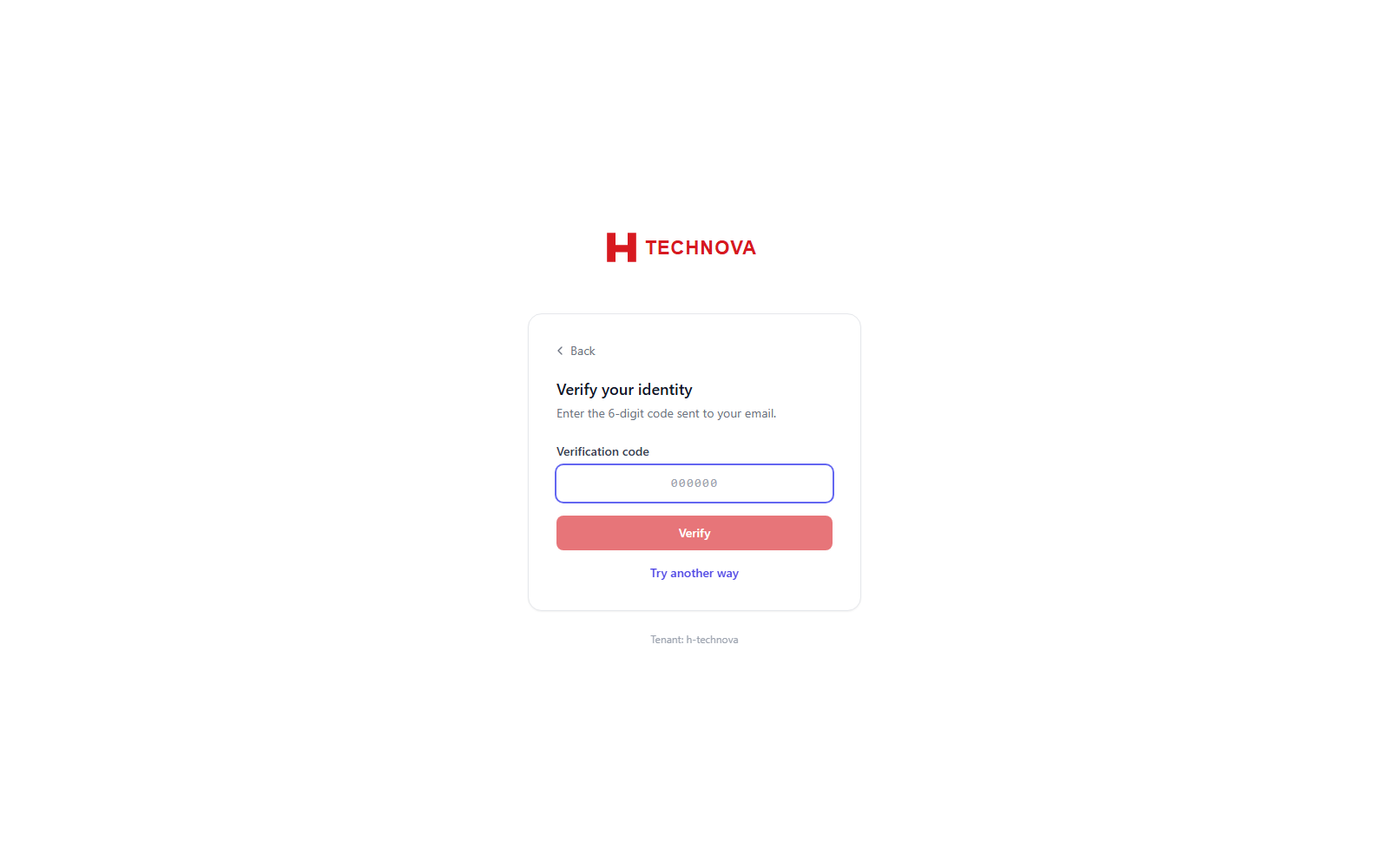
- Enter the verification code you receive or generate.
- Set and confirm a new password that satisfies your organisation's password policy.
- Sign in with the new password.
Field reference
| Field | Description |
|---|---|
| Verification method | Which enrolled factor to use to prove your identity. |
| Verification code | The one-time code from that method. |
| New password | Must meet the tenant password policy (length, character classes and history rules). |