Access Catalog
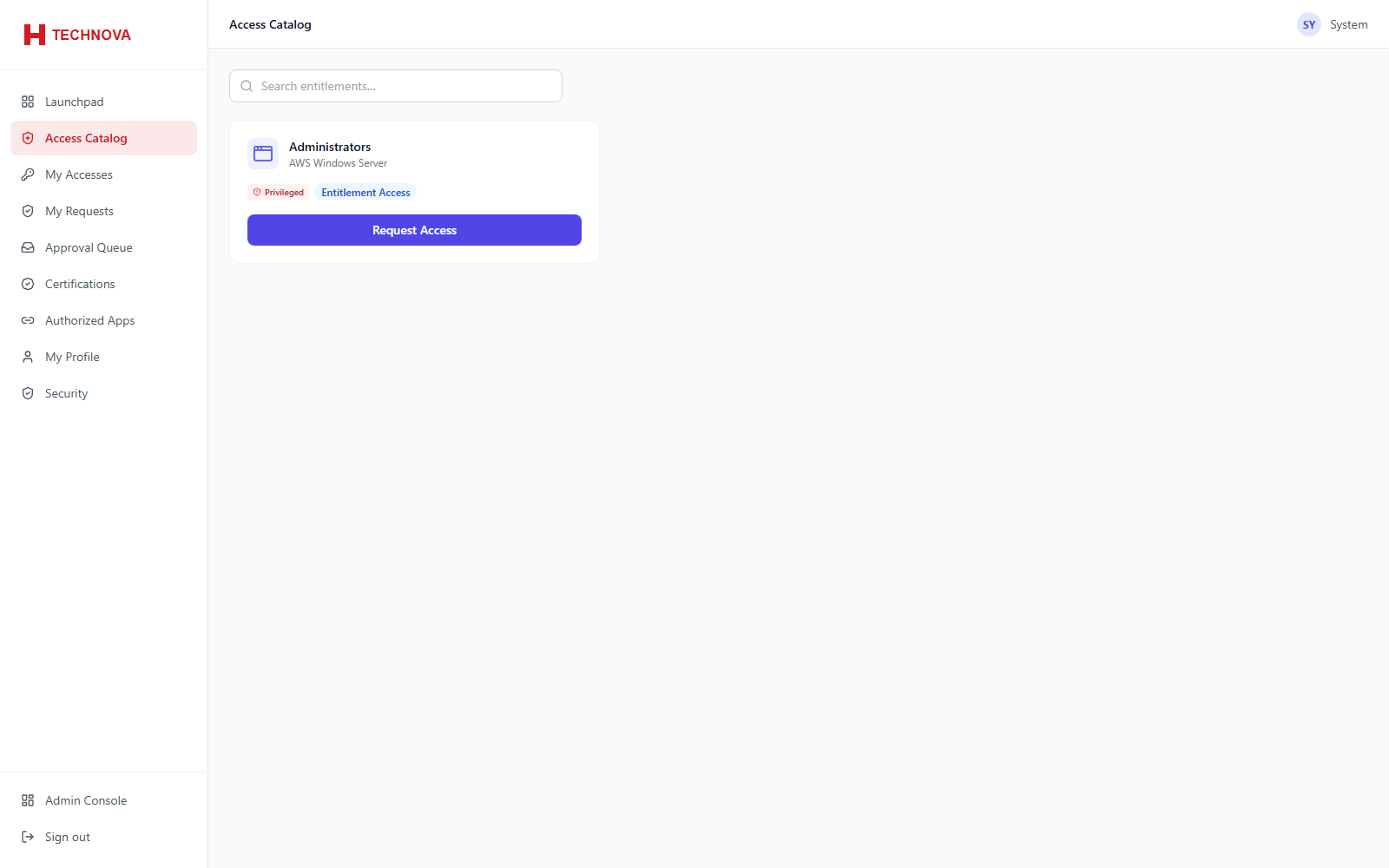
The self-service catalog of access a user may request, with each request routed for approval rather than granted immediately.
How to use it
- Open Access Catalog in the portal.
- Browse or search for the access needed.
- Select it and supply a business justification.
- Submit. Progress is then visible under My Requests.
Field reference
| Field | Description |
|---|---|
| Justification | The reason shown to approvers. Good justifications materially speed up approval. |