
Viewing Your Profile
My Profile shows the details Zetect holds about you, such as your name, contact details, department and manager. The page is read-only. If something is wrong, ask your administrator or HR to correct it at the source.
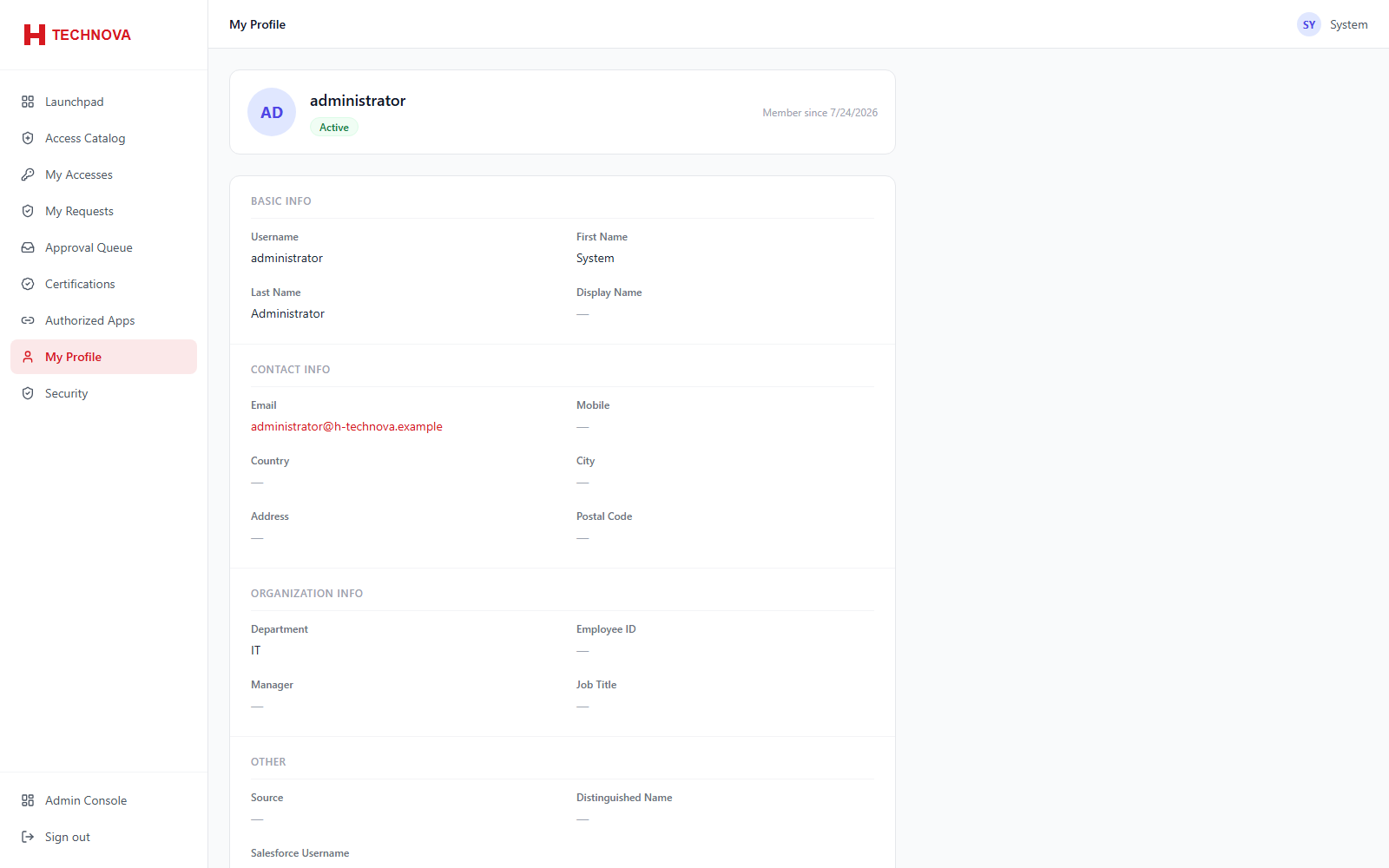
Profile header
| Field | Description |
|---|---|
| Name | Your username, or your email or name if no username is recorded. |
| Status | Your account status, Active. |
| Member since | When your account was created in Zetect. |
Profile sections
Below the header, your details are grouped into sections, for example Basic Info, Contact Info and Organization Info. Fields without a section appear under Other. A dash (—) means no value is recorded.
| Field | Description |
|---|---|
| Sections and fields | The profile fields your organisation uses. Your administrator decides which fields exist, their order and how they are grouped. |
| Manager | Your line manager. It decides who sees you under Reportees and who approves or reviews some of your access. |
| Source | Where your details come from, for example an HR system or a directory. |
Correcting your details
You can't edit your profile in the portal. Many details are copied from an HR system or directory, so a change made only in Zetect would be overwritten. Ask your administrator or HR to correct the value at its source.