
Managing Authorized Apps
Authorized Apps lists the applications you have allowed to use your account through a consent screen, and what each one may do. Revoke an app you no longer use or don't recognise.
Applies to
Everyone. The list is empty until you approve an application on a consent screen.
Reviewing authorized apps
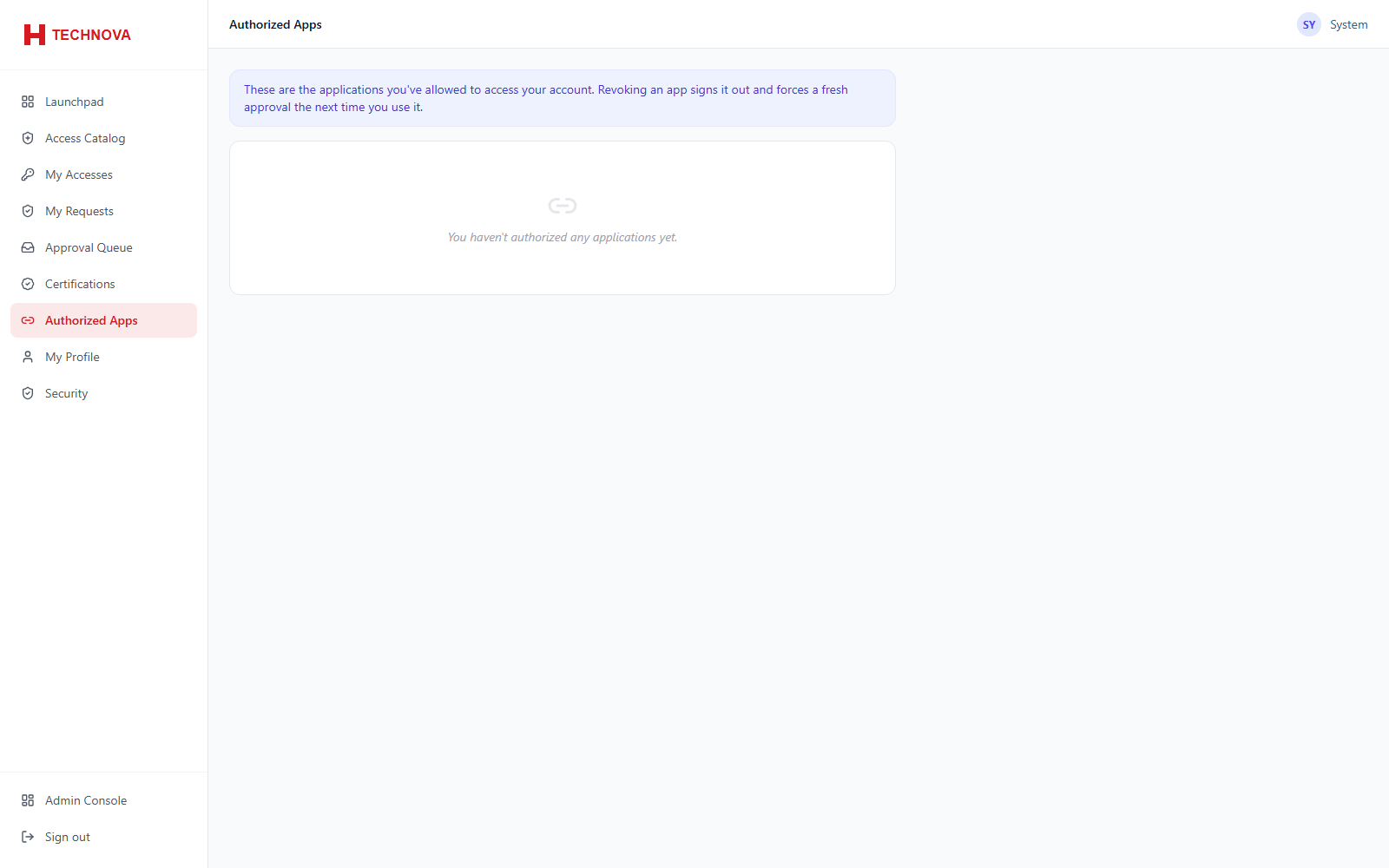
To review your authorized apps:
- Select Authorized Apps in the sidebar.
- For each application, read when you granted it, when it was last used, and the list under This app can:.
Revoking an app
To withdraw your consent:
- Select Revoke on the application.
- Select Confirm.
What happens next: the app is signed out and your consent is withdrawn. Revoking does not block the app for good. The next time you use it, you are asked to approve it again. To stop using an app entirely, ask your administrator to remove your access.
App fields
| Field | Description |
|---|---|
| Granted / Last used | When you first allowed the app, and when it last used your account. |
| This app can: | What you allowed, for example Verify your identity, Basic profile (name, username), Email address, Phone number, Postal address, or Stay signed in (refresh tokens). |
| Revoke | Signs the app out and withdraws your consent. |