Launchpad
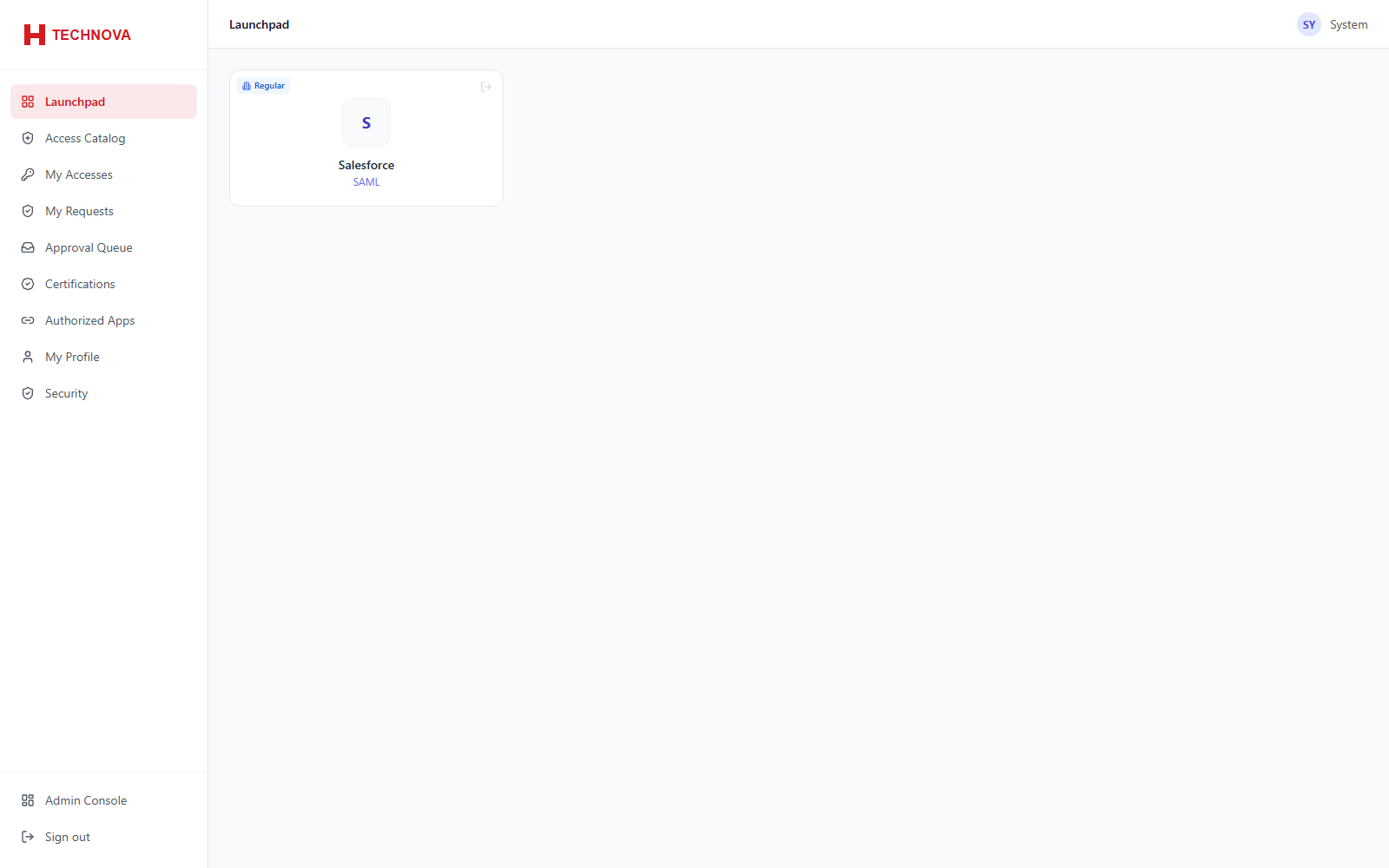
What end users see when they sign in: the applications and privileged assets they are authorized to use, each launchable in one click.
How to use it
- Sign in as a standard user, or use End User Console from the admin top bar.
- Click an application tile to launch it via SSO.
- Click a privileged asset tile to open a remote session.
- Use the sign-out icon on a SAML tile to end only that application's session.
Field reference
| Field | Description |
|---|---|
| Regular | A standard application launched by SAML or OIDC. |
| Privileged | A privileged asset opening an RDP or SSH session in the browser. |
| Per-app sign out | SAML Single Logout for that application only — the Zetect session continues. |