Approval Queue
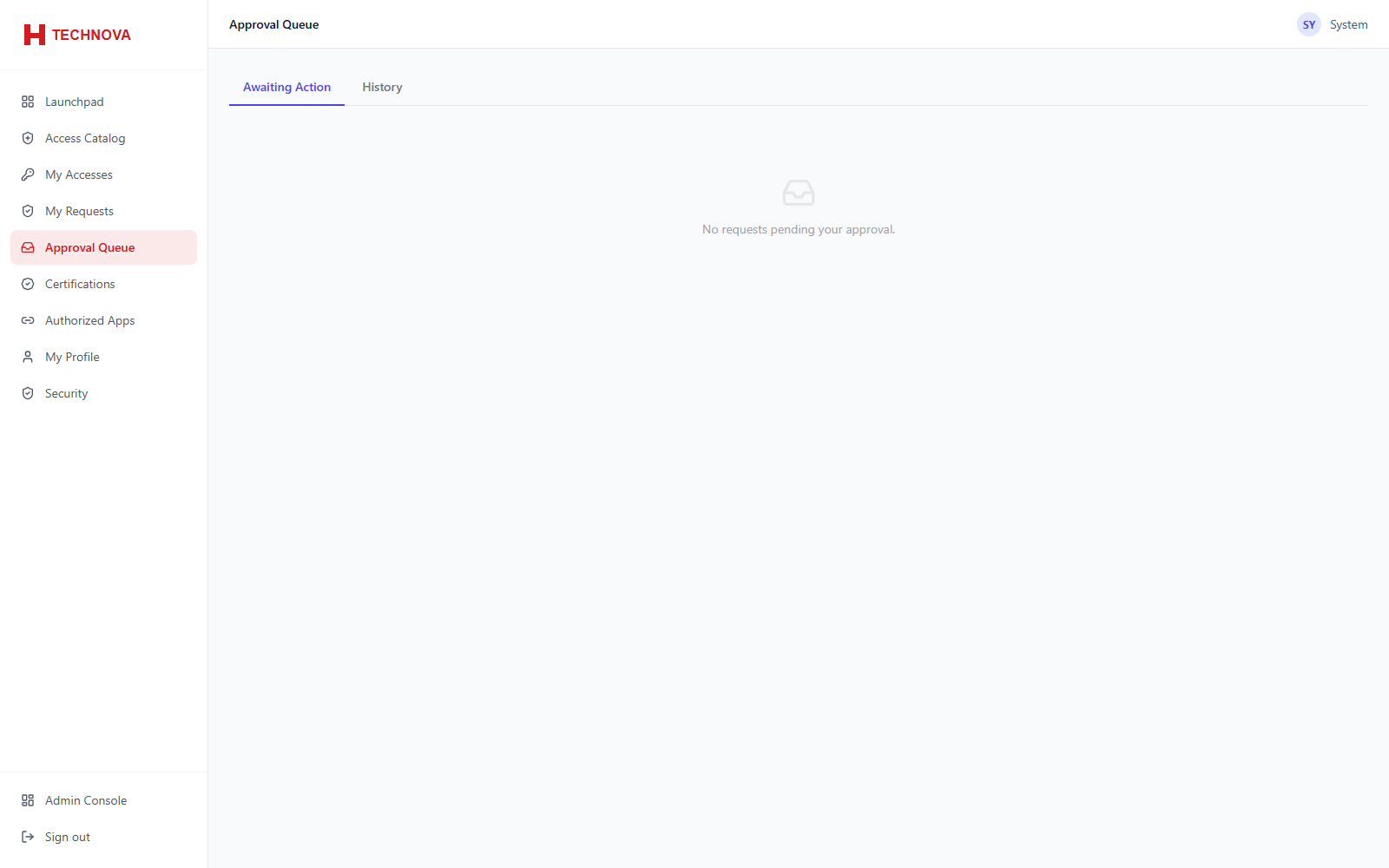
Where approvers act on requests assigned to them. Visible only to users who are approvers for at least one request.
How to use it
- Open Approval Queue.
- Review the requester, the access requested and the justification.
- Approve to trigger provisioning, or reject with a reason.
Field reference
| Field | Description |
|---|---|
| Approve | Releases the request; provisioning is dispatched. |
| Reject | Closes the request. The reason is recorded and shown to the requester. |