
Your Account Overview
Your account is how Zetect knows you. In the portal you can check the details held about you, control how you sign in, and decide which outside applications may use your account.
- Check your details. See the profile Zetect holds about you, including your manager.
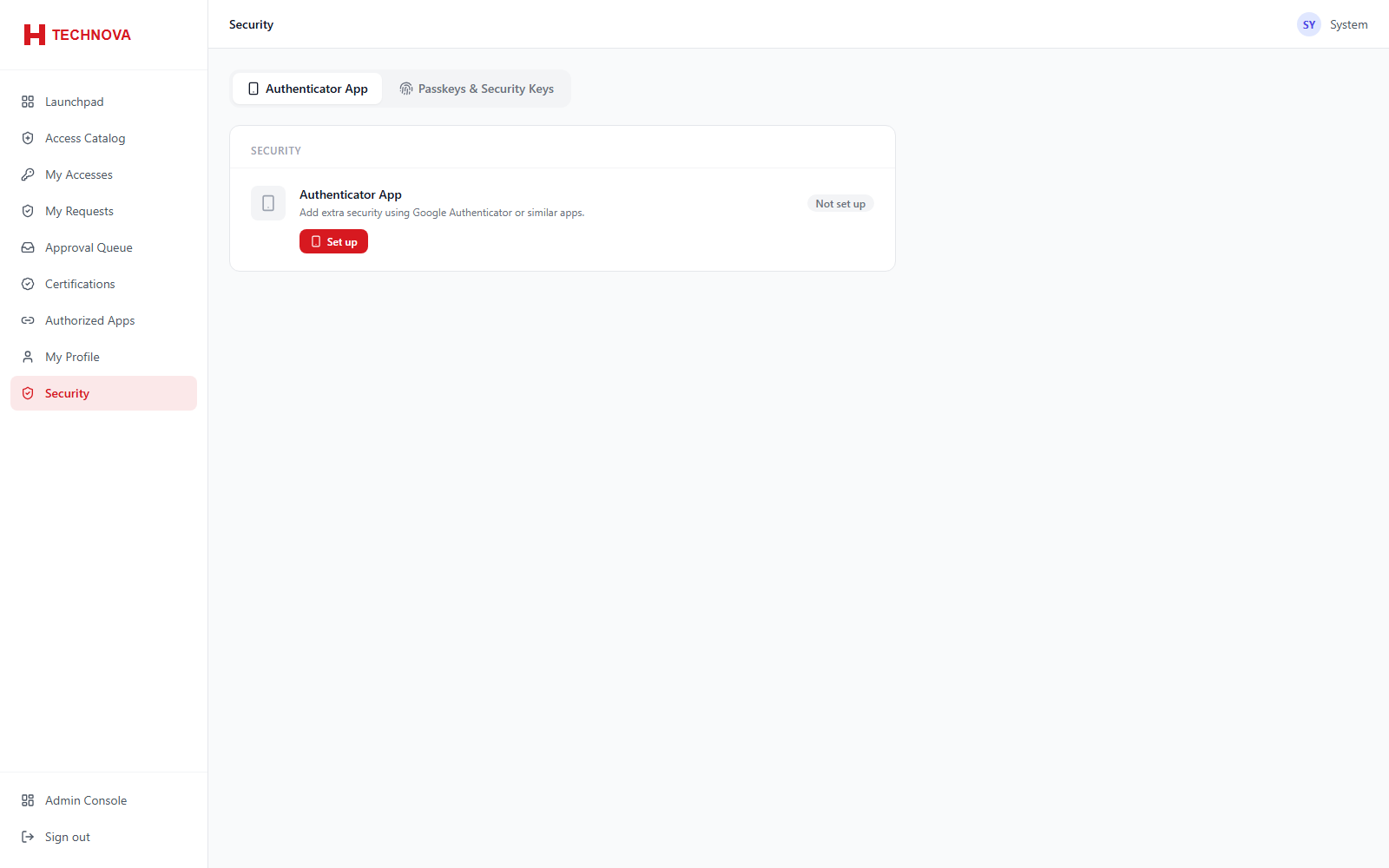
- Protect your sign-in. Change your password, add an authenticator app or a passkey, and end sessions you don't recognise.
- Know your risk. See your own risk score and what you can do to lower it.
- Control connected apps. Withdraw the consent you gave to applications that use your account.
Before you begin
- Sign in to the portal. See Signing In.
- Have your phone or a device with a fingerprint reader, face recognition or security key ready if you plan to add a second factor.
Applies to
Everyone.
Key concepts
- Profile
- The details Zetect holds about you, such as name, department and manager. Most come from an HR system or directory.
- Second factor
- A second proof of who you are after your password: a code by email or SMS, a code from an authenticator app, or a passkey.
- Authenticator app
- An app on your phone that shows a new six-digit code every few seconds.
- Passkey
- A sign-in credential kept on your device and unlocked with your fingerprint, face, PIN or a hardware security key. Passkeys can't be phished.
- Session
- A browser or device where you are currently signed in.
- Authorized app
- An application you allowed, on a consent screen, to use your Zetect account.