
Approving and Reviewing Overview
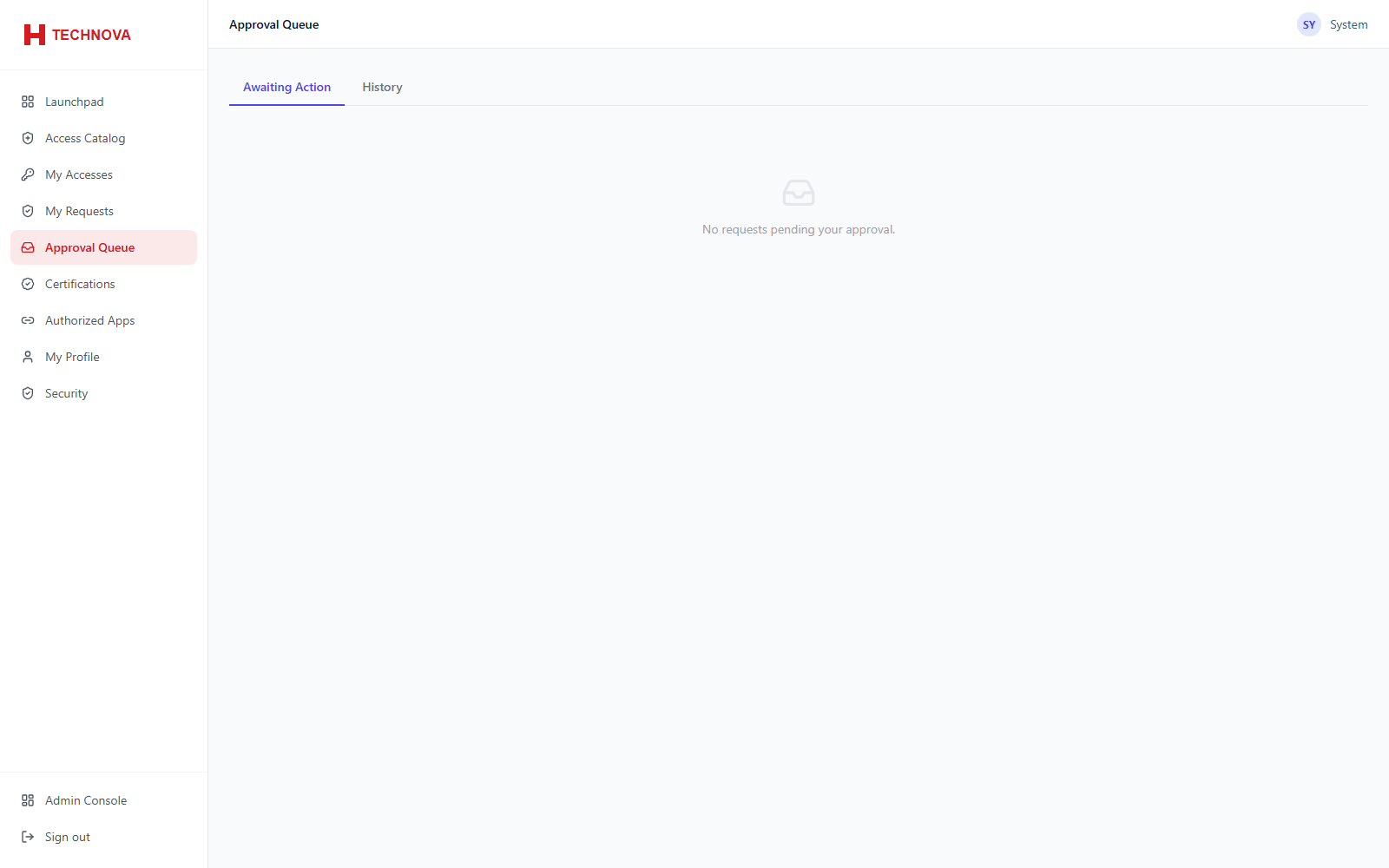
Some people decide on other people's access. Approvers say yes or no to access requests, reviewers confirm in certification campaigns that access is still needed, managers keep an eye on their team, and policy owners resolve separation-of-duties conflicts. The portal gives each of these jobs its own page.
- Decide requests with the facts in front of you. See the justification, earlier stages and, where scored, the risk of granting the access.
- Review access in bulk. Certify or revoke many items at once, or forward them to someone who knows better.
- Know your team's access. Managers see what each direct report holds.
- Resolve conflicts you own. Policy owners revoke conflicting access or grant a time-limited exemption.
Before you begin
- Your administrator assigns these jobs. You become an approver, reviewer, manager or policy owner through your organisation's setup, not through the portal.
- Sidebar badges show what is waiting: requests in Approval Queue, items in Certifications and open violations in SoD violations.
Applies to
Approvers, certification reviewers, managers with reportees, and SoD policy owners. The SoD violations menu appears only for SoD policy owners. The other menus are shown to everyone and are empty if nothing is assigned to you.
Key concepts
- Approver
- A person, or member of a group, who decides one stage of an access request.
- Certification campaign
- A review of access with a due date. Each item asks whether a person's access, or an account, is still needed.
- Certify / Revoke
- Certify keeps the access. Revoke removes it from the target system.
- Forward
- Pass a request or review item to someone better placed to decide. The due date stays the same.
- Reportee
- A person whose manager is set to you.
- SoD violation
- A person holding two pieces of access that a separation-of-duties policy says must not be held together.
- Exemption
- A decision by the policy owner to accept a violation until a set date.