
Requesting Access Overview
When you need an account, an entitlement or access to a privileged server, you ask for it in the portal. Your request goes to the right approvers, and once it is approved Zetect grants the access for you. You can follow every step and see all the access you hold.
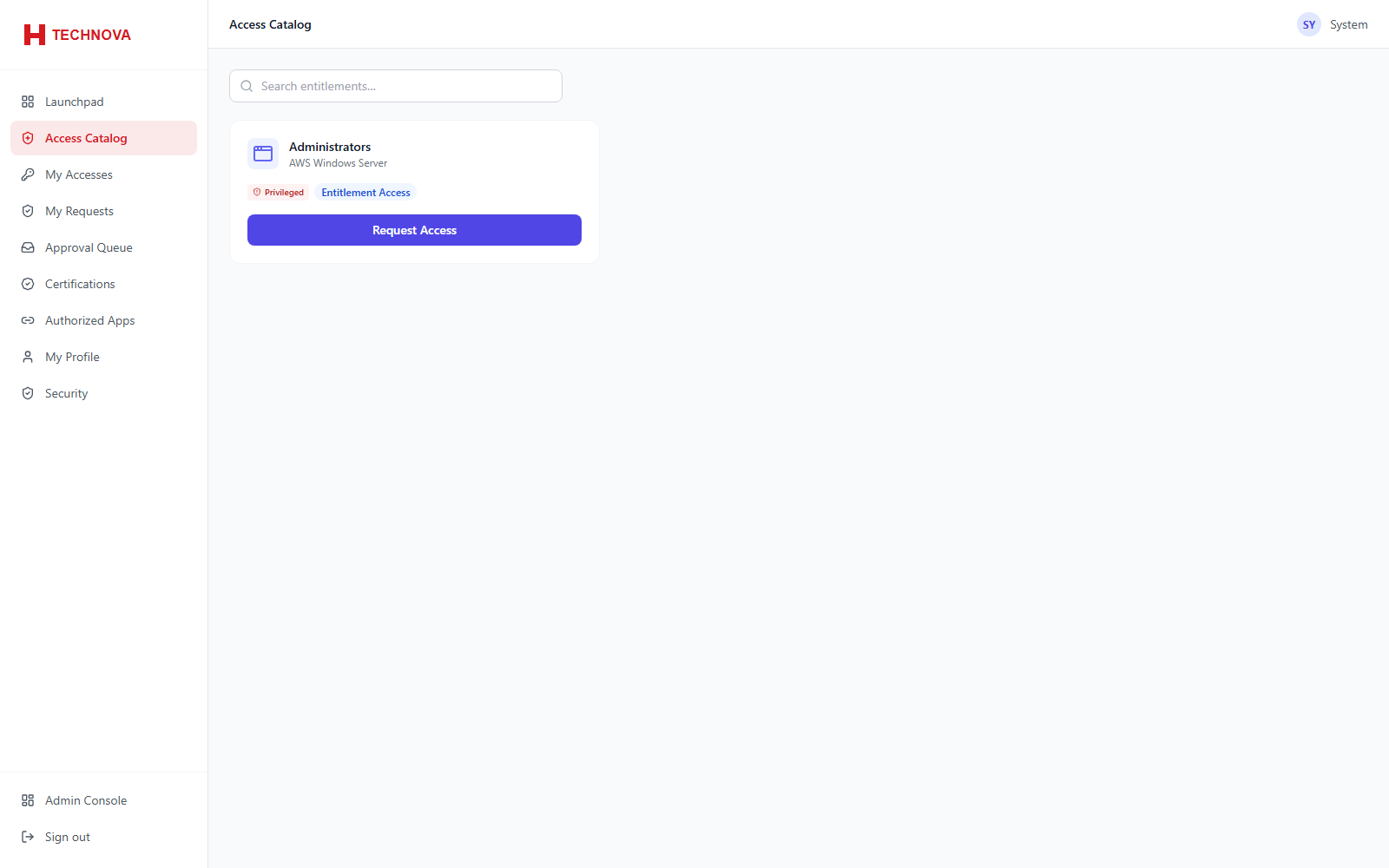
- Find what you need. The Access Catalog lists the access you can ask for, with filters and search.
- See the risk before you ask. Where your organisation scores risk, each item shows how risky it would be for you to hold it.
- Ask for someone else. If you are allowed to, request access for a team member or another person.
- Track and tidy up. Follow each request to the end, and give up access you no longer need.
Before you begin
- Sign in to the portal. See Signing In.
- Your administrator decides what you can request and who approves it. If something you need is not in the catalog, ask your administrator.
Applies to
Everyone. Requesting for others applies only to people your administrator has allowed.
Key concepts
- Access Catalog
- The list of access you can request: application accounts, entitlements, privileged server access and shared privileged accounts.
- Justification
- Your reason for needing the access. Approvers read it, and some requests require it.
- Duration
- How long you need the access. Time-limited access is removed automatically when it ends.
- Approval stage
- One step in the approval of a request, such as your manager or the application owner. A request can have several stages, or none if it is approved automatically.
- Provisioning
- Zetect creating the account or granting the entitlement in the target system after approval.
- Shared account
- A privileged account that several people use, one at a time, for a limited period. Its password is never shown.