Access Requests
The administrative view of self-service access requests: what users have asked for, where each request is in its approval chain, and what was ultimately granted.
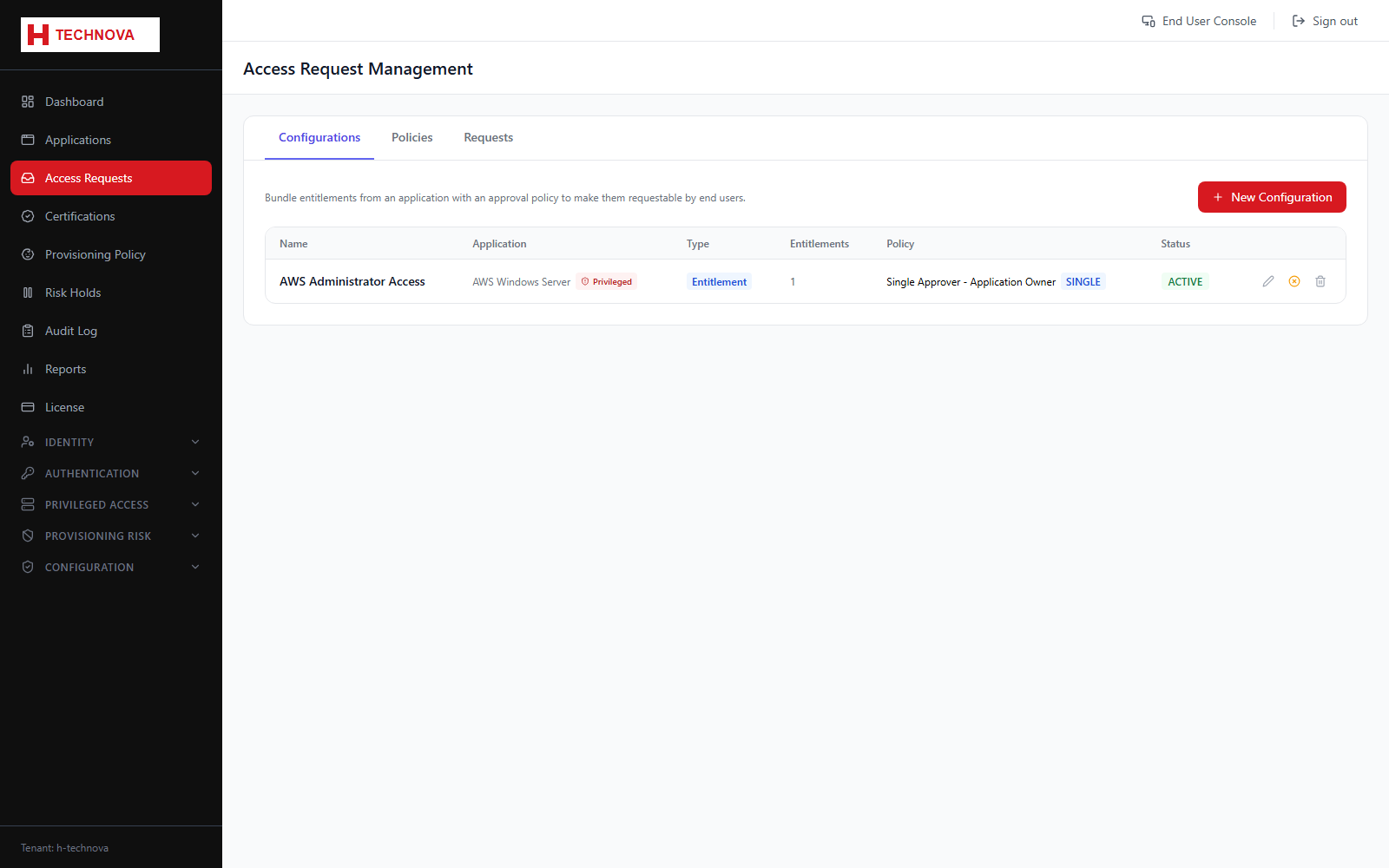
How to use it
- Open Access Requests to see every request in the tenant.
- Filter by status to isolate pending work.
- Open a request to see the requested entitlement, justification and approval history.
- Approve or reject. Approval dispatches provisioning; rejection closes the request with no change.
Field reference
| Field | Description |
|---|---|
| Status | PENDING, APPROVED, REJECTED or COMPLETED. |
| Requester | The identity that raised the request. |
| Entitlement | The application, role or privileged asset requested. |