Access Certifications
Certification campaigns ask reviewers to confirm that the access people hold is still appropriate, producing the evidence auditors expect and revoking what is no longer justified.
How to use it
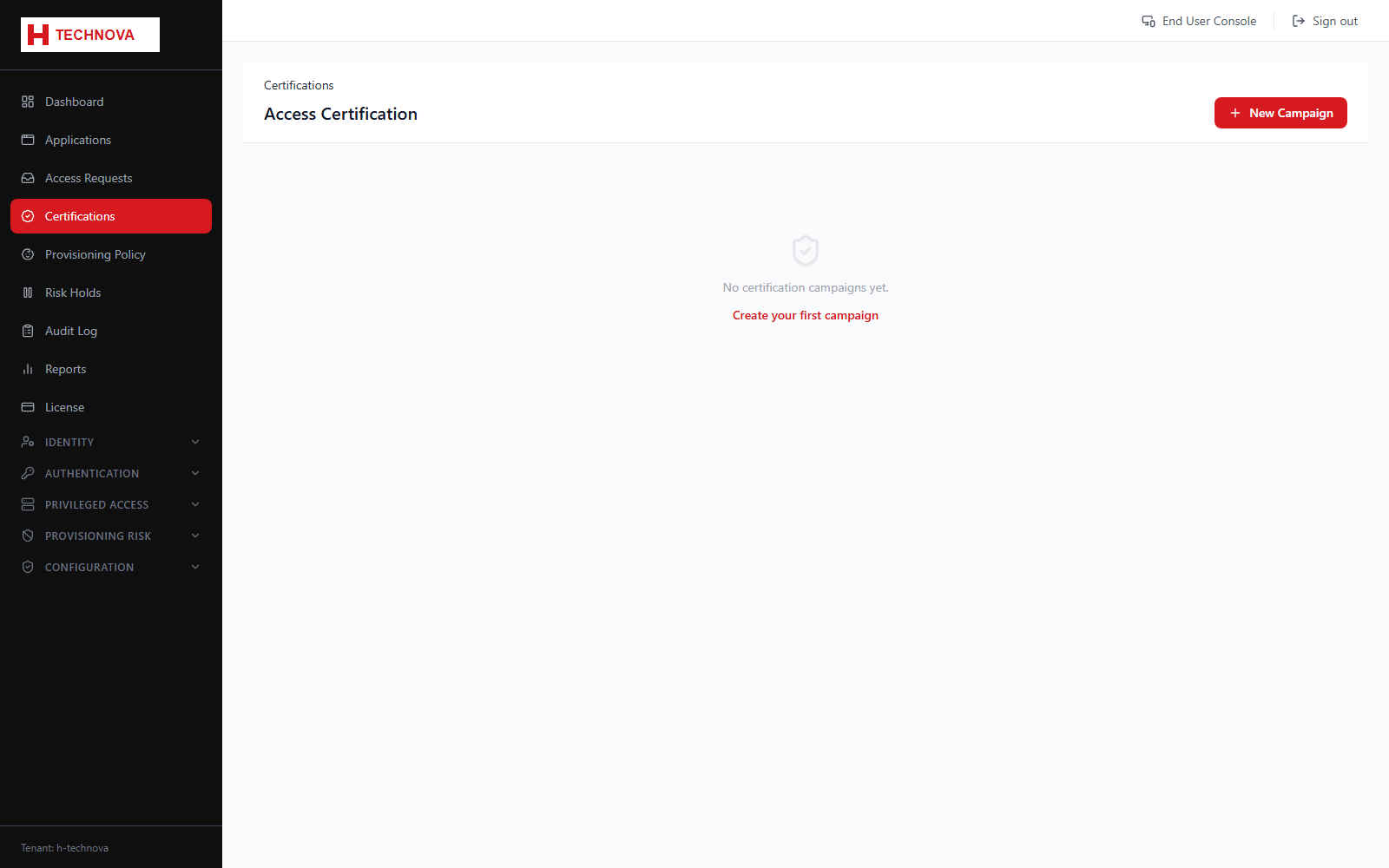
- Open Certifications and create a campaign — first choose its campaign type (see field reference).
- Define the scope for that type — an entitlement, application, PAM group/asset, or (for Identity campaigns) an attribute/group-based population rule.
- Assign reviewers, typically line managers or application owners.
- Launch the campaign. Reviewers see their items under Portal → Certifications.
- Track completion, and chase outstanding reviewers before the deadline.
- Revoked items are dispatched to the target system for removal.
Field reference
| Field | Description |
|---|---|
| Campaign type | Access — review specific entitlement/app/PAM access. Orphan Accounts — review accounts with no correlated identity owner. Identity — review whole identities; revoking one deactivates the person and tears down all their access, not just one entitlement. |
| Scope | The population of access under review — shape depends on campaign type. |
| Reviewer | Who decides. Usually the manager or the application owner. Orphan-account items have no user to derive a manager from, so they fall back to the application/asset owner. |
| Decision | Certify to retain the access, or Revoke to remove it. With multiple reviewer stages, the item's final outcome is a majority vote, ties going to Certify. |