
SAML Signing Certificate
Manage the certificate Zetect signs SAML sign-ins with. Applications that use Zetect for SAML single sign-on must trust it, so import it into every service provider that uses Zetect as its identity provider, and replace it before it expires.
Certificate – View under Configuration in an administrator group.
Generated certificates: 2048-bit or 4096-bit keys, valid for 1 to 10 years. Uploaded certificates must not be expired and must match their private key.
Generating a certificate
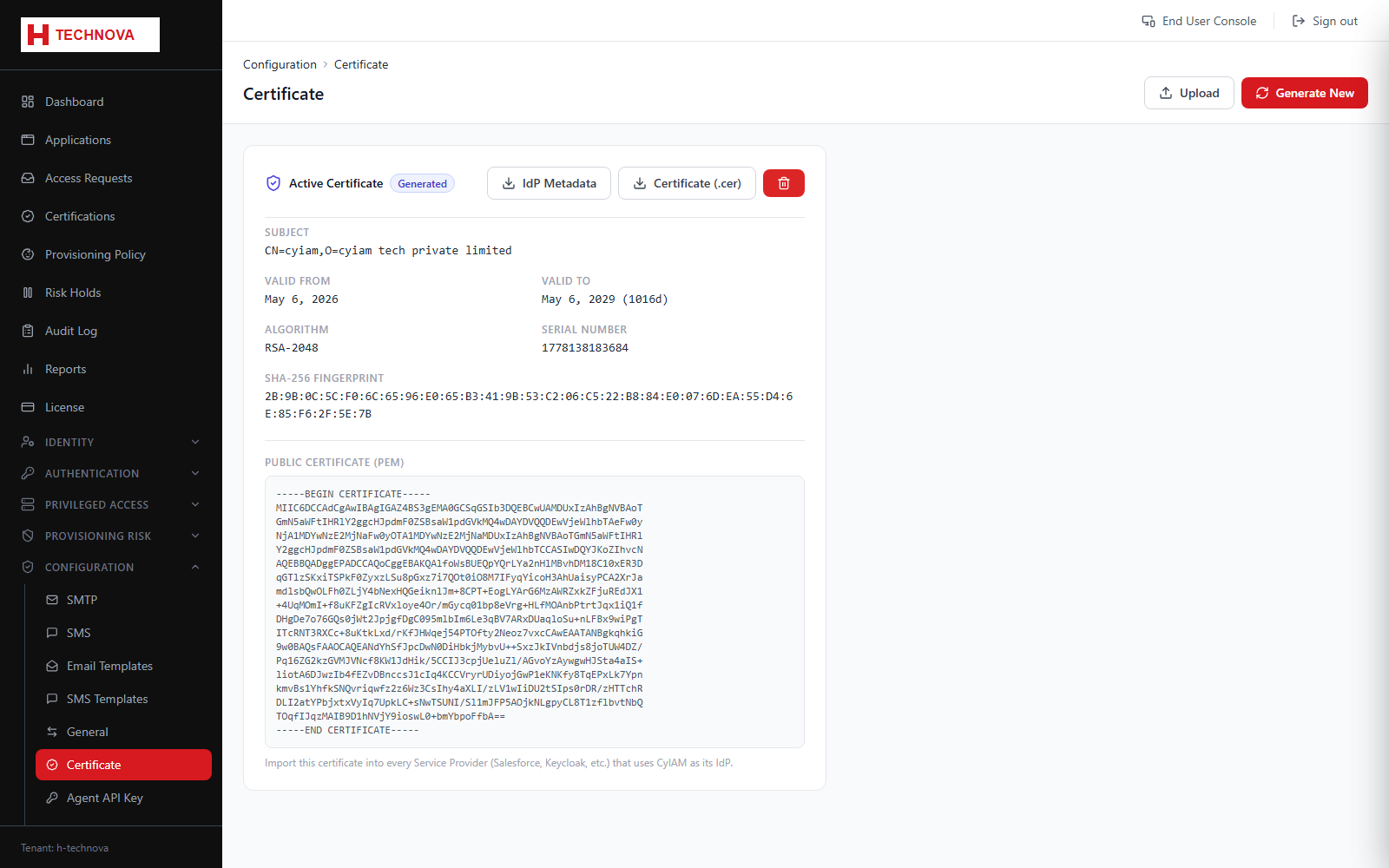
To generate a certificate:
- Go to Configuration → Certificate.
- Select Generate New.
- Enter the Common Name (CN) and Organization (O).
- Choose the Key Size and the Validity (years).
- Select Generate.
The new certificate becomes the active certificate. Download it and import it into each service provider.
Uploading your own certificate
To upload a certificate:
- Go to Configuration → Certificate.
- Select Upload.
- Paste the Certificate (PEM).
- Paste the Private Key (PEM), in PKCS#8 (
BEGIN PRIVATE KEY) or traditional RSA (BEGIN RSA PRIVATE KEY) format. - Select Upload in the form.
Giving the certificate to service providers
To get what your service providers need:
- Go to Configuration → Certificate.
- Download what the service provider accepts:
- IdP Metadata – the metadata file, which includes the certificate.
- Certificate (.cer) – the certificate on its own.
- Public Certificate (PEM) – expand it to copy the certificate text.
- Import it into each service provider.
Replacing an expiring certificate
A banner warns you when the certificate is close to expiring. Once it has expired, SAML single sign-on fails.
To replace the certificate:
- Generate or upload a new certificate.
- Download it and import it into every service provider.
Certificate fields
| Field | Description |
|---|---|
| Active Certificate | The certificate in use, labelled Generated or Uploaded. |
| Subject | The certificate's subject, for example CN=Example Corp,O=Example Corp Ltd. |
| Valid From / Valid To | The validity period, with the days left. |
| Algorithm / Serial Number / SHA-256 Fingerprint | Details you can use to check the certificate in a service provider. |
| Key Size | When generating: 2048-bit or 4096-bit. |
| Validity (years) | When generating: 1 to 10 years. The default is 3. |
| Delete this certificate | Removes the certificate. SAML single sign-on falls back to a temporary key. |