
Provisioning Overview
Provisioning creates and removes accounts and group memberships in connected applications and privileged assets, so the access people hold follows who they are. Zetect works out what each person should have, sends a generic action to the agent for each change, and records every result.
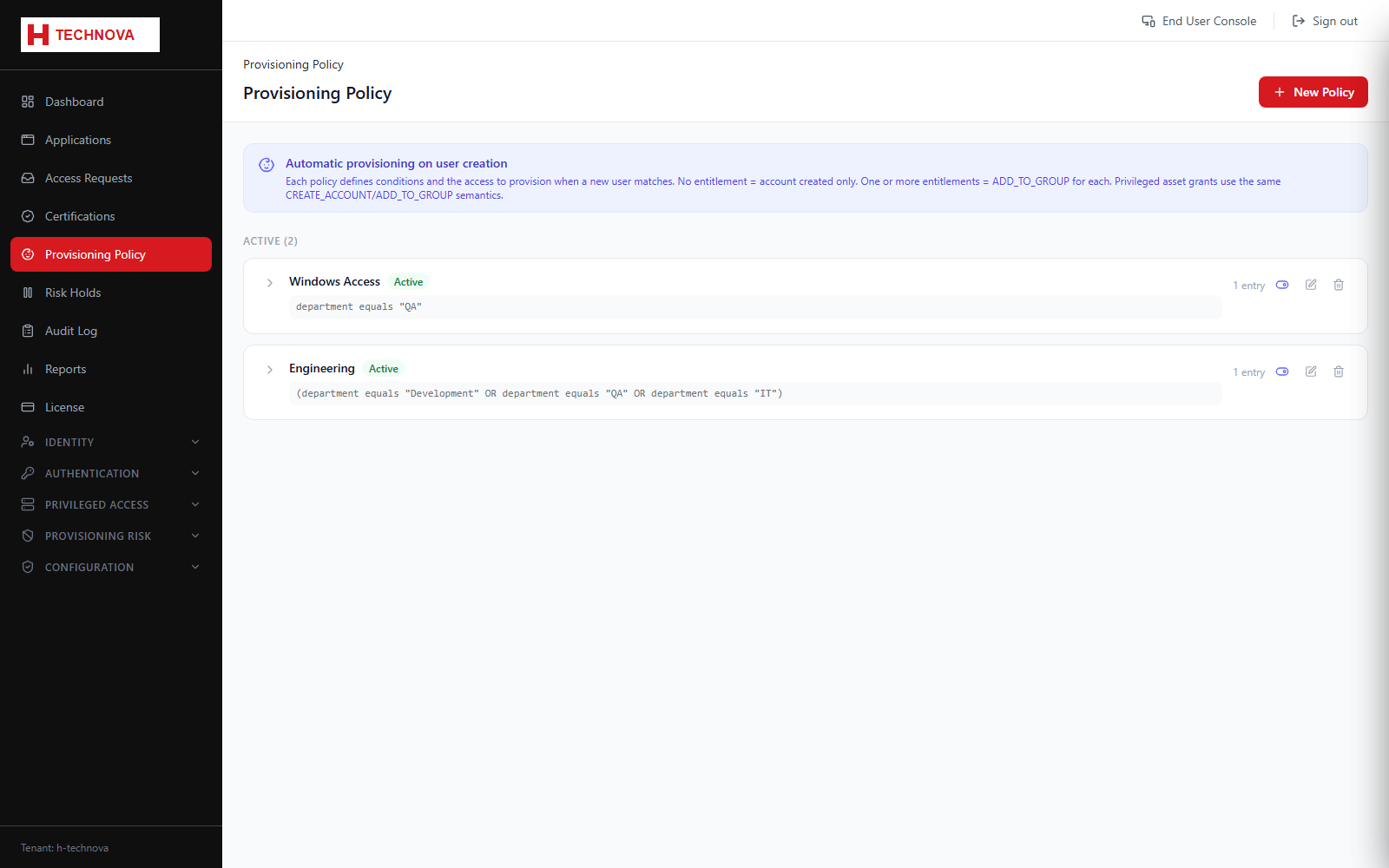
- Give joiners their standard access. Provisioning policies grant accounts and entitlements to everyone who matches a condition, with no request to raise.
- Remove access when people move or leave. When someone stops matching, the access a policy gave them is removed at their next update.
- Tie an account to who may use the application. An application's "Who can access" rules create the account when no provisioning policy covers the person.
- Follow every action. Each create, update, delete, group change, suspend and restore is logged per person, with the target system's error when it fails.
- Fix what was missed. Re-run a person's provisioning on demand to send missing access and remove access nothing grants any more.
Before you begin
- Onboard each application or privileged asset with a working connection. See Onboarding an Application and Onboarding a Privileged Asset.
- Aggregate its accounts and entitlements, so Zetect knows what exists and who owns it. See Aggregating Accounts and Entitlements.
- Map the attributes Zetect sends when it creates or updates an account. See Mapping Attributes.
- Check which actions the application allows. See Controlling Allowed Operations.
- Make sure an agent is online for applications reached through an agent. See Deploying Agents.
Provisioning Policy – View in an administrator group to open the policy list, with Add, Edit or Delete to change policies. Applications – View to open an application's Who can access rules. Users – View to read a person's provisioning history.
Applications and privileged assets with provisioning set up. The menu appears when the tenant's license includes identity governance or privileged access.
Key concepts
- Provisioning policy
- A birthright rule: people who match its conditions get the accounts and entitlements it lists. Policies are re-checked whenever a person's details or groups change.
- Who can access rules
- An application's rules for who can see and use it. For an application with provisioning, they also create and remove the account when no provisioning policy matches the person.
- Provisioning action
- One generic instruction sent to the target, such as create account, add to group or suspend account. The connector decides how to carry it out.
- Revoke pass
- The check that removes access a person no longer qualifies for. It never removes access granted through an approved access request.
- Process Identity
- An on-demand re-run of the provisioning check for one person, to send missing access and remove access nothing grants any more.
Tasks in this topic
Learn
Audit events and reports
Creating, changing, turning off and deleting a provisioning policy is written to the audit log with the resource type Provisioning Policy. Running Process Identity is audited too. Every provisioning action and its result appears on the person's Provisioning tab. The User Accesses and Leaver / Deprovisioning reports show what people hold and inactive people who still hold access. See Reviewing the Audit Log and Running Reports.