Audit Log
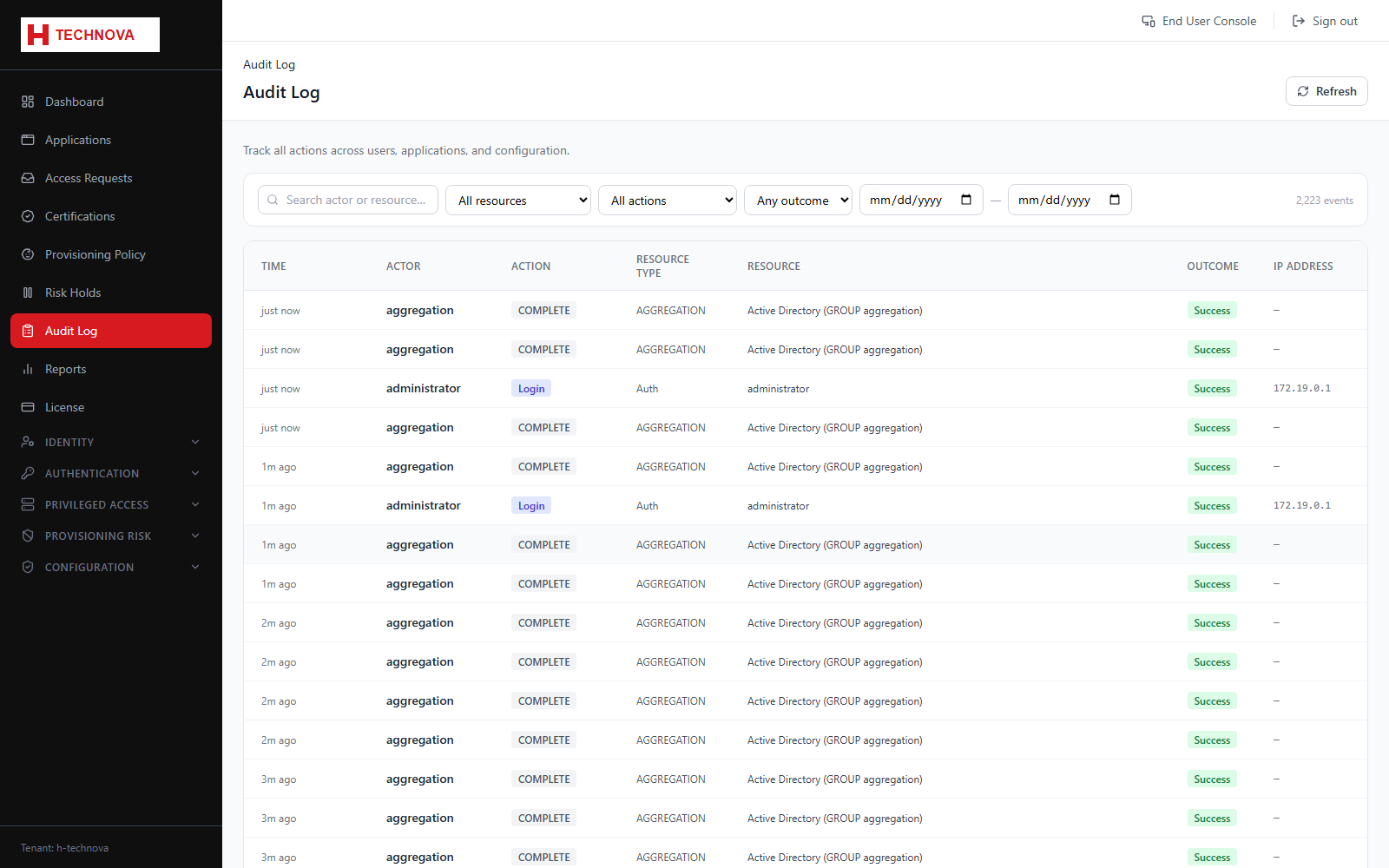
The immutable record of what happened in the tenant — sign-ins, administrative changes, provisioning actions and access decisions — and the first place to look when answering "who did this?".
How to use it
- Open Audit Log.
- Filter by date, actor or action type.
- Open an entry for its full detail, including source address and outcome.
- Export the filtered set when evidence is required.
Field reference
| Field | Description |
|---|---|
| Actor | Who performed the action. |
| Action | What was done. |
| Target | What it was done to. |
| Outcome | Success or failure, with a reason where relevant. |