Networks
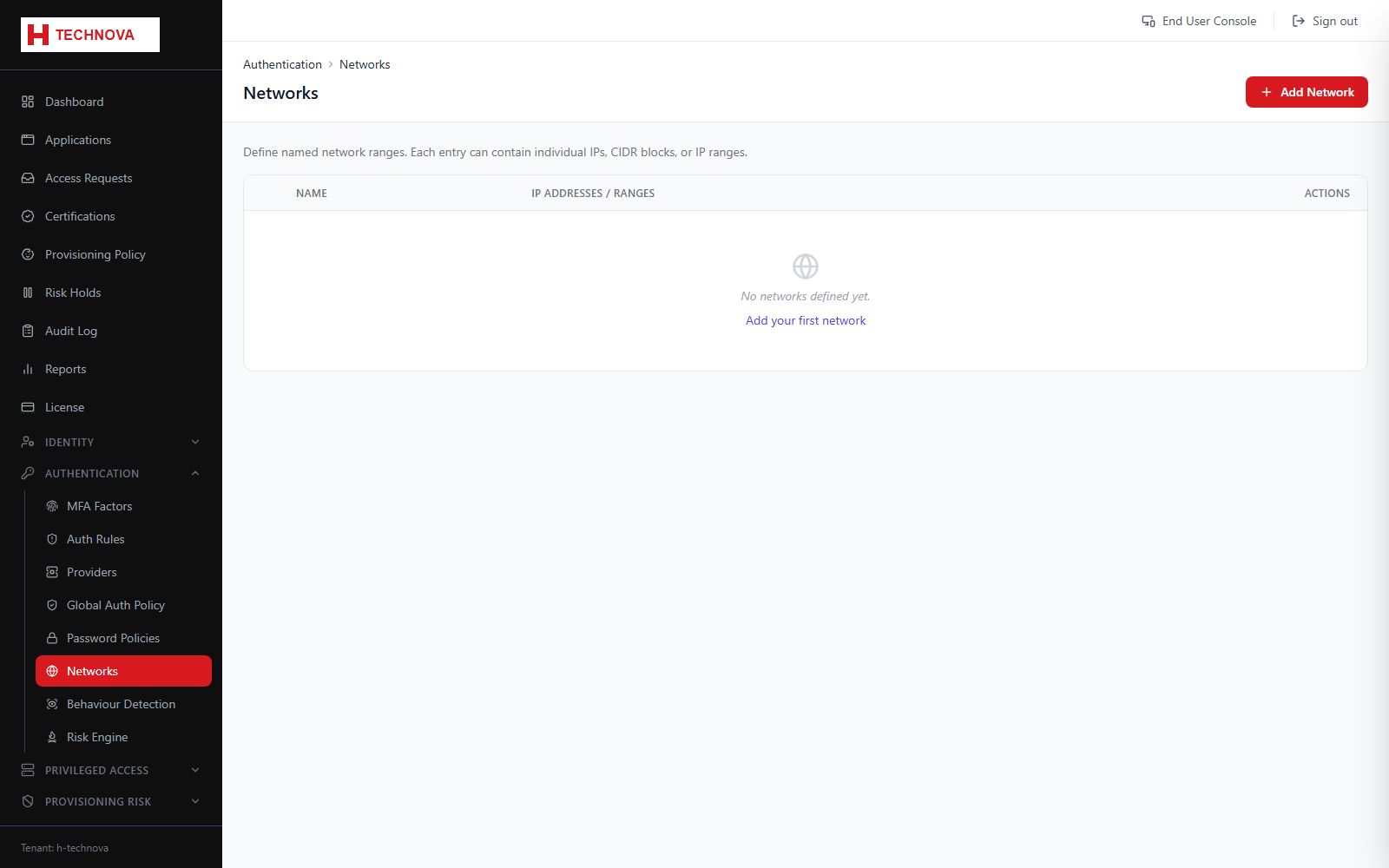
Named network ranges used to allow or deny authentication by source address, and as conditions in risk evaluation.
How to use it
- Open Authentication → Networks.
- Add a network with a name and one or more CIDR ranges.
- Mark it trusted or restricted according to your policy.
- Save. Sign-ins are evaluated against these ranges.
Field reference
| Field | Description |
|---|---|
| CIDR | Range in CIDR notation, for example 10.0.0.0/8. |
| Trusted | Trusted networks can be used to relax MFA; restricted ranges can block sign-in outright. |