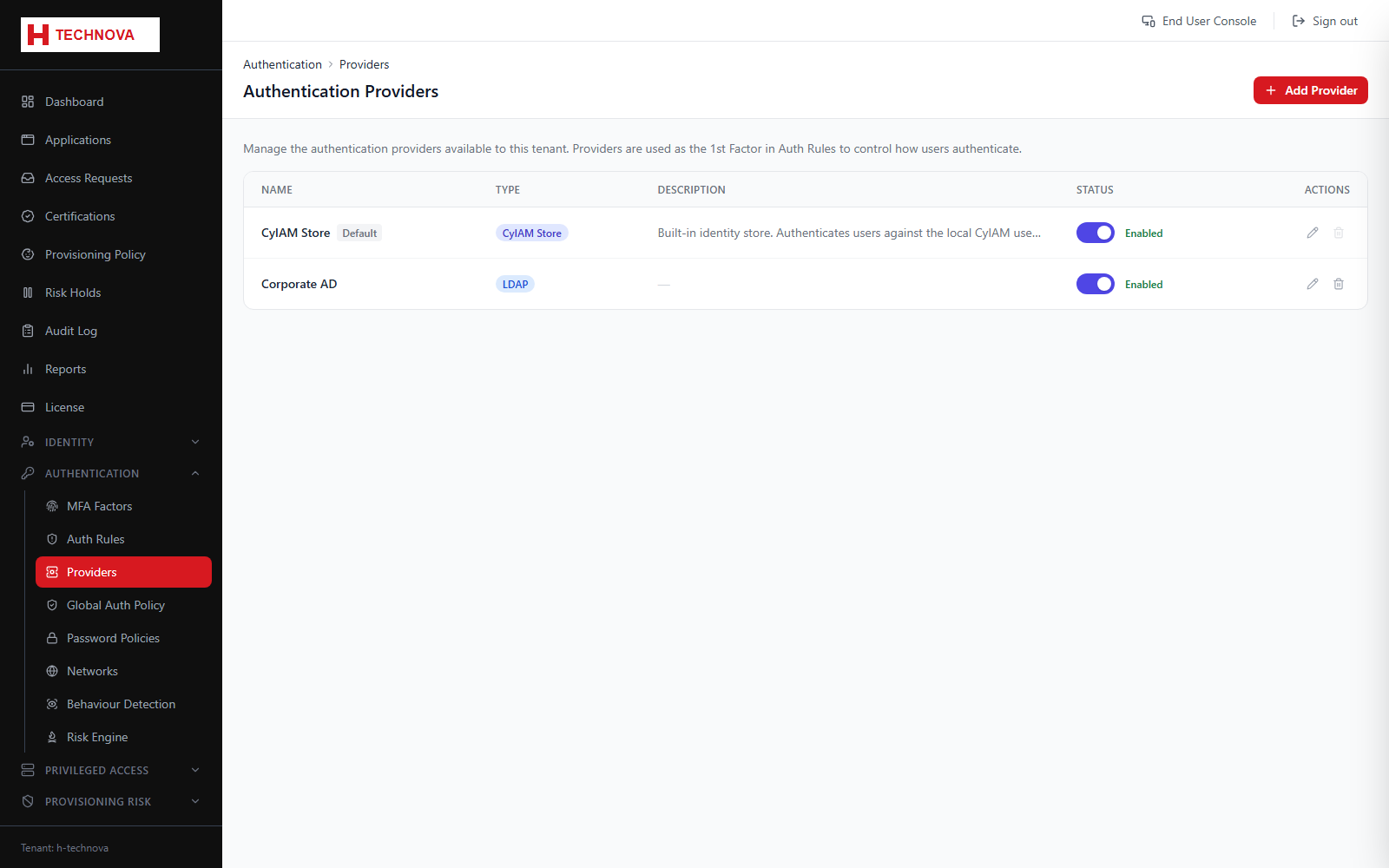
Defines the credential stores Zetect can authenticate against: its own store, external directories reached through an agent, and federated identity providers.
Authentication Providers — captured from the h-technova tenant.
How to use it
Open Authentication → Providers.
Add a provider and choose its type.
For LDAP, supply host, port, bind credentials and search base, and select the agent.
For an external IdP, exchange SAML or OIDC metadata.
Save, then reference the provider from an Authentication Rule.
Field reference
Field
Description
CYIAM_STORE
Local password store using BCrypt hashing. Always present as the default.
LDAP
Active Directory or LDAP, authenticated via an on-premise agent.
EXTERNAL_IDP
Delegates sign-in to a third-party IdP by SAML redirect.