
Authentication Overview
Authentication controls how people sign in to Zetect. You choose where passwords are checked, which second factors are asked for and when, how strong passwords must be, and how long sessions last. Rules can ask for more when a sign-in looks risky.
- Sign in against the right store. Check passwords in the built-in Zetect Store, an LDAP directory, or hand sign-in to an external identity provider over SAML.
- Ask for MFA where it matters. Authentication rules pick the providers and second factors by attribute, group or sign-in risk.
- Offer modern factors. SMS and email codes, an authenticator app, and Biometric passkeys and security keys.
- Enforce password hygiene. Password policies set length, composition, history and expiry, and block banned words.
- Control lockout and sessions. The global policy sets lockout, token and session lifetimes, and single or multiple sessions.
Before you begin
- Set the Login ID Attribute, email and mobile attributes in General Configuration. Zetect finds users and sends codes with them.
- Configure email and SMS delivery before you turn on the Email and SMS factors.
- To sign in against an LDAP directory, deploy an agent. See Deploying Agents.
- To use sign-in risk in rules, set up Behaviour Risk.
Each page has its own permission under Authentication in the group editor: MFA Factors, Auth Rules, Providers, Global Auth Policy, Password Policies, Password Blacklist and Networks. View shows the page, and Add, Edit and Delete allow changes.
Key concepts
- Authentication provider
- Where the first factor is checked: the Zetect Store, an LDAP directory or an external IdP.
- Auth rule
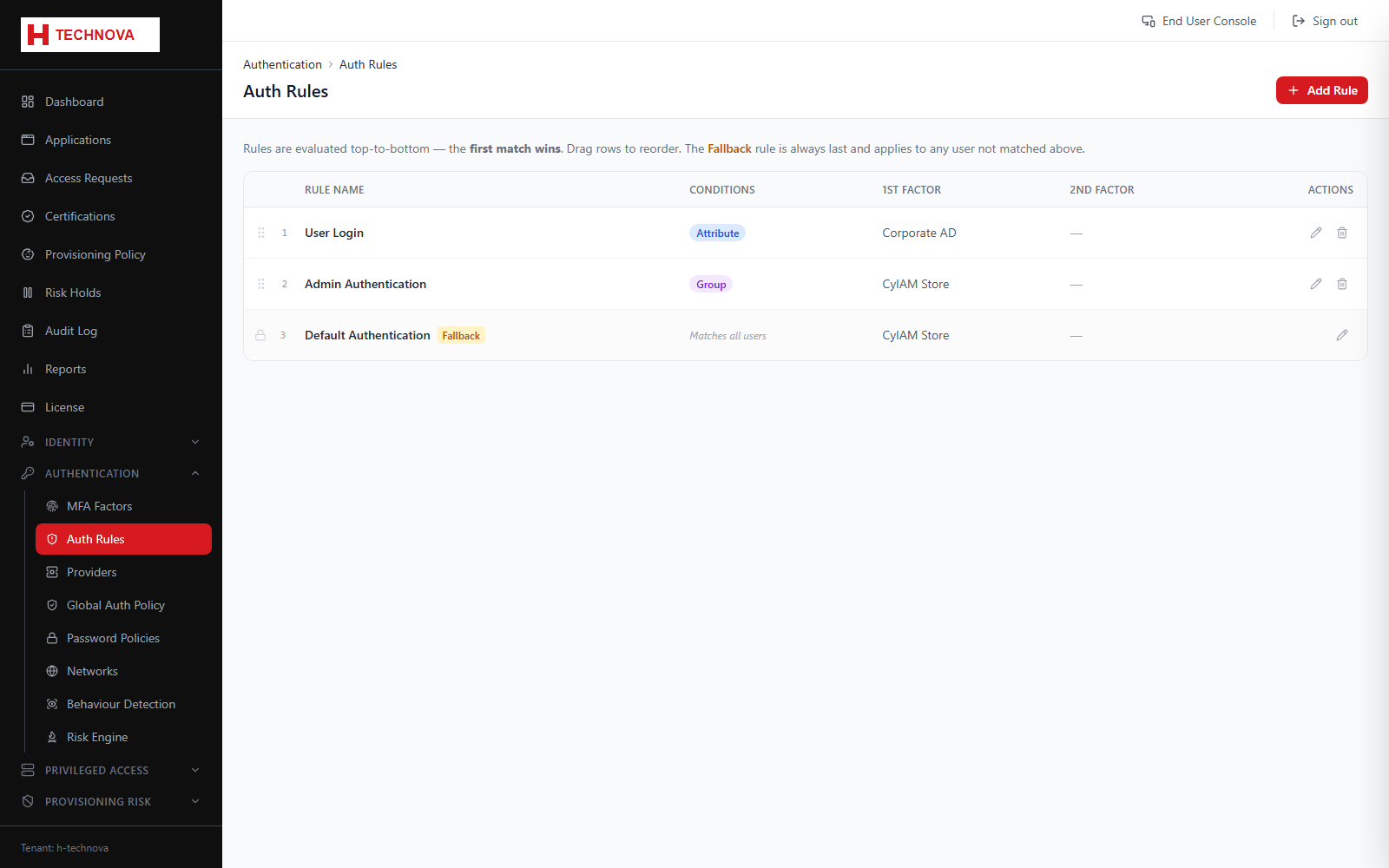
- An ordered rule that matches people by attribute, group or sign-in risk, and picks their 1st Factor provider and 2nd Factor MFA factors. The first match wins.
- Fallback rule
- The built-in rule that always sits last and applies to everyone not matched above.
- MFA factor
- A second-factor method: SMS, Email, Authenticator or Biometric.
- Global auth policy
- Tenant-wide lockout, token, session and sign-in code settings.
- Password policy
- The rules a password must meet, assigned to users, applications or privileged assets.
- Network
- A named set of IP addresses and ranges, used as a filter on Behaviour Risk sign-in signals.
Tasks in this topic
Set up sign-in
Audit events and reports
The Audit Log records sign-ins as Login and Login Failed, plus Logout, Password Changed, Password Reset, MFA Enrolled and MFA Unenrolled. Configuration changes are recorded with the resource types Auth Provider, Auth Rule, Auth Policy, MFA Factor, FIDO2 Config, Password Policy, Password Blacklist and Network. See also Running Reports.