
Identities Overview
An identity is one person in Zetect: their profile, their status and everything they can reach. Identities come from authoritative systems through identity sources, or you add them by hand. Every other capability — provisioning, access requests, certifications, segregation of duties and privileged access — works from these identities.
- Keep one record per person. Import people from an HR system, a directory or a file, and match each record to the same identity on every sync.
- Handle joiners, movers and leavers. Syncs create new people, update changed ones and mark leavers inactive, which removes their access.
- Shape the profile. Decide which attributes a person has, which are required or unique, and which format each value must follow.
- Group people. Use Resource Control groups to drive application access, and Platform Control groups to give administrators console permissions.
- See everything about one person. Open an identity to check their groups, accounts, risk, activity and sign-in security on one page.
Before you begin
- Choose the attribute people sign in with under Configuration → General. See General Configuration.
- Set up email so new people receive their starting password. See Configuring Email.
- To import people, install an agent that can reach the source system. See Deploying Agents.
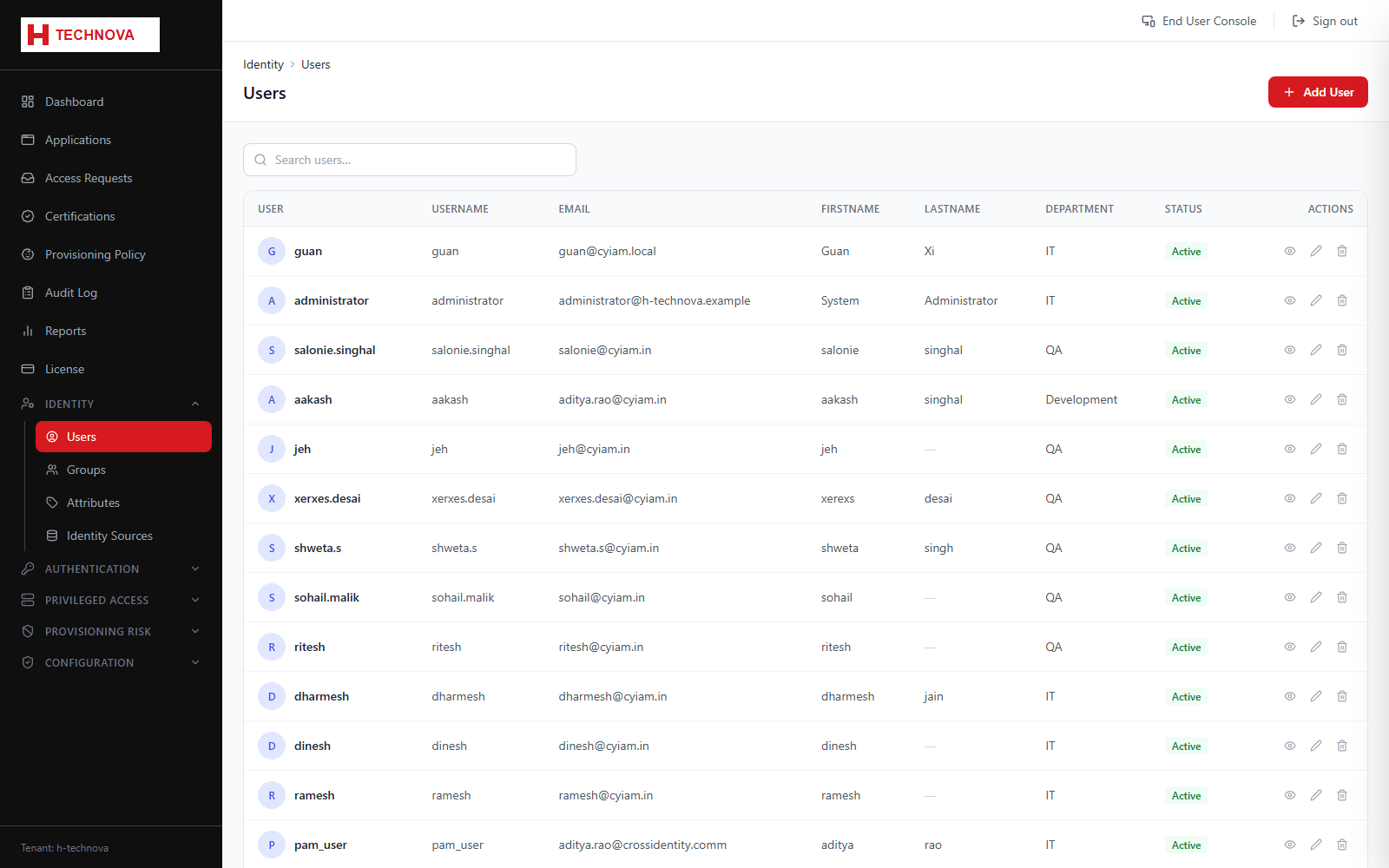
View on the matching menu under Identity in an administrator group: Users, Groups, Attributes or Identity Sources.
Key concepts
- Identity
- A person known to Zetect, also called a user. It holds attribute values, a status, a manager and group memberships.
- Identity attribute
- A field on every identity's profile, such as Username, Department or Cost Center. Zetect supplies built-in attributes and you can add custom ones.
- Identity source
- An authoritative system that supplies identities, read by the agent on a schedule or on demand.
- Identifier
- The mapped source field that matches a source record to an existing identity, so a sync updates people instead of duplicating them.
- Group
- A set of identities. A Resource Control group gives application access. A Platform Control group gives admin console permissions.
- Status
- Whether a person is Active, Inactive or Locked. Making someone inactive removes their access.
Tasks in this topic
Set up
Monitor
Audit events and reports
Creating, changing and deleting users, groups, attributes and identity sources is written to the audit log, as are membership and manager changes, password resets and sign-ins. Changes a sync makes to a person are recorded too, with the attribute values that changed. Search them under Reviewing the Audit Log, or open one person's trail from their Activity section.
These reports cover identities: Users, User Accesses, Identity Sync History, MFA Registered, and the compliance reports Dormant Accounts and Leaver / Deprovisioning. See Running Reports.