
Privileged Access Overview
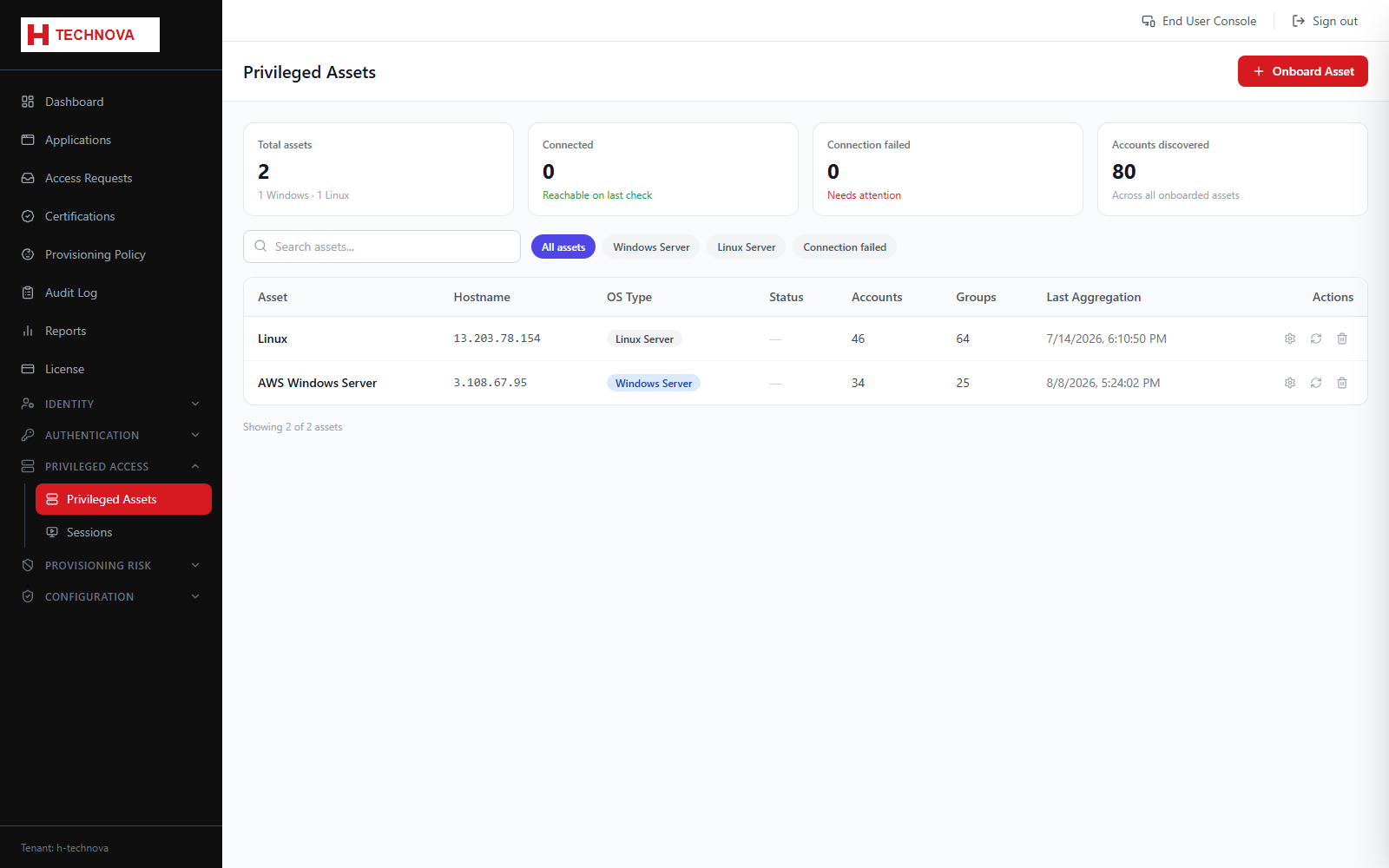
Privileged Access controls who can sign in to your Windows and Linux servers with administrator-level accounts. You onboard each server as a privileged asset, decide who gets an account on it, and people open recorded sessions from the end-user console without ever handling a server password. Accounts that several people use, such as root, are lent out one person at a time for a limited period.
- Know what exists on every server. Regular syncs bring each asset's accounts and groups into Zetect and show which accounts nobody owns.
- Grant access through governance. People get accounts and groups on an asset through access requests, provisioning policies and "Who can access" rules, and certification campaigns review that access.
- Keep passwords away from people. Zetect holds the password and fills it in when a session starts, and can change it after every session.
- Watch and record sessions. See who is connected right now, observe or end a live session, and replay recordings and SSH typescripts afterwards.
- Lend shared accounts safely. Shared accounts are granted for a limited time, used by one person at a time and always recorded.
Before you begin
- Your license must include Privileged Access. Without it, the Privileged Access menu is hidden.
- Install an agent that can reach your servers. See Deploying Agents.
- Prepare a service account on each server that the agent can use to read and manage local accounts.
- Make sure the people who will use the assets exist as identities. See Identities.
Privileged Assets – View for assets (the same permission opens Applications), and Sessions – View for Sessions and Shared accounts, in an administrator group.
Key concepts
- Privileged asset
- A Windows or Linux server registered in Zetect. Windows assets use RDP sessions and Linux assets use SSH sessions.
- Asset account
- A local account on the asset, found by sync or created by Zetect. Identity matching links it to the person who owns it.
- Entitlement
- A group on the asset, such as a local administrators or sudo group, that accounts can belong to.
- Privileged session
- A remote desktop or terminal session that a person opens from the end-user console. Zetect brokers the connection in the browser and can record it.
- Shared account
- An account used by several people, such as
root, through time-limited grants. One person uses it at a time. - Vault
- Where Zetect keeps the passwords it holds. People never see them; they are filled in when a session starts.
Tasks in this topic
Operate
Monitor
Audit events and reports
The audit log records changes to assets, asset accounts and syncs, privileged asset launches, session starts and ends, joins and terminations, and every shared-account event: grants created, extended, revoked and expired, each use, password rotations and forced releases. Search them in Reviewing the Audit Log.
These reports cover privileged access: Privileged Asset Session, Privileged Account Inventory, Credential Rotation, MFA Coverage (Privileged), Orphan Accounts and Dormant Accounts. See Running Reports and Using the Compliance Pack. The Shared accounts page also has its own usage report.