
Managing Exceptions
Approve or reject requests to accept the risk of an ISPM finding for a limited time. A request is made from a control on the ISPM posture tab, and someone other than the requester decides it here.
Required permission
ISPM Posture – Edit to request an exception. ISPM Posture – Grant to approve or reject one.
Limits
You can't decide your own request. The end date must be in the future and no more than about a year away.
Requesting an exception
To request an exception:
- Go to Identity Security → Overview and select the ISPM posture tab.
- Select the control.
- On an open finding, select Accept risk.
- Enter a Justification and an Accept until date.
- Select Request acceptance.
The request appears on the Exceptions tab as Pending, and the finding shows Acceptance pending.
Deciding an exception
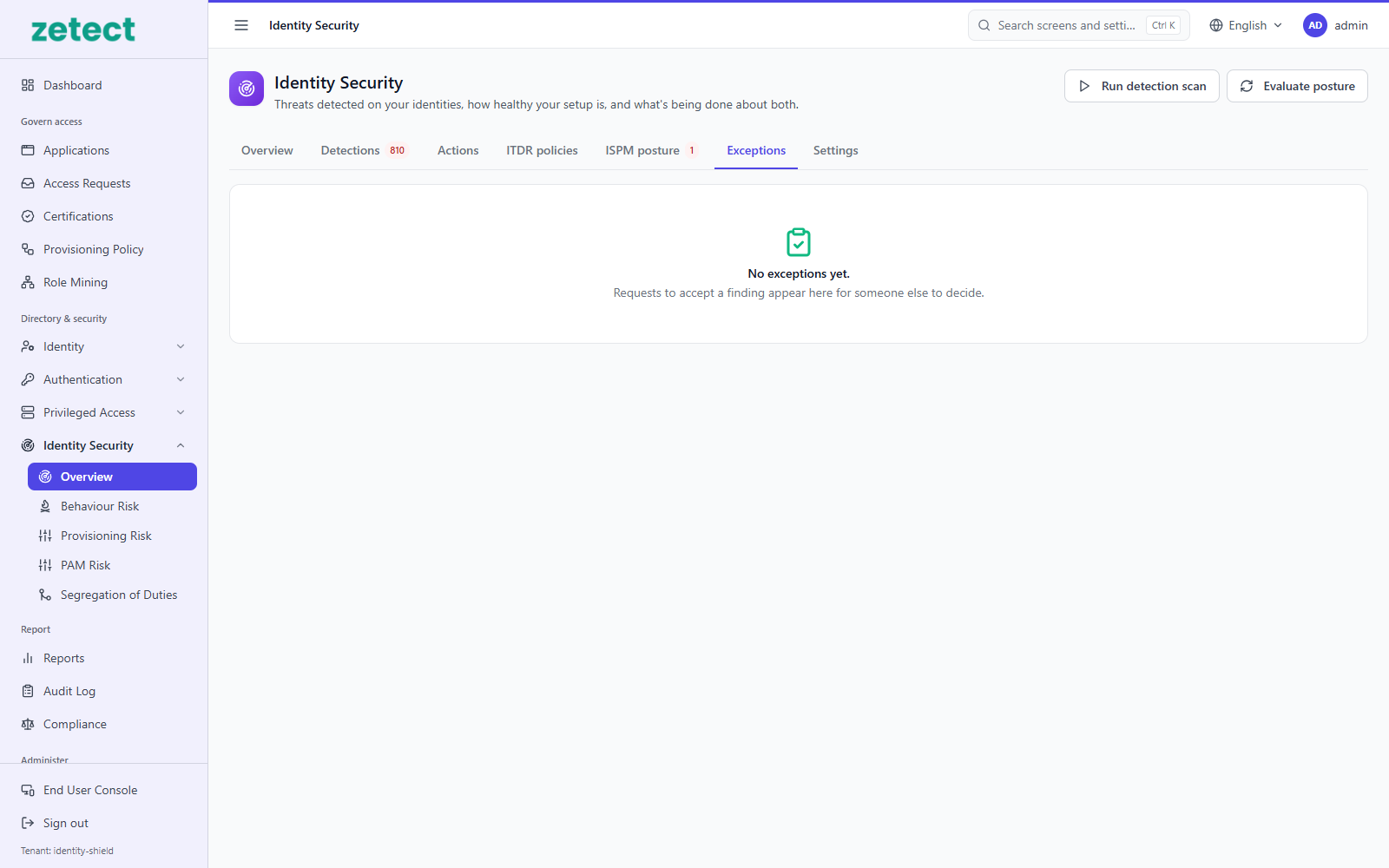
To decide an exception:
- Go to Identity Security → Overview and select the Exceptions tab.
- Filter by status with the pills if there are many.
- Read the finding and the justification.
- Select Approve or Reject.
| Column | Description |
|---|---|
| Finding | The control and the subject of the finding. |
| Justification | Why the requester thinks the risk is acceptable. |
| Requested by | Who asked for the exception. |
| Until | When the acceptance ends. |
| Status | Pending, Approved, Rejected or Expired. |
What happens next
- Approved: the finding moves to Accepted and no longer counts as open.
- Expired: when the end date passes, the finding reopens with its original first-seen date, so it may already be overdue.
- Rejected: the finding stays open.