Reports
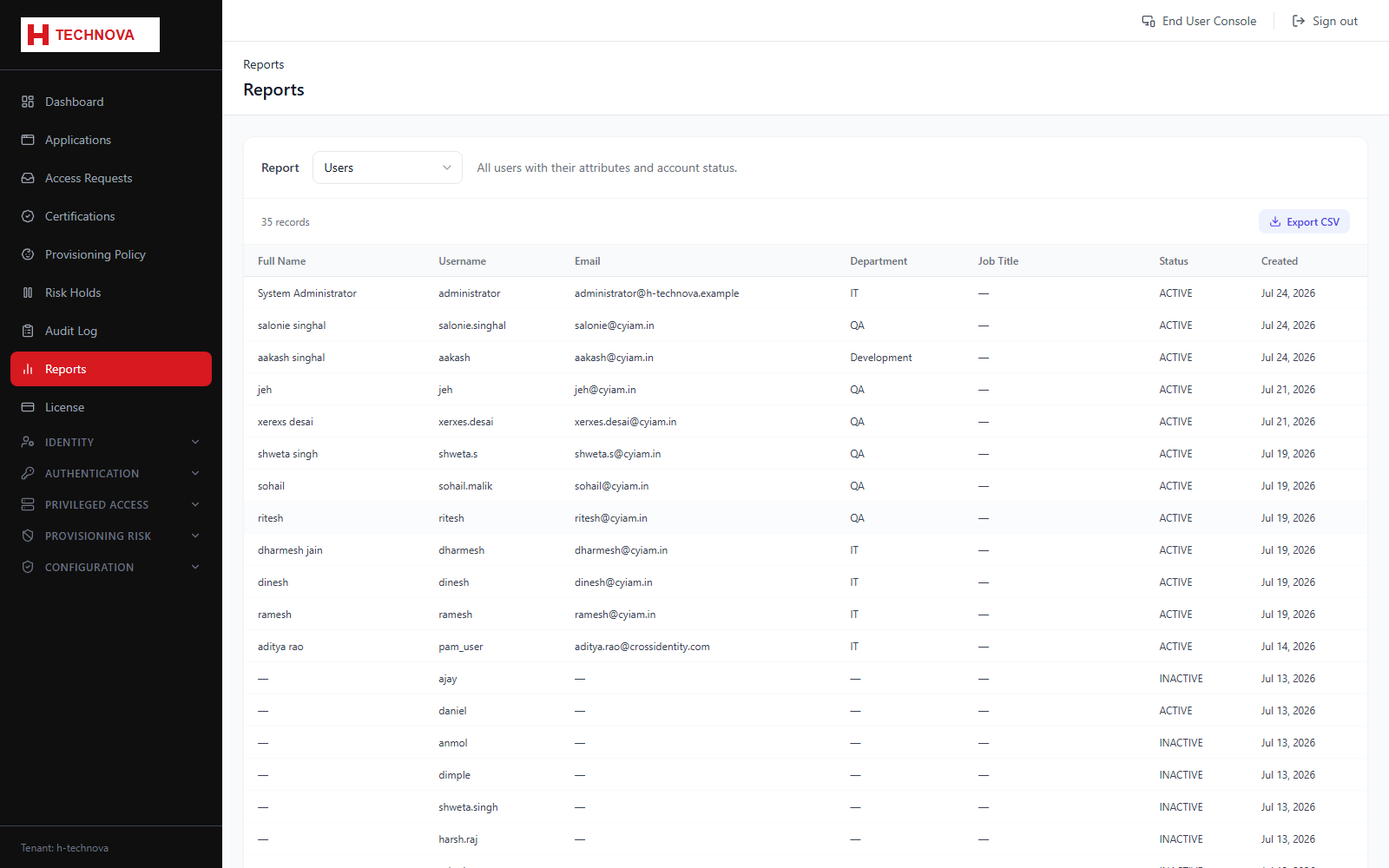
Pre-built governance reports, most importantly User Accesses — a consolidated view of who holds what, spanning both provisioning applications and privileged assets.
How to use it
- Open Reports.
- Select a report, for example User Accesses.
- Apply filters to narrow the population.
- Review on screen, then export for distribution.
Field reference
| Field | Description |
|---|---|
| User Accesses | Every access held per identity. Application access and privileged asset access appear together, with an access type distinguishing them. |
| Export | Downloads the report as displayed. |