
Administration Overview
Administration covers the settings that apply to the whole tenant: who can administer it, which identity attributes are used for sign-in and messages, how the consoles look, the certificate that signs SAML single sign-on, and the license that decides which modules you have.
- Give least-privilege admin access. Build administrator groups that show each person only the menus and actions their role needs.
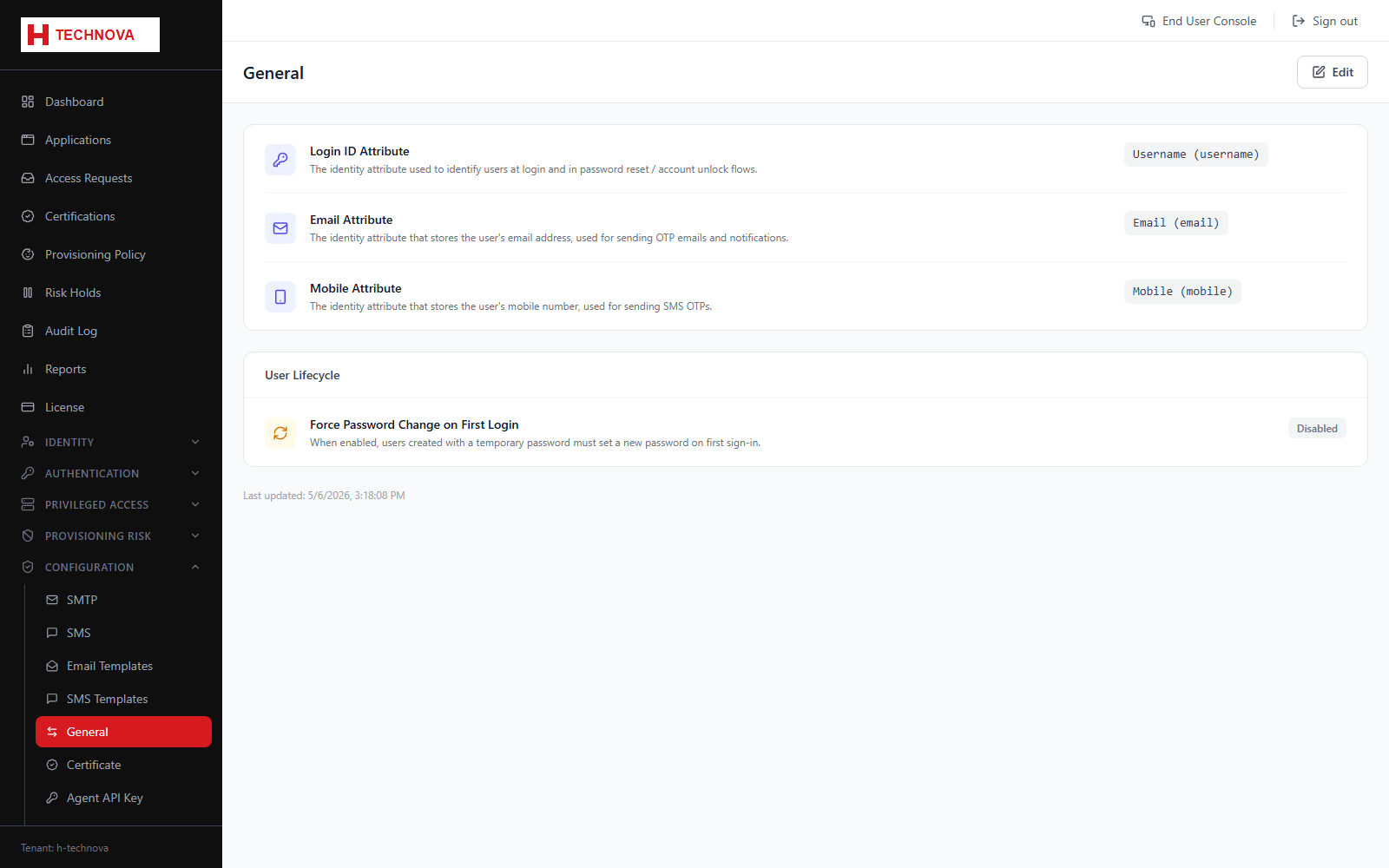
- Choose the sign-in and contact attributes. Decide which identity attribute people sign in with, and where their email address and mobile number are held.
- Brand the tenant. Add your logo and colours to the admin console and the sign-in page.
- Keep single sign-on trusted. Manage the certificate your SAML applications trust, and replace it before it expires.
- Know your entitlements. See which modules are licensed and how close you are to each limit.
Before you begin
- Create the identity attributes you want to use for sign-in, email and mobile, and mark the login attribute as unique. See Managing Identity Attributes.
Groups under Identity, and General, Branding and Certificate under Configuration, and License, in an administrator group.
Key concepts
- Platform Control group
- A group whose members can open the admin console, with the menus and actions the group grants.
- Platform Admin
- The built-in administrator group. It holds every permission and can't be edited or deleted.
- Login ID Attribute
- The identity attribute people type as their username when they sign in.
- SAML signing certificate
- The certificate Zetect signs SAML sign-in responses with. Applications that use Zetect for SAML single sign-on must trust it.
- Licensed module
- Access Management (AM), Identity Governance & Administration (IGA) or Privileged Access Management (PAM). Pages of modules you don't have are hidden.
Tasks in this topic
Monitor
Other pages under Configuration are covered with the feature they serve: SMTP, SMS, the templates, Reminders & Alerts and Dashboards in Dashboards and Notifications; Agent API Key and Agents in Deploying Agents; and FIDO2 / Passkey in Managing MFA Factors.
Audit events and reports
Changes to groups and their members, the general configuration, branding and the SAML signing certificate are written to the audit log. See Reviewing the Audit Log.