Access Requests → Requests
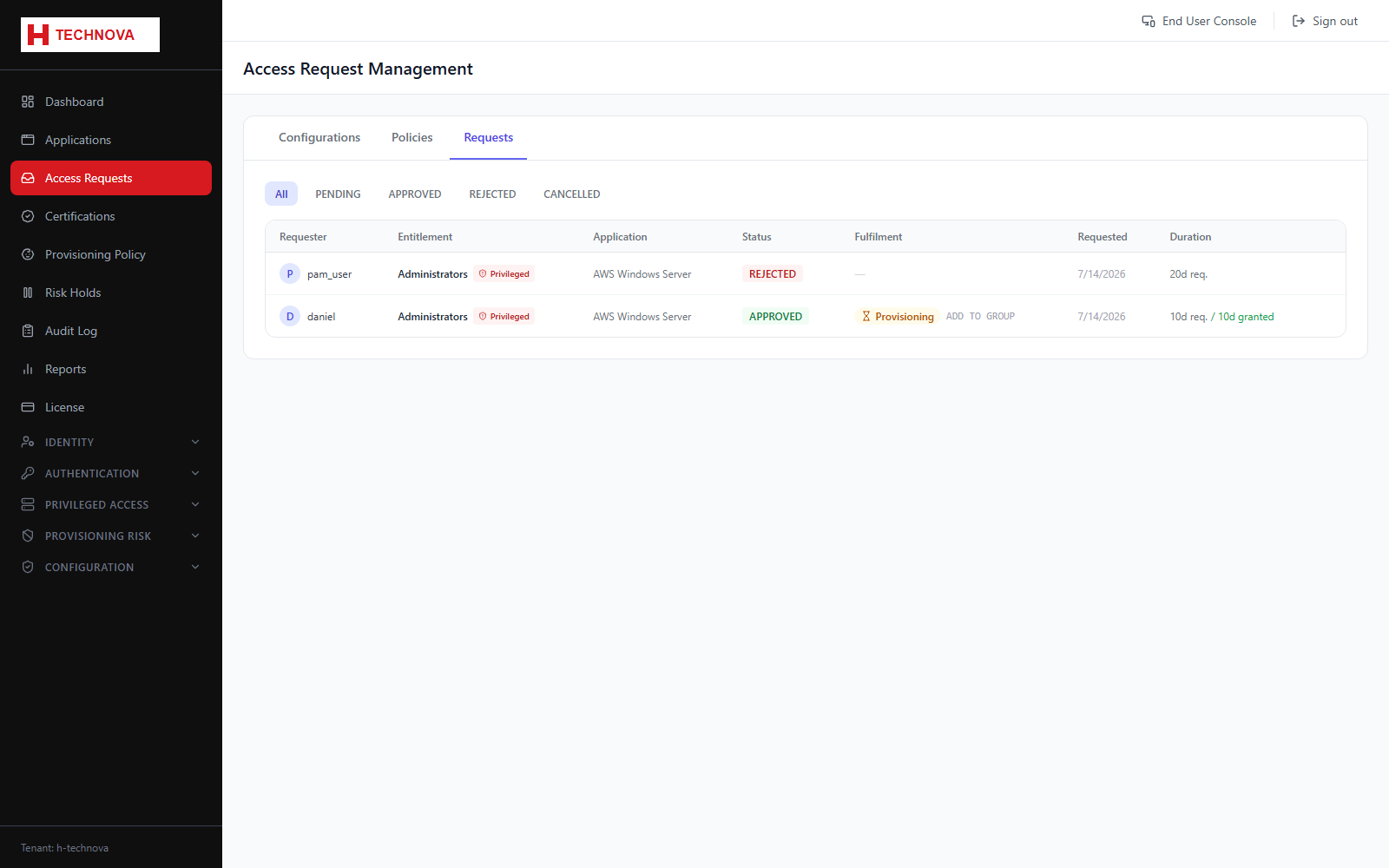
Every request raised in the tenant with its current state — the administrator's queue-wide view, as opposed to an individual's My Requests.
How to use it
- Open Access Requests → Requests.
- Filter by status to find work in progress.
- Open a request for its justification, approval history and provisioning outcome.
- Watch for requests approved but not provisioned — these indicate a downstream failure.
Field reference
| Field | Description |
|---|---|
| Status | PENDING, APPROVED, REJECTED or COMPLETED. |
| Provisioning status | Provisioning, Provisioned or Failed once approved. |
| Requester / Approver | Who asked and who decided. |