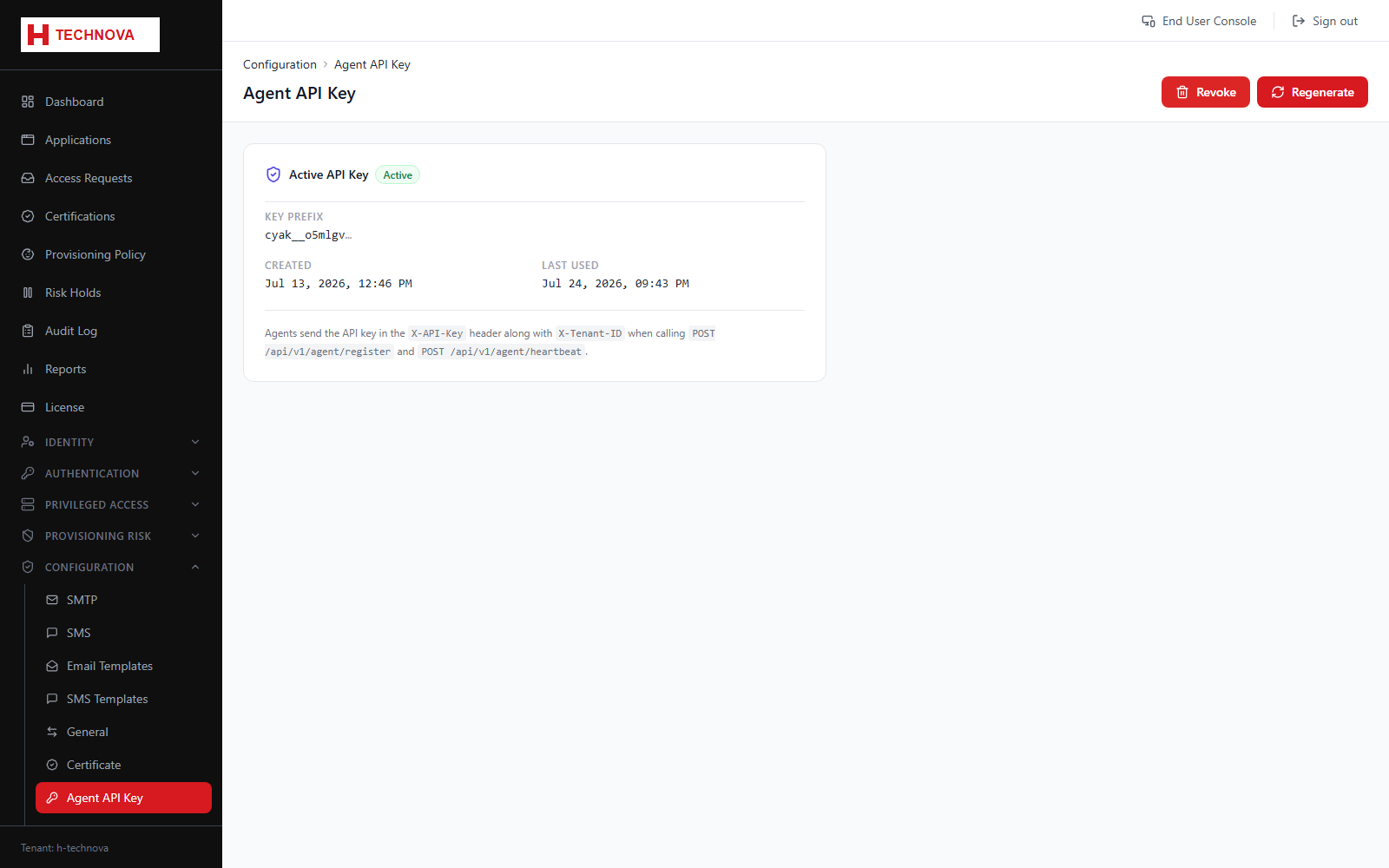
Agent API Key
The credential an on-premise agent uses to authenticate to Zetect. Without a valid key no agent can connect, and nothing that depends on one will work.
How to use it
- Open Configuration → Agent API Key.
- Generate a key.
- Copy it immediately — it is displayed once only.
- Configure the agent with the key and restart it.
Field reference
| Field | Description |
|---|---|
| API key | Shown once at generation. Store it in a secret manager. |