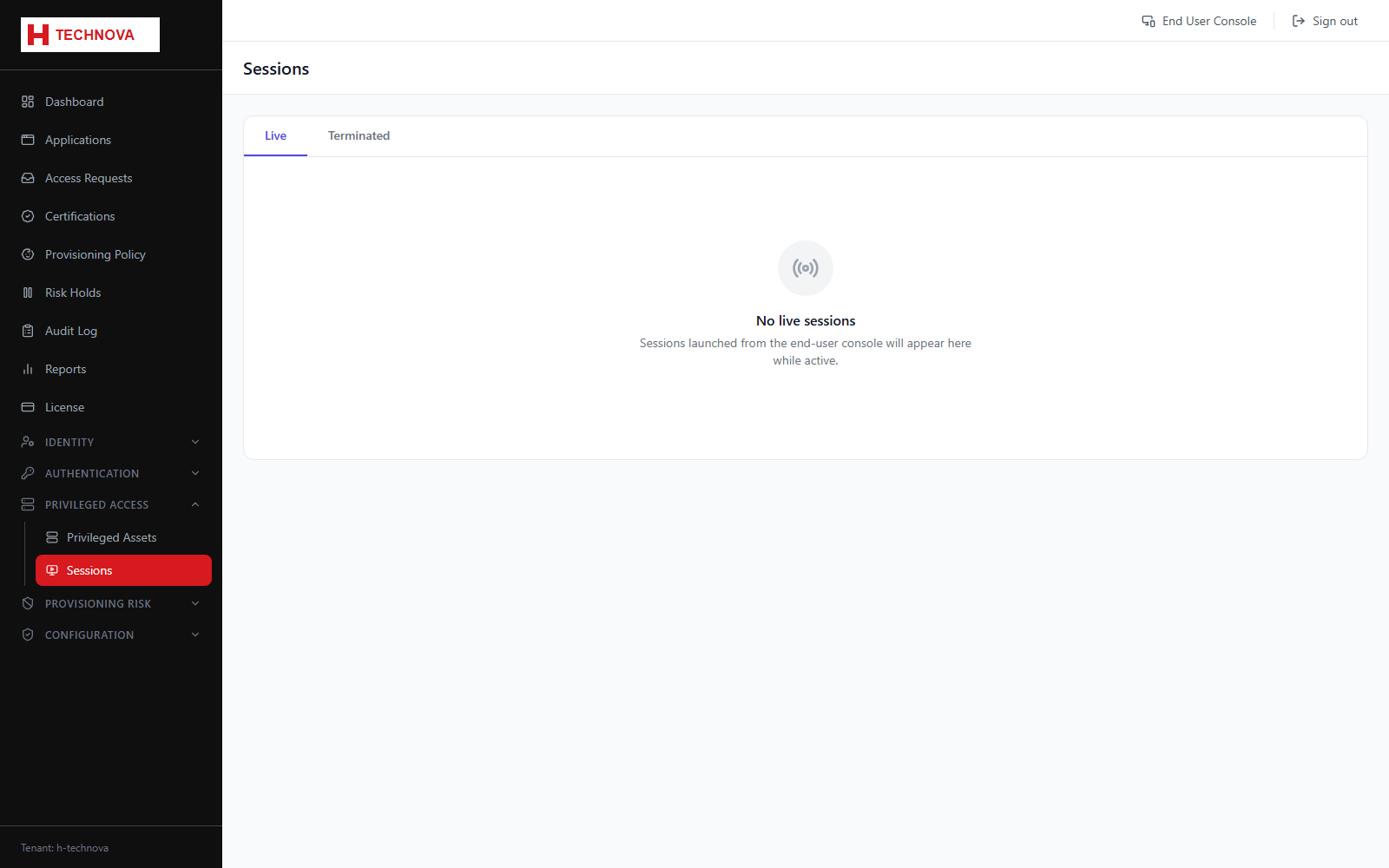
Sessions → Live
Privileged sessions in progress right now, with the ability to end one immediately.
How to use it
- Open Privileged Access → Sessions. The Live tab is shown first.
- Review who is connected, to which asset, and since when.
- Click Terminate to end a session immediately — the user is disconnected without warning.
- The session moves to the Terminated tab.
Field reference
| Field | Description |
|---|---|
| User / Account | The Zetect identity and the privileged account being used. |
| Asset | The host the session is connected to. |
| Started at | When the session began. |
| Terminate | Ends the session immediately. |