Identity Attributes
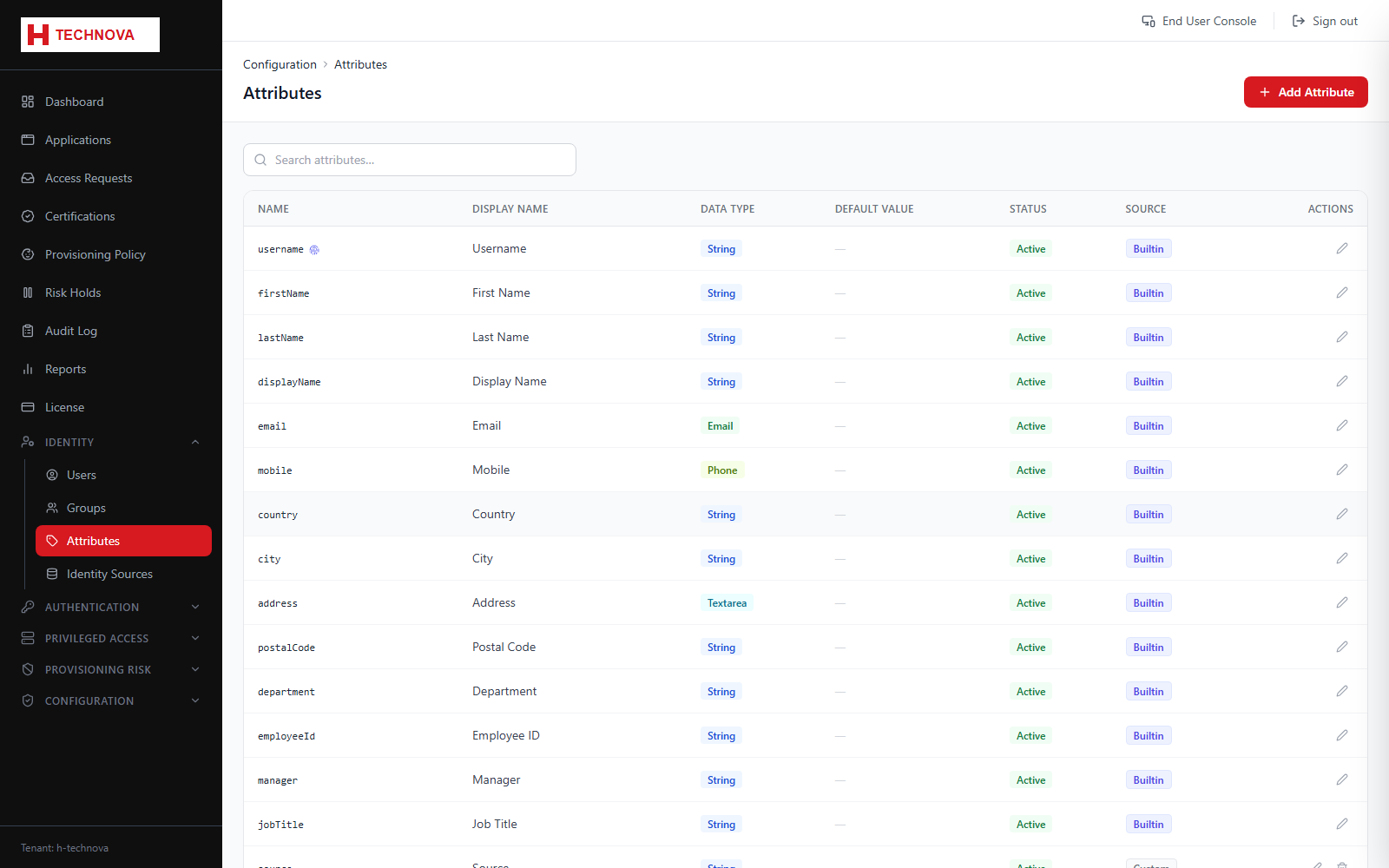
Defines the identity schema — which attributes exist, their data types, whether they are mandatory, and how they are presented on user forms.
How to use it
- Open Identity → Attributes.
- Click Add Attribute and give it a system name, display name and data type.
- Mark it required if user creation should fail without it, and set whether it appears on the Add User form.
- Use sort order and section to control form layout.
- Save. The attribute is immediately available for user records and for attribute mapping.
Field reference
| Field | Description |
|---|---|
| Name | The system identifier used in mappings and ${...} expressions. Avoid renaming it once mappings exist. |
| Data type | STRING, BOOLEAN, NUMBER, DATETIME or LIST. |
| Encrypted | Stores the value encrypted at rest — use for sensitive attributes. |
| Required | Enforced when creating or updating a user. |