Create a Group
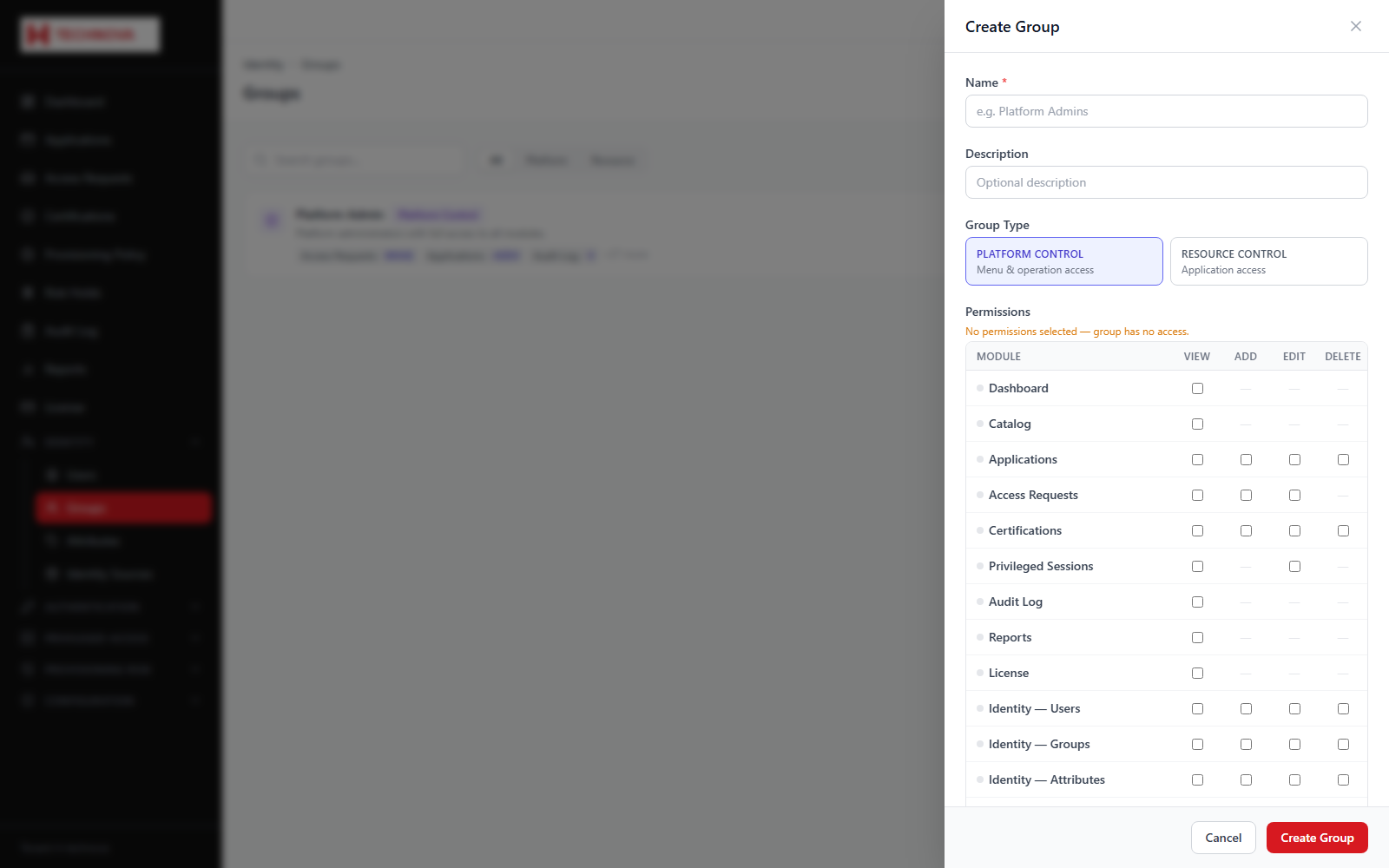
Creates a group. The type matters enormously: a Platform Control group grants administrative permissions in the console, whereas other types are used for entitlements and policy targeting.
How to use it
- Open Identity → Groups and click Create Group.
- Name the group and describe its purpose.
- Choose the group type — Platform Control for administrative groups, otherwise Resource Control.
- For a Platform Control group, tick the console permissions its members should receive.
- Save, then add members from the group's Members tab.
Field reference
| Field | Description |
|---|---|
| Group type | PLATFORM_CONTROL confers console permissions; RESOURCE_CONTROL is for entitlements and targeting. |
| Permissions | The module.action permissions granted, grouped by console area. |
| Status | Only ACTIVE Platform Control groups confer permissions. |