Asset Provisioning → Source
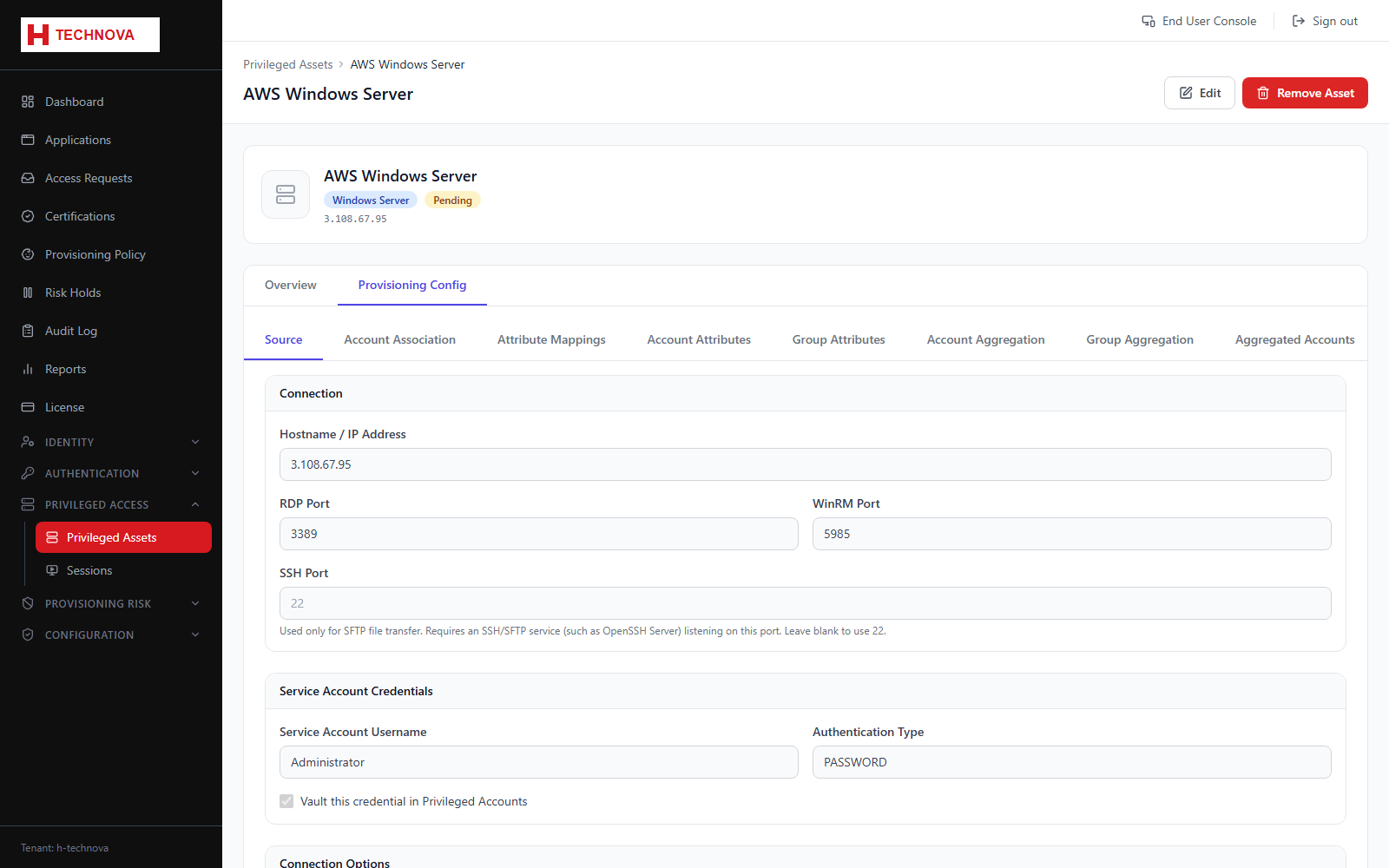
How Zetect connects to the privileged asset to aggregate and provision accounts. This is separate from the interactive session connection.
How to use it
- Open the asset → Provisioning Config → Source.
- Select the connector and the agent.
- Enter the service account credentials.
- Test the connection.
- Save.
Field reference
| Field | Description |
|---|---|
| Connector | Windows Server or Linux Server connector. |
| Agent | Agent that can reach the host. |
| Service account | Used for aggregation and provisioning, not for user sessions. |