Identity Sources
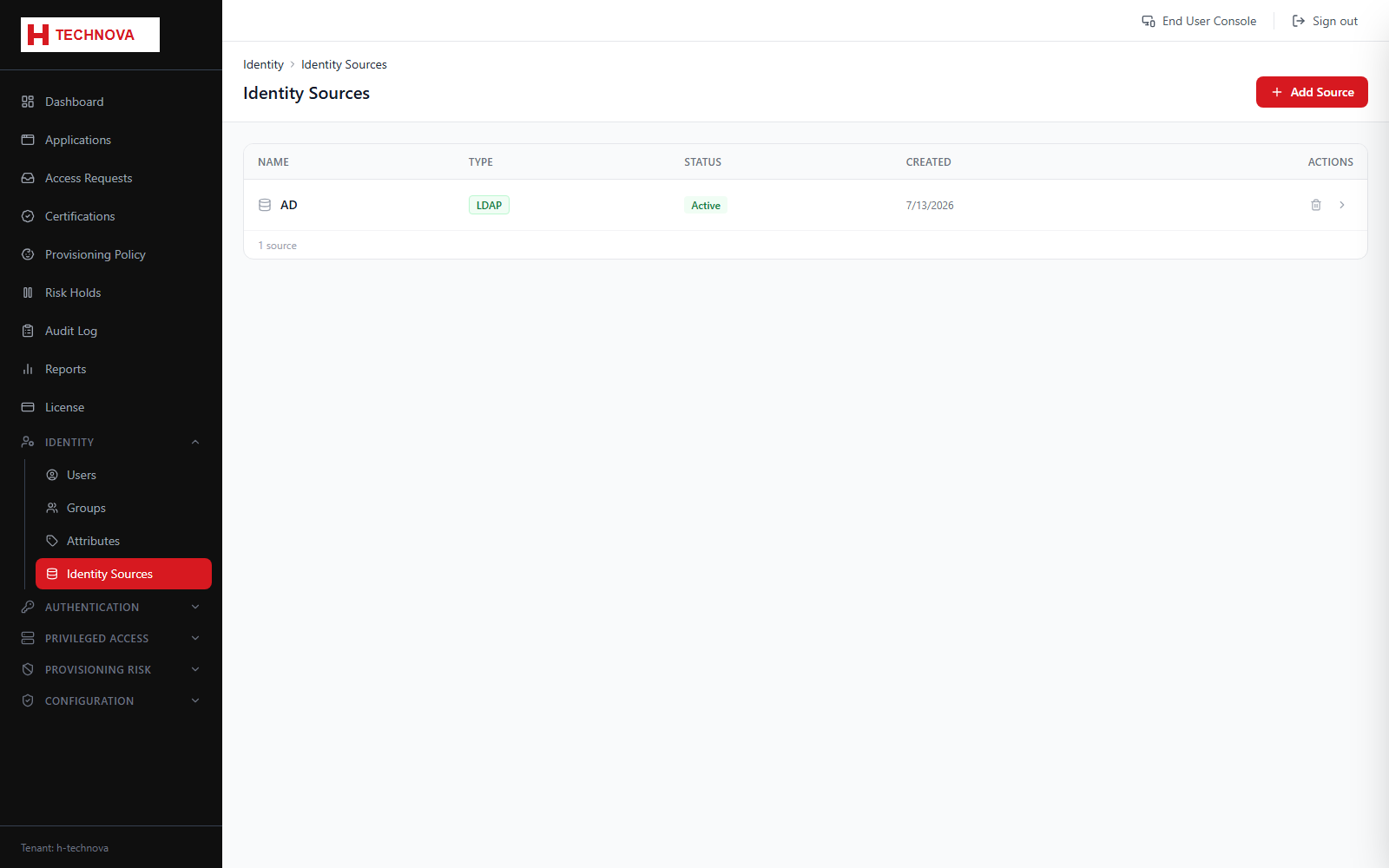
Identity sources import identities from an authoritative system — typically Active Directory, an LDAP directory, a database or a CSV feed — so that Zetect reflects the organisation without manual data entry.
How to use it
- Open Identity → Identity Sources and click to add a source.
- Choose the connector type and the agent that can reach it.
- Supply connection details and the service account credentials.
- Test the connection before saving.
- Map source attributes to Zetect identity attributes.
- Run an aggregation, then schedule it to keep identities current.
Field reference
| Field | Description |
|---|---|
| Connector | The integration used — Active Directory, OpenLDAP, JDBC or CSV. |
| Agent | The on-premise agent that executes the connection. Must be online. |
| Correlation | The rule that decides whether an imported record matches an existing identity or creates a new one. |
| Schedule | Cron expression controlling automatic re-aggregation. |