FIDO2 / Passkey
Settings for passkey and security-key authentication, including the relying party identity that binds credentials to your domain.
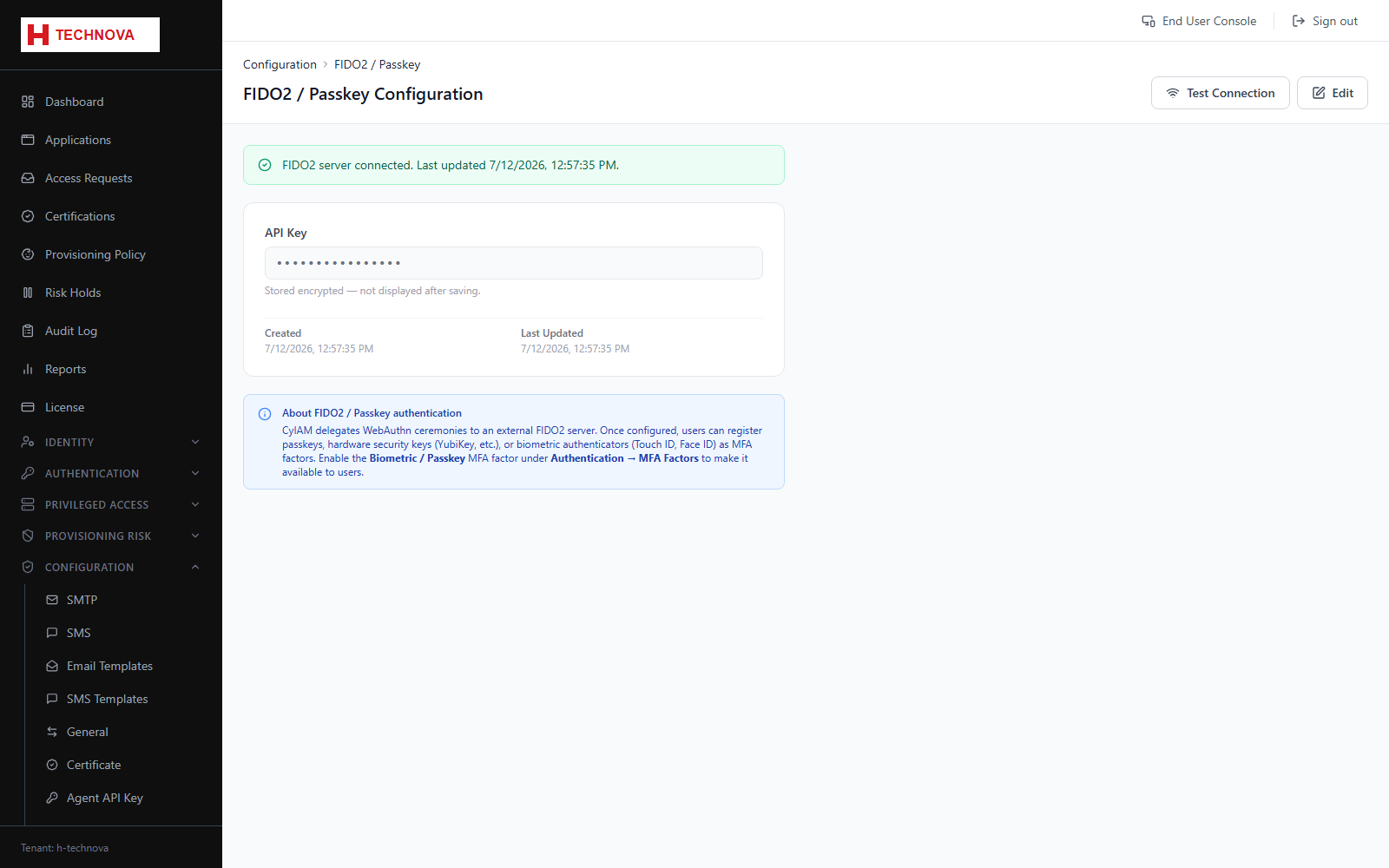
How to use it
- Open Configuration → FIDO2.
- Enable FIDO2 and set the relying party ID and name.
- Choose whether a resident key and user verification are required.
- Save. Users can then register passkeys under Portal → Security.
Field reference
| Field | Description |
|---|---|
| Relying Party ID | Normally your sign-in domain. Credentials are bound to it and will not work if it changes. |
| User verification | Whether a PIN or biometric is required in addition to possession of the authenticator. |