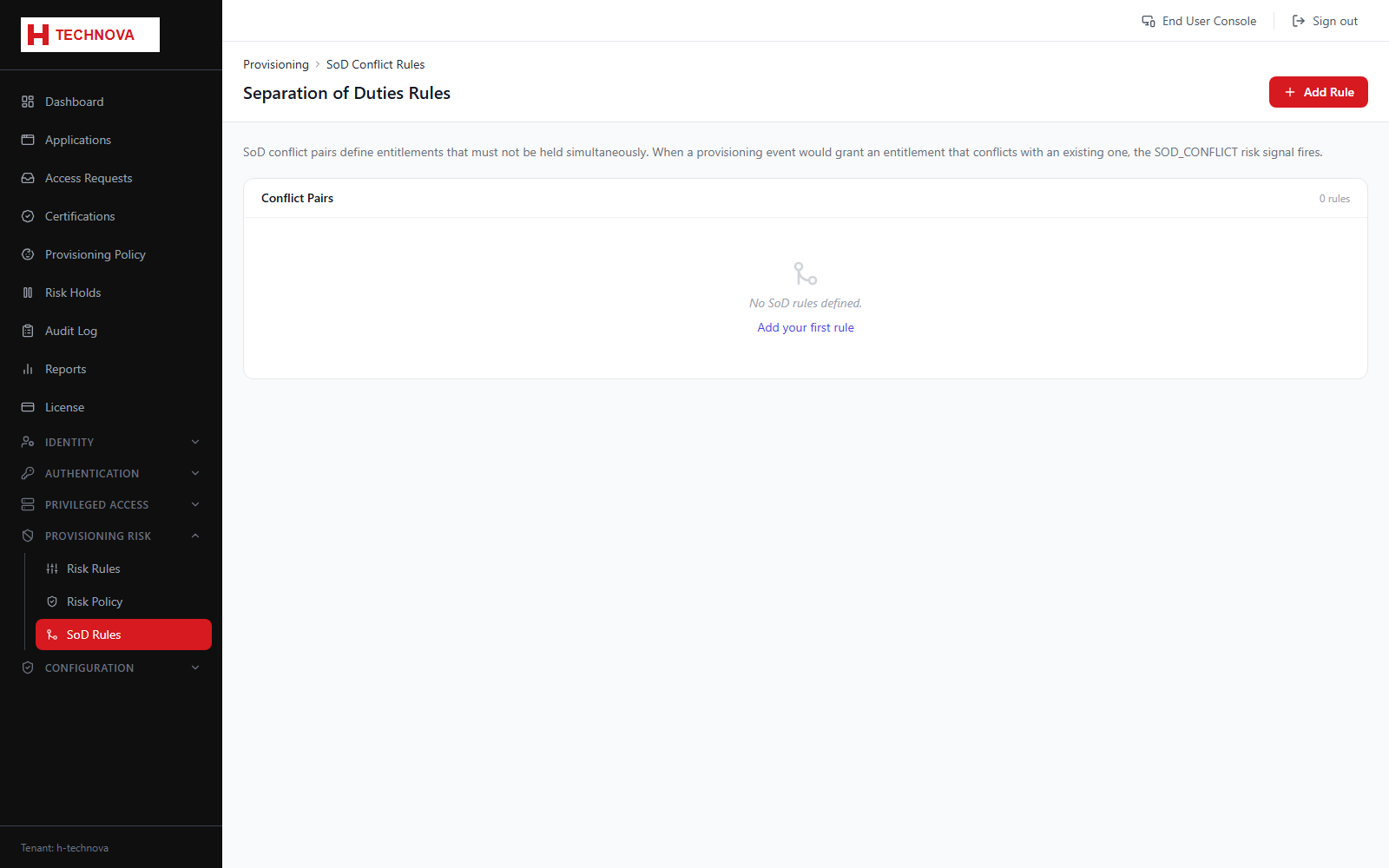
SoD rules express combinations of access that must never be held by one person — the classic example being the ability both to raise and to approve a payment.
Segregation of Duties Rules — captured from the h-technova tenant.
How to use it
Open Provisioning Risk → SoD Rules and add a rule.
Select the two conflicting entitlements.
Choose whether a violation is blocked or held for review.
Save. Requests that would create the conflict are then caught.