User → Info
The identity's attribute values — the profile Zetect holds and the data every attribute mapping draws from.
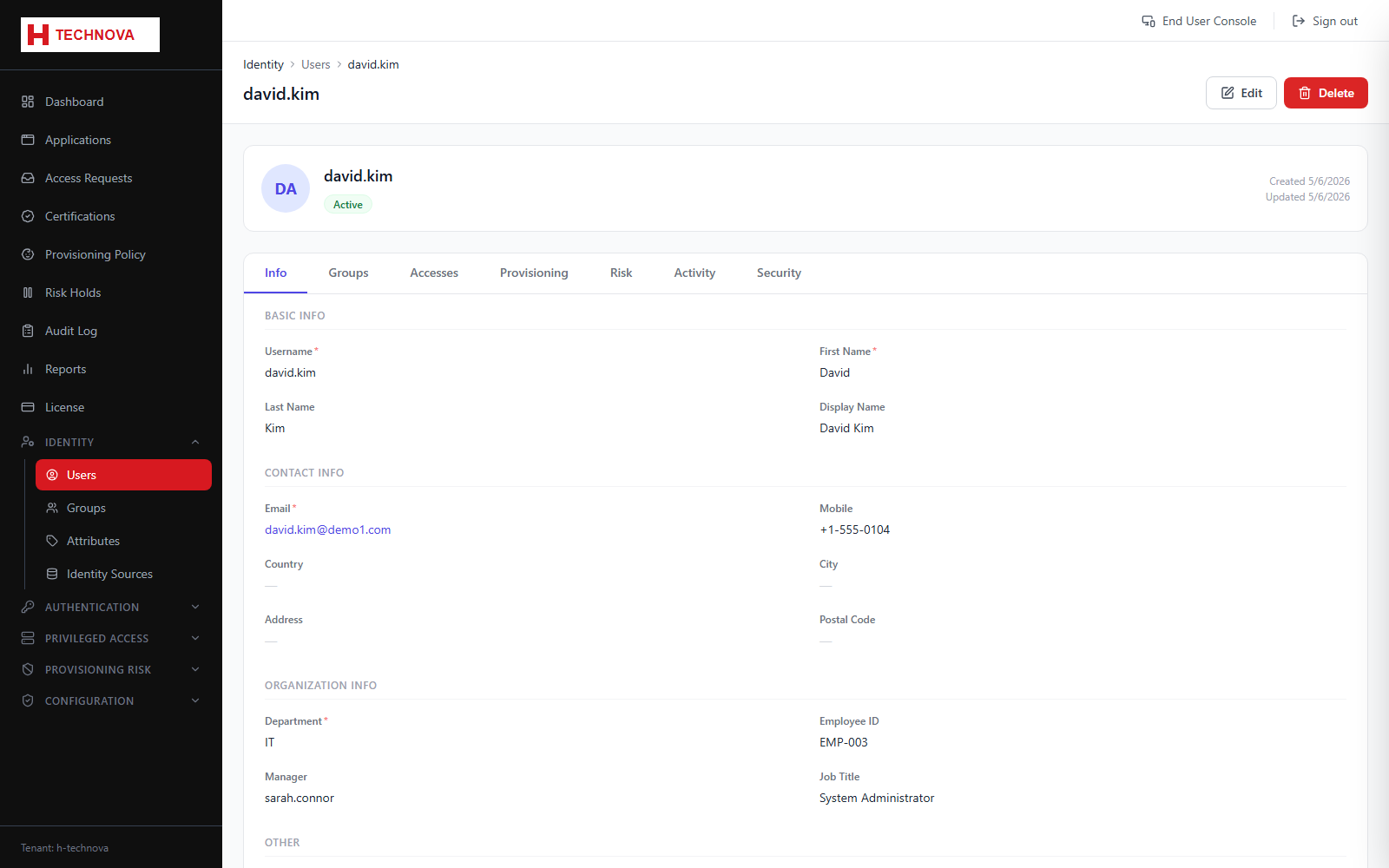 User → Info — captured from the h-technova tenant.
How to use it
- Open Identity → Users and click a user.
- The Info tab shows all attribute values.
- Edit the editable fields.
- Save.
Field reference
| Field | Description |
|---|
| Username | Login identifier. Must stay unique. |
| Status | ACTIVE, INACTIVE or LOCKED — only ACTIVE can sign in. |
| Source-mastered fields | Attributes imported from an identity source. Editing them here is overwritten at the next aggregation. |
Example — Dummy identity
| username | j.doe |
| firstName / lastName | John / Doe |
| email | john.doe@h-technova.example |
| department | Finance |
| status | ACTIVE |