Global Auth Policy
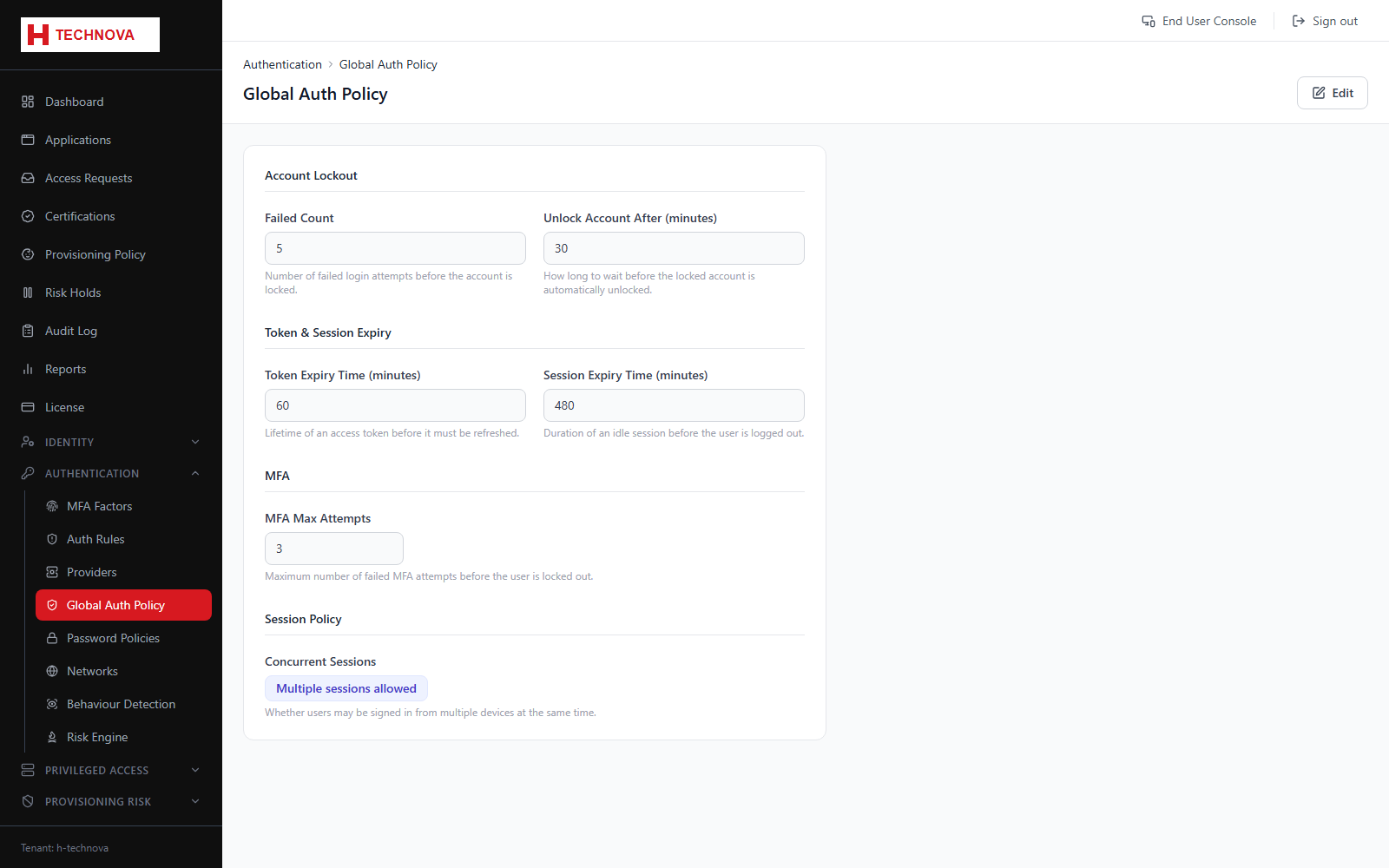
Tenant-wide authentication behaviour that applies regardless of which rule matched: lockout thresholds, session lifetimes and concurrent session handling.
How to use it
- Open Authentication → Global Auth Policy.
- Set the failed-attempt threshold and the unlock window.
- Set session idle and absolute lifetimes.
- Choose how concurrent sessions are handled — rejected, or the existing session replaced.
- Save.
Field reference
| Field | Description |
|---|---|
| Lockout threshold | Consecutive failures before the account locks. |
| Unlock after (minutes) | How long a lockout persists. Locks release automatically once the window expires. |
| Session lifetime | How long a session remains valid. |