Source → Connection
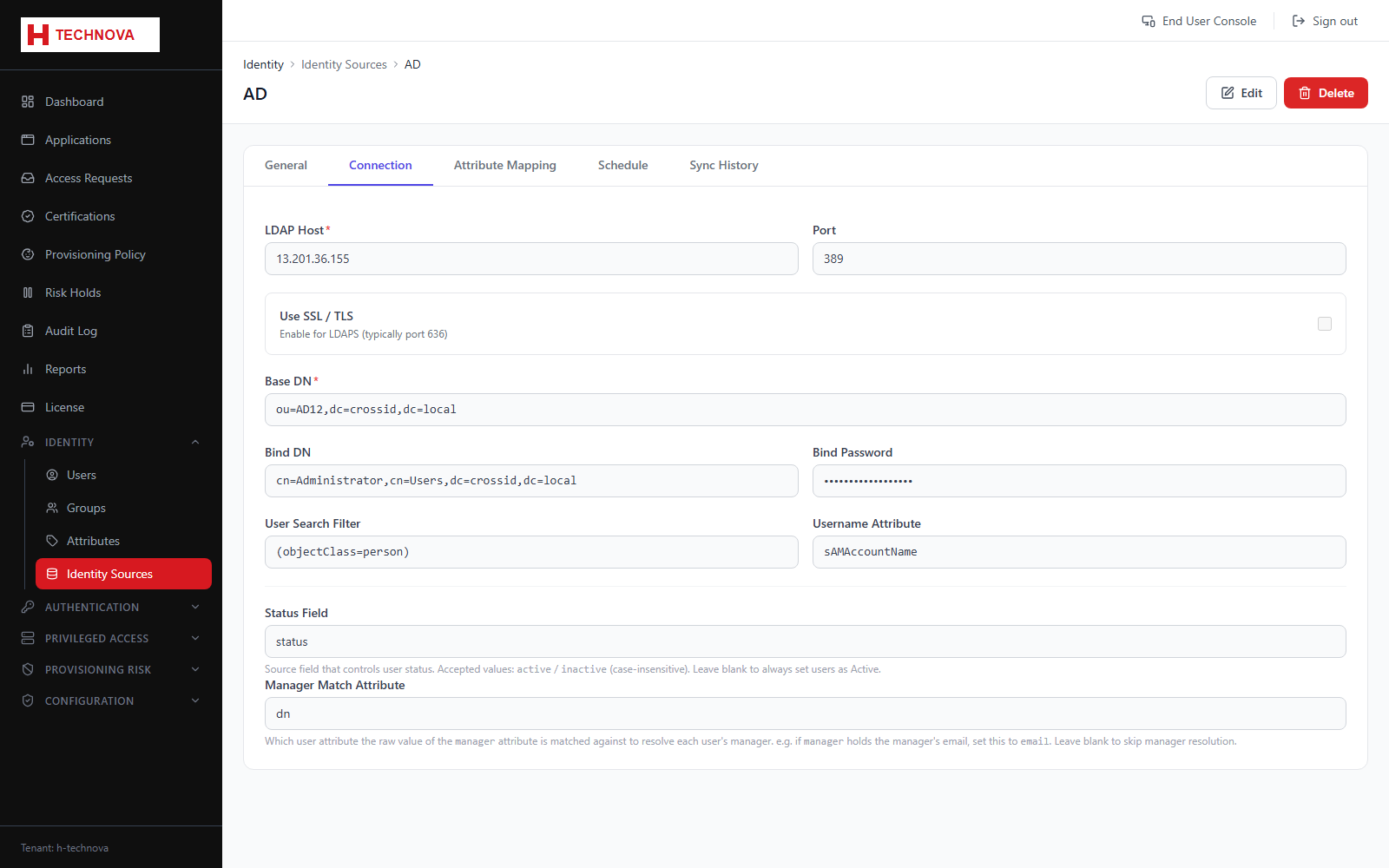
How Zetect reaches the source directory — host, port, credentials, search base and the agent that performs the connection.
How to use it
- Open the source → Connection.
- Enter host, port and whether TLS is used.
- Supply the bind account credentials.
- Set the search base and any filter.
- Select the agent.
- Test the connection, then save.
Field reference
| Field | Description |
|---|---|
| Host / Port | Directory server address. |
| Bind DN / password | Service account used to read the directory. |
| Search base | Where in the tree to search, for example OU=Users,DC=company,DC=local. |
| Filter | Optional LDAP filter narrowing which objects are imported. |
| Agent | On-premise agent performing the connection. |