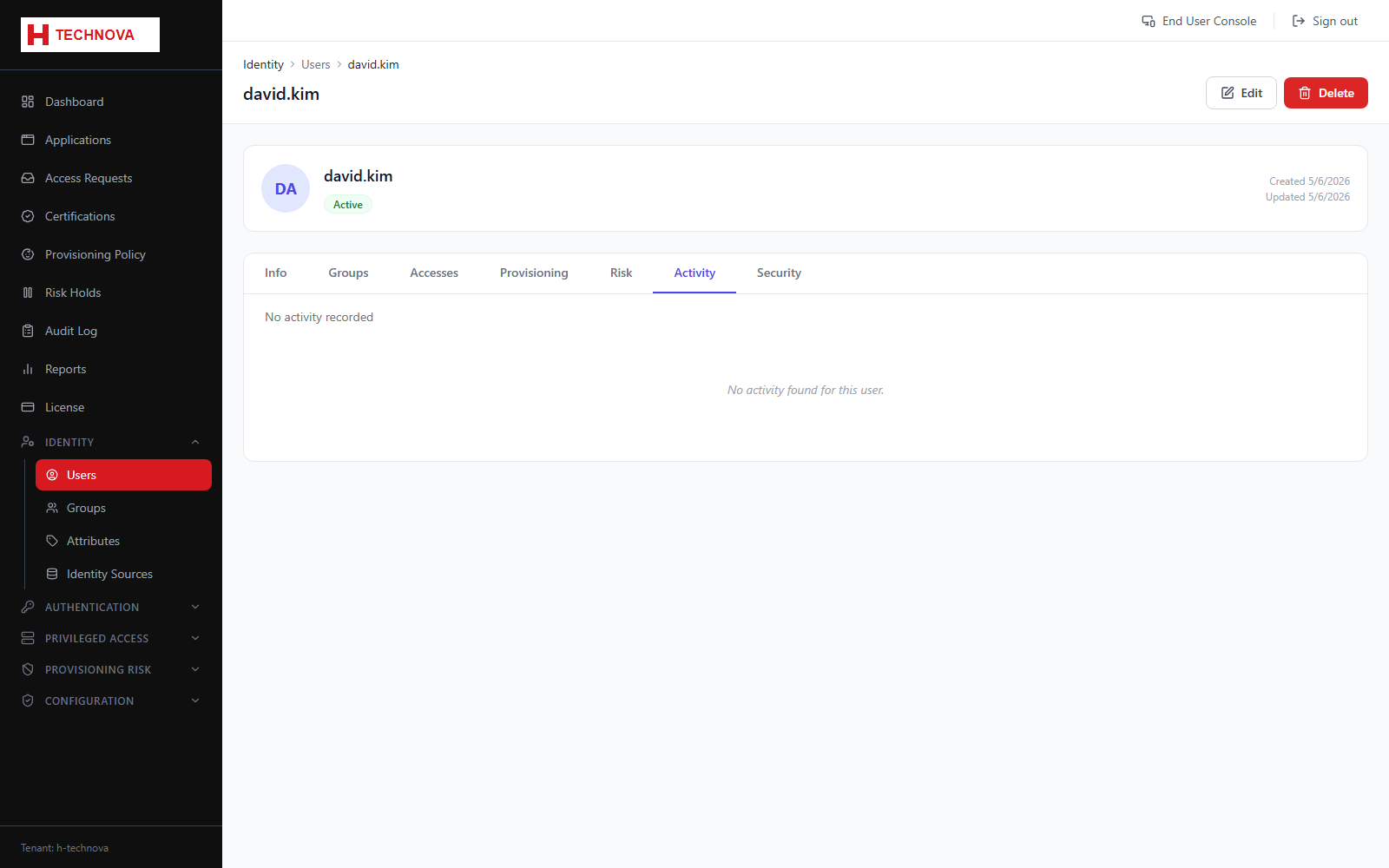
User → Activity
Authentication history for the identity — successful and failed sign-ins with time, source address and outcome. The first place to look when a user reports a login problem.
How to use it
- Open the user and select Activity.
- Review recent sign-in attempts.
- Look for repeated failures or unfamiliar source addresses.
Field reference
| Field | Description |
|---|---|
| Timestamp | When the attempt occurred. |
| Result | Success or failure with a reason. |
| IP / device | Where it came from. |