General Configuration
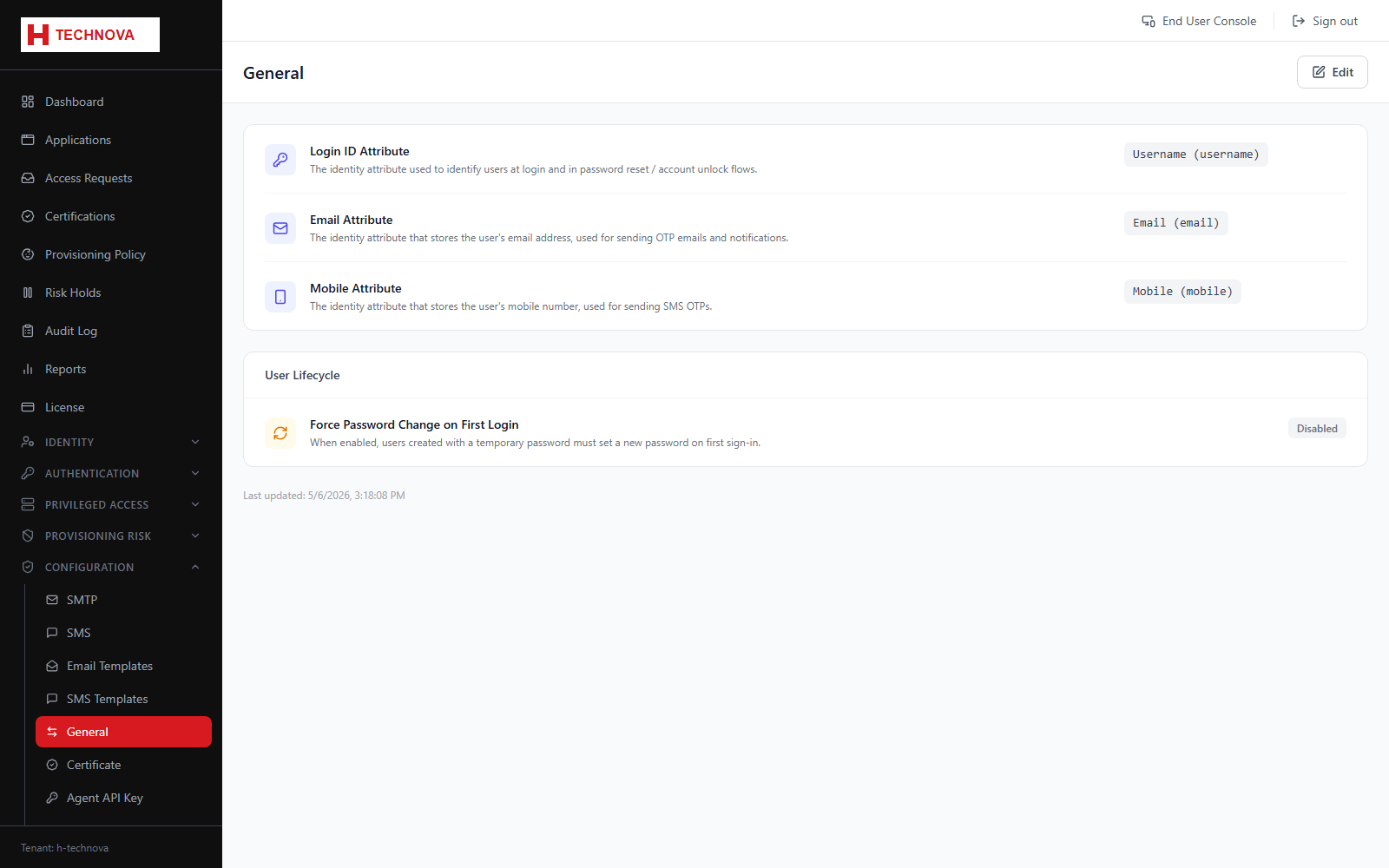
Tenant-wide identity settings, most importantly which identity attribute is treated as the login ID.
How to use it
- Open Configuration → General.
- Select the attribute users will sign in with.
- Review the other tenant defaults.
- Save.
Field reference
| Field | Description |
|---|---|
| Login ID attribute | The attribute matched at sign-in. Must be unique and populated for every user. |