Agents
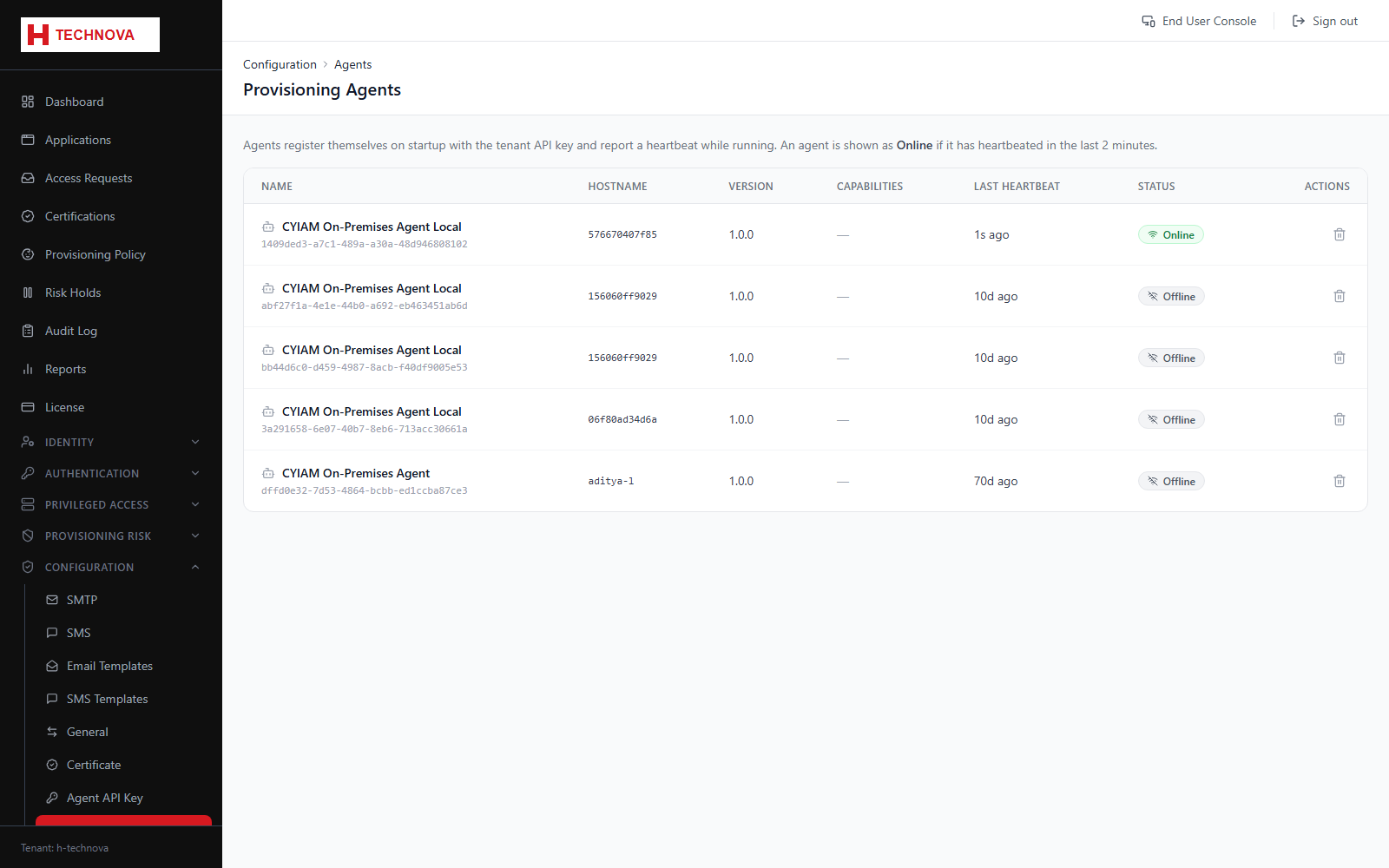
Lists the on-premise agents connected to the tenant. Agents execute identity aggregation, provisioning and directory authentication against systems Zetect cannot reach directly.
How to use it
- Open Configuration → Agents.
- Confirm each expected agent is listed and recently seen.
- Check the connectors each agent provides.
- Investigate any agent whose heartbeat has stopped.
Field reference
| Field | Description |
|---|---|
| Status | Online or offline, based on heartbeat. |
| Connectors | Which integrations the agent can run. |
| Last seen | Timestamp of the most recent heartbeat. |