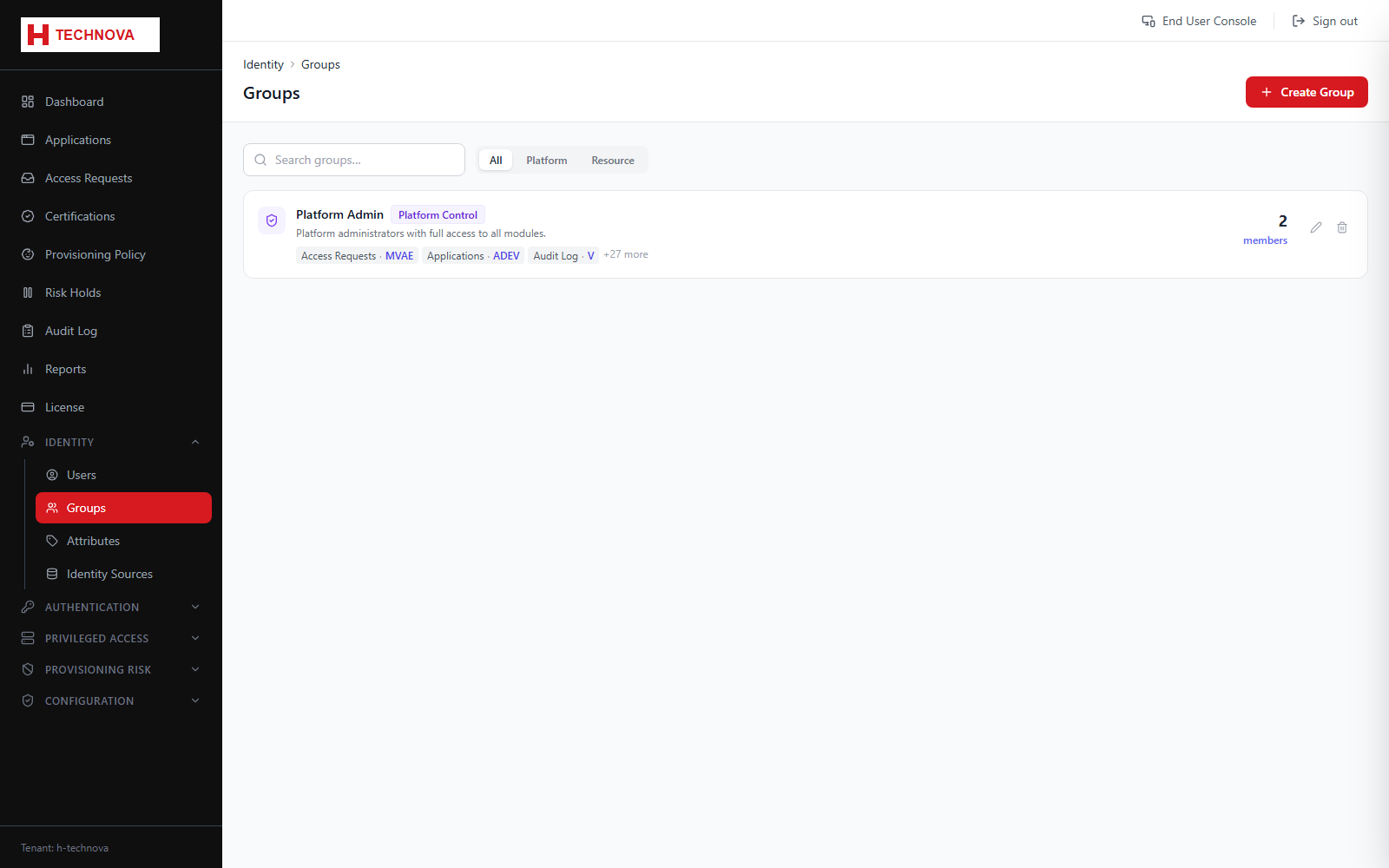
Groups serve two distinct purposes: they bundle entitlements for provisioning and access decisions, and — when typed as Platform Control — they carry the admin permissions that shape the console itself.
Groups — captured from the h-technova tenant.
How to use it
Open Identity → Groups and click Add Group.
Name the group and choose its type. Use Platform Control only for administrative groups.
For a Platform Control group, select the console permissions its members receive.
Add members from the Members tab.
Save. Permission changes take effect at the member's next sign-in.
Field reference
Field
Description
Group type
PLATFORM_CONTROL grants console permissions; other types are used for entitlements and policy targeting.
Permissions
The set of module.action permissions granted, such as identity.users.view.
Status
Only ACTIVE Platform Control groups confer permissions.