SMS
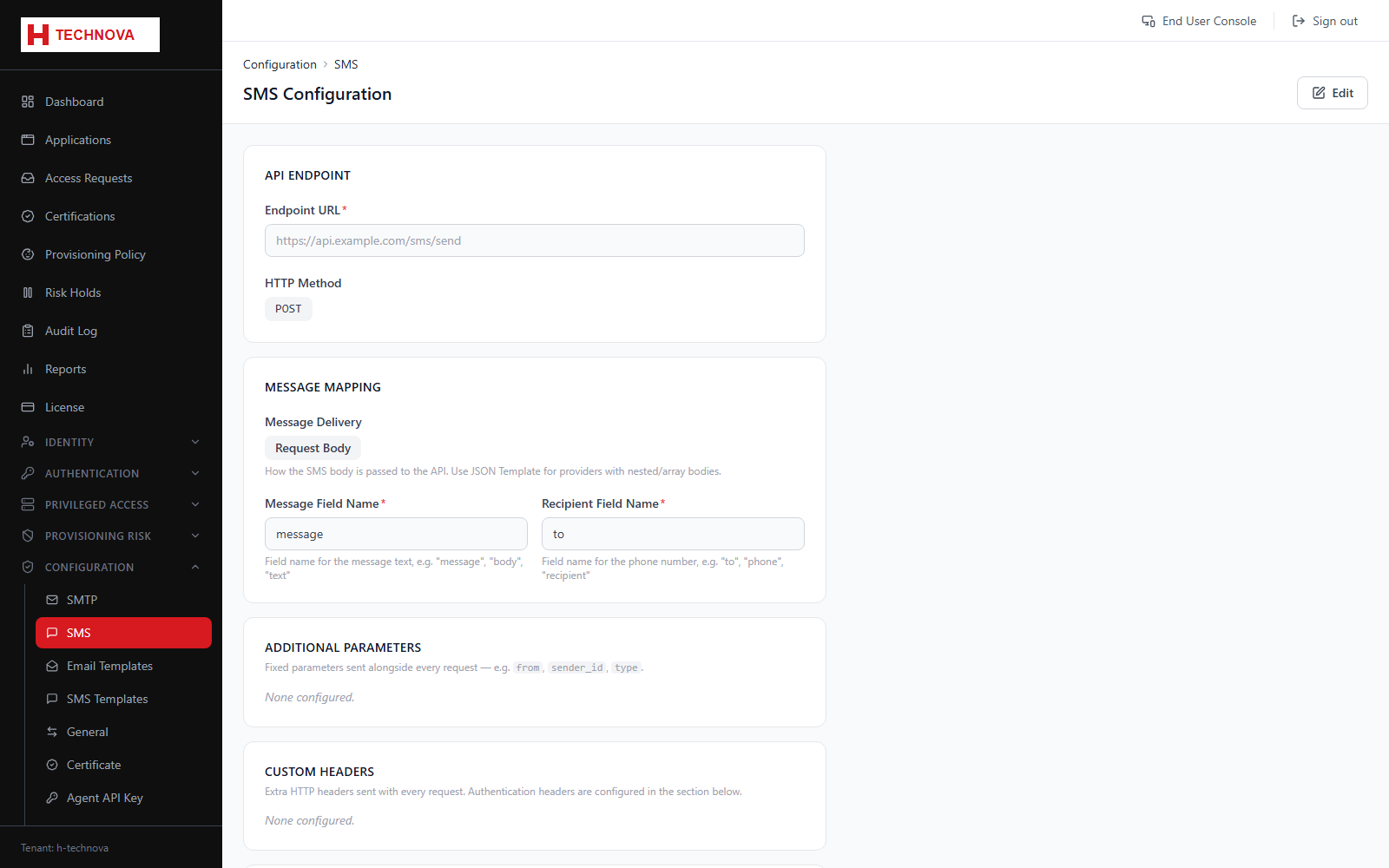
SMS gateway settings used for SMS one-time passcodes.
How to use it
- Open Configuration → SMS.
- Choose the provider and enter its API credentials.
- Set the sender ID.
- Save and send a test message.
Field reference
| Field | Description |
|---|---|
| Provider | The SMS gateway integration. |
| Sender ID | The originator shown on the handset, subject to local regulation. |