Source → General
Identity and lifecycle settings for the source: its name, type and whether it is currently enabled.
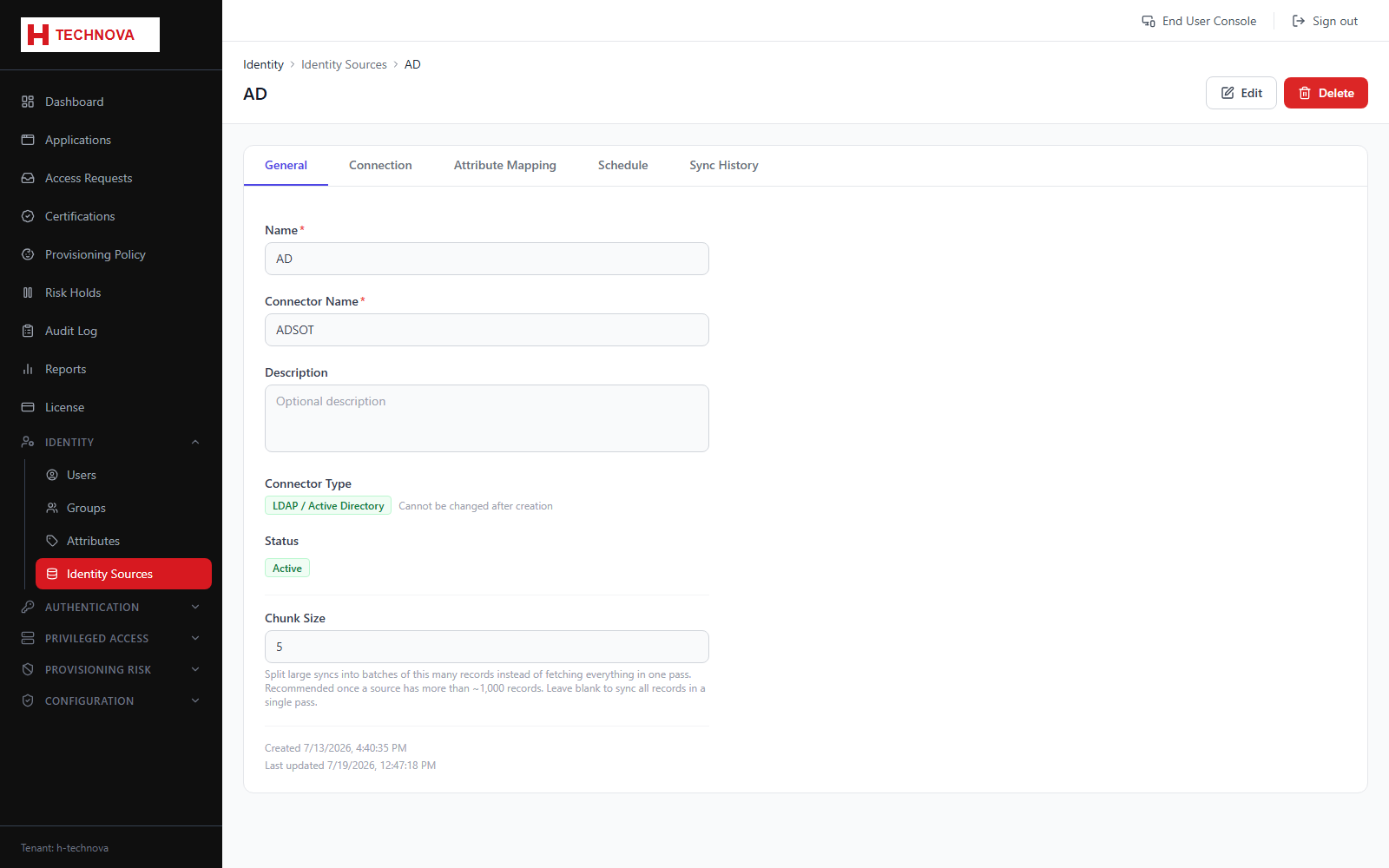
How to use it
- Open Identity → Identity Sources and click a source.
- Review name, description and type.
- Enable or disable the source.
- Save.
Field reference
| Field | Description |
|---|---|
| Name | How the source is identified in Zetect. |
| Type | Active Directory, LDAP, JDBC or CSV. |
| Enabled | Disabled sources are skipped by scheduled aggregation. |