MFA Factors
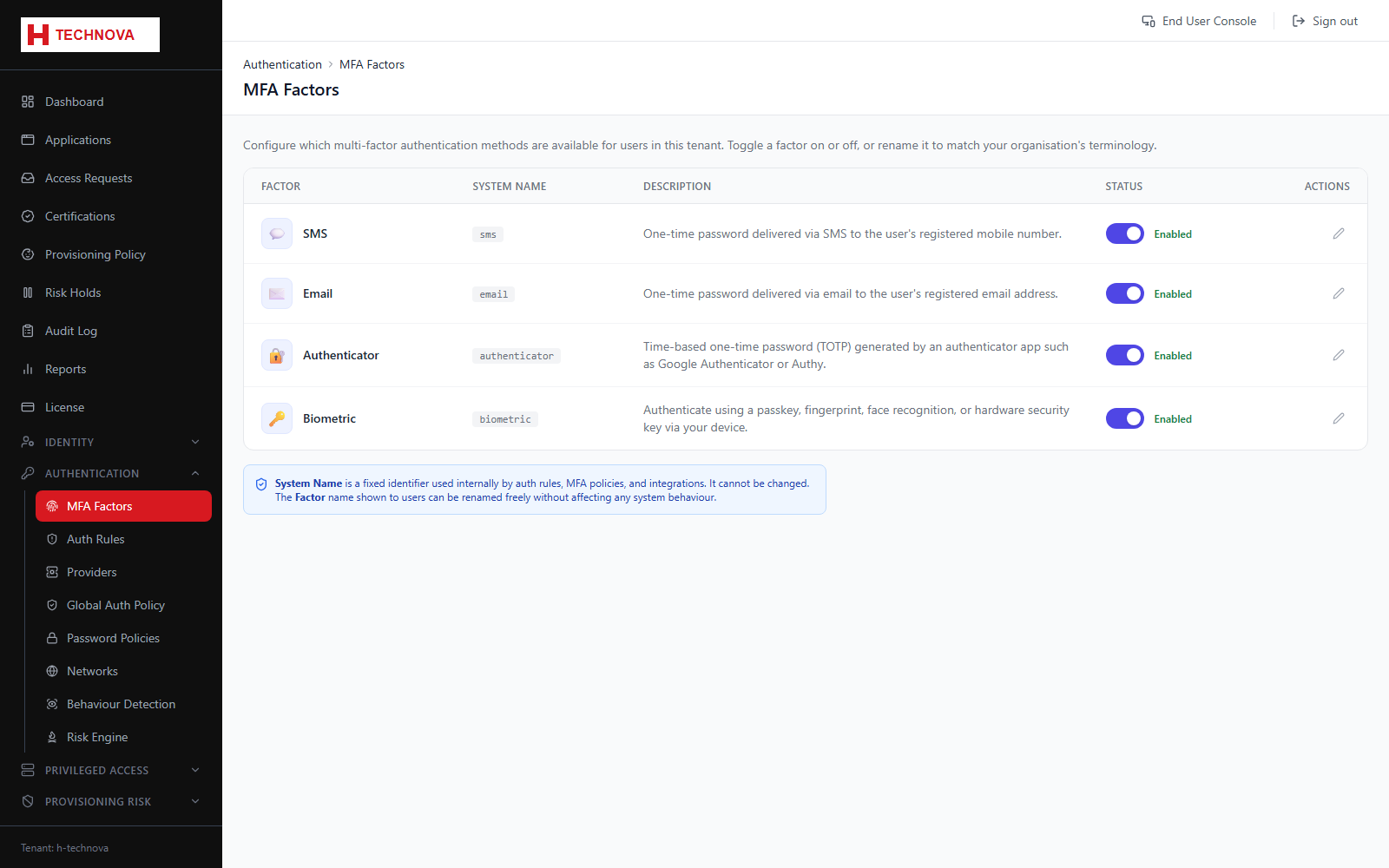
Controls which second factors are available in the tenant — authenticator apps, email or SMS one-time codes, and FIDO2 passkeys. Enabling a factor makes it available for enrolment; Authentication Rules decide when it is demanded.
How to use it
- Open Authentication → MFA Factors.
- Enable the factors your policy allows, such as TOTP and Email OTP.
- Configure any factor-specific settings, for example OTP validity period.
- Save, then reference the factor from an Authentication Rule to enforce it.
Field reference
| Field | Description |
|---|---|
| TOTP | Authenticator app codes. Requires the user to enrol from Portal → Security. |
| Email / SMS OTP | One-time codes. Require working SMTP or SMS configuration respectively. |
| FIDO2 / Passkey | Hardware or platform authenticators. Configure separately under Configuration → FIDO2. |