Provisioning → Account Attributes
Declares the account schema of the target system — which attributes exist on an account, their data types, and which of them is the identity attribute. Attribute Mappings can only target attributes declared here.
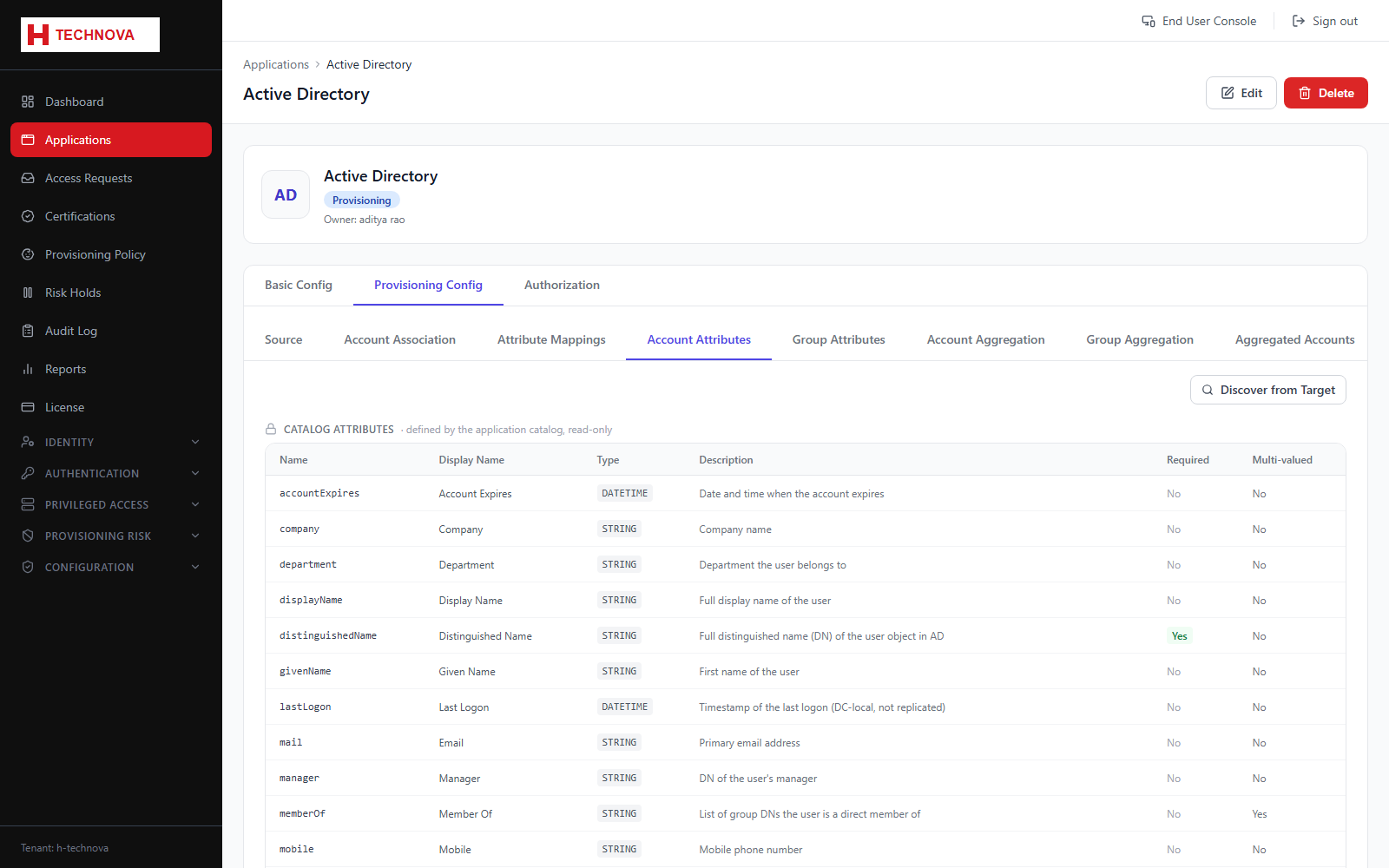
How to use it
- Open Provisioning Config → Account Attributes.
- Review the attributes discovered from the connector.
- Add any custom attribute the connector did not report.
- Mark required attributes and set data types.
- Save. New attributes become available in the Attribute Mappings dropdown.
Field reference
| Field | Description |
|---|---|
| Attribute name | Name as the target system knows it. |
| Data type | STRING, BOOLEAN, NUMBER, DATETIME or LIST. |
| Required | Account creation fails without a value. |
| Identity attribute | The unique key for an account in the target. |