Provisioning → Aggregated Entitlements
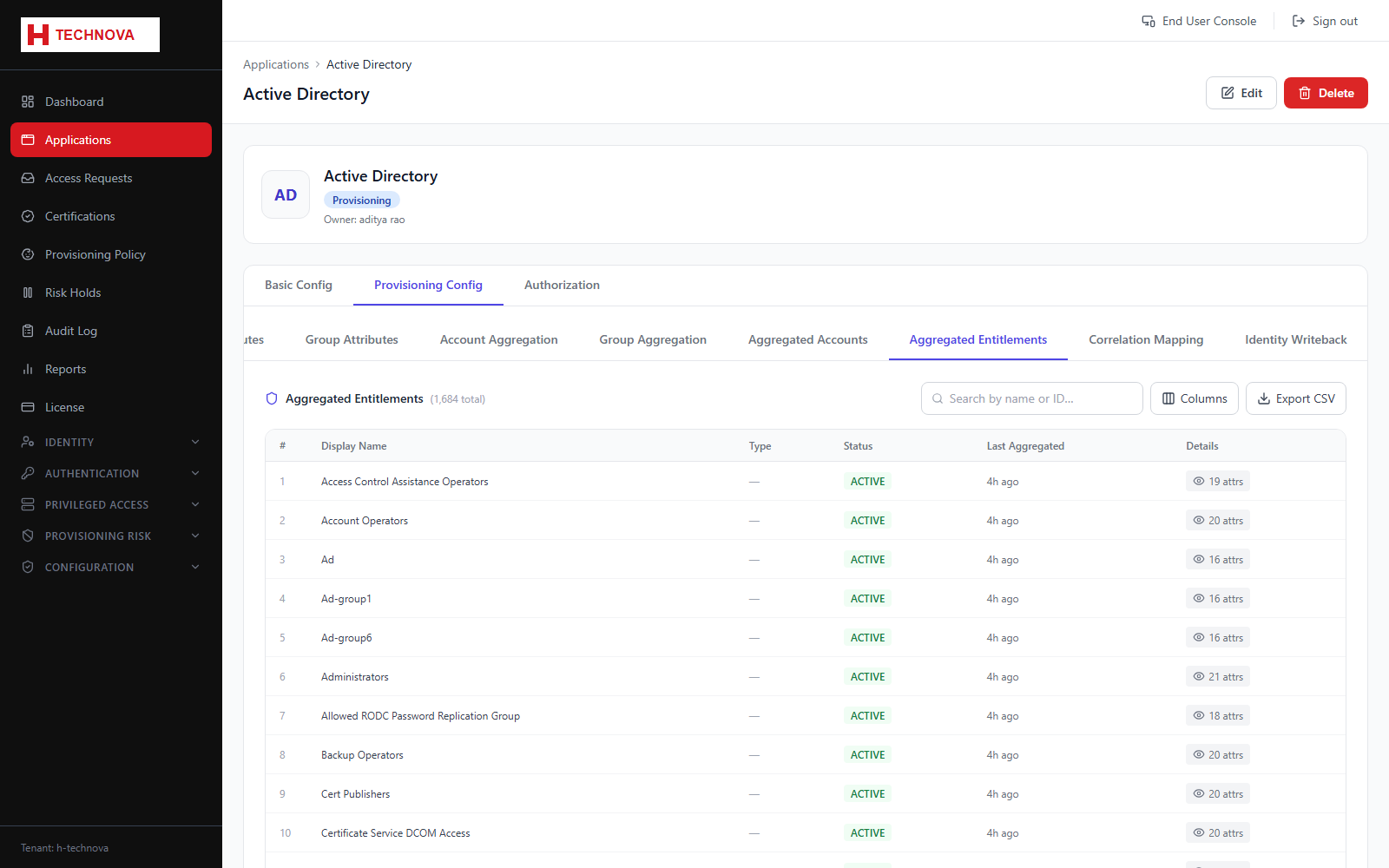
The groups, roles and entitlements discovered in the target, together with their membership. This is the source of the request catalog and of certification scope.
How to use it
- Open Provisioning Config → Aggregated Entitlements.
- Browse or search the discovered entitlements.
- Open one to see its members.
- Confirm the entitlements you intend to publish for request are present.
Field reference
| Field | Description |
|---|---|
| Entitlement name | Group or role name in the target system. |
| Member count | Accounts currently holding it. |
| Type | Group, role or other entitlement classification. |