License
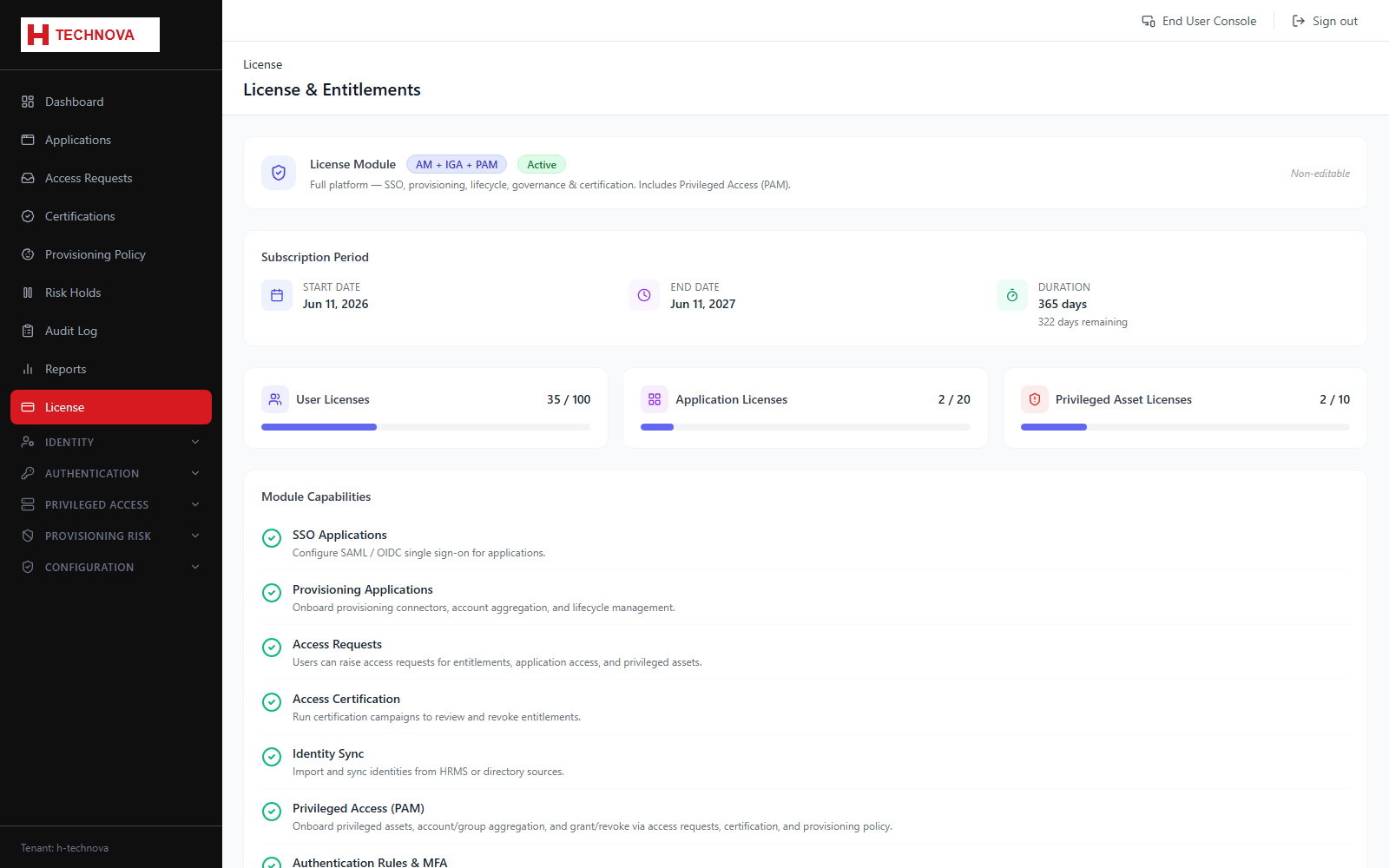
Shows which product modules the tenant is licensed for — Access Management, Identity Governance and Privileged Access Management — along with any limits. Licensing directly controls which menus appear.
How to use it
- Open License.
- Review the licensed modules and their validity.
- Check usage against any licensed limits.
Field reference
| Field | Description |
|---|---|
| AM | Access Management — SSO, MFA and authentication. |
| IGA | Identity Governance — requests, certifications and provisioning. |
| PAM | Privileged Access Management — privileged assets and sessions. |