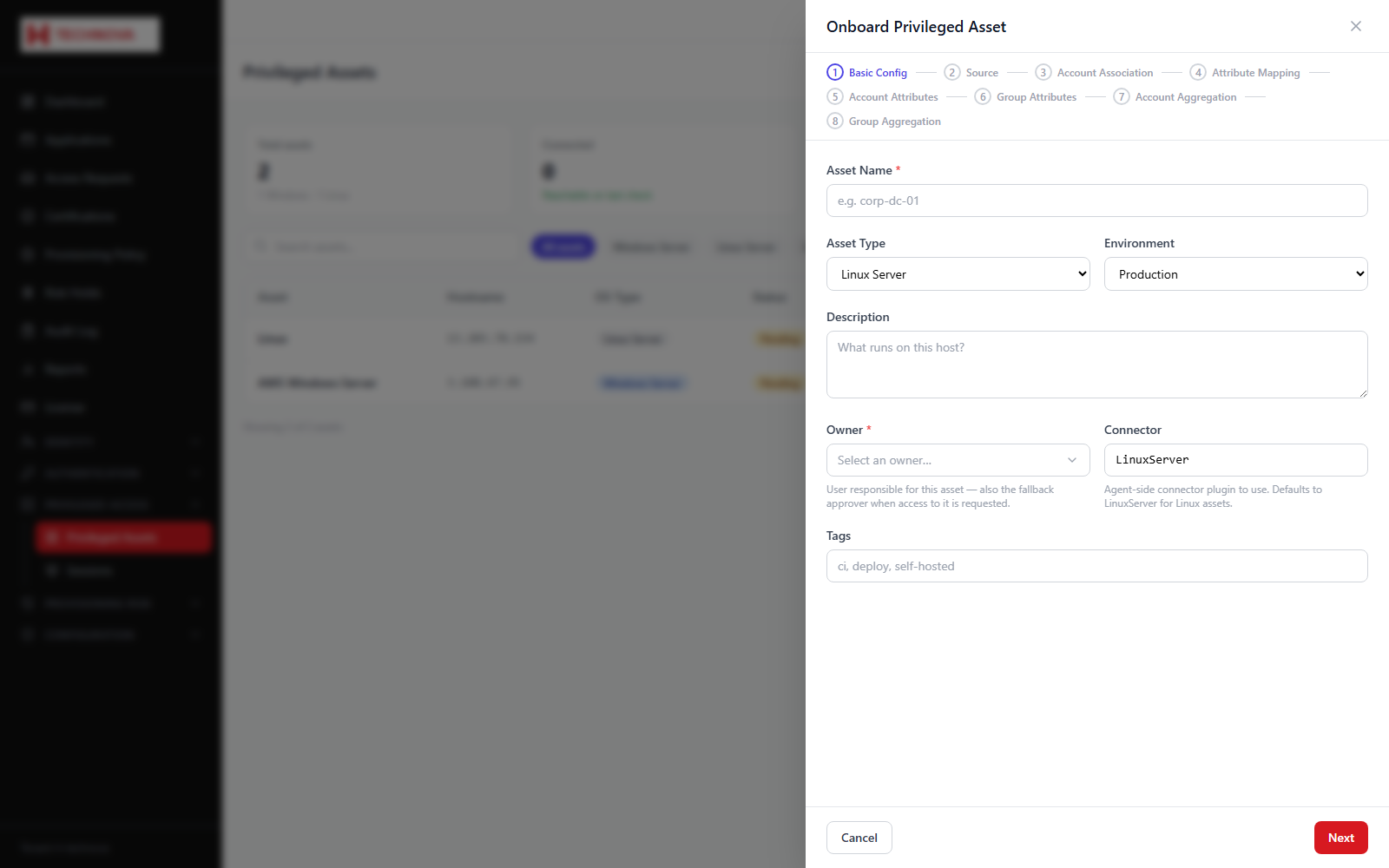
Registers a server for privileged access. The wizard collects the connection details, the service account used for aggregation, and the ownership needed for governance.
Onboard a Privileged Asset — captured from the h-technova tenant.
How to use it
Open Privileged Access → Privileged Assets and click Onboard Asset.
Enter the asset name and choose the type — Windows Server or Linux Server.
Enter the hostname or IP address.
Set the ports: RDP (default 3389) for Windows, SSH (default 22) for Linux. On a Windows asset the SSH port is used only for SFTP file transfer.
Select an owner.
Supply the service account credentials used for aggregation and provisioning.
Click Next through the remaining steps, then finish.
Test the connection, then run an aggregation to import the host's accounts and groups.
Field reference
Field
Description
Asset type
Windows Server connects by RDP; Linux Server by SSH.
Hostname
Address the agent will connect to.
Owner
Accountable person for the asset.
Service account
Used for aggregation and provisioning — not for interactive sessions.