Asset Detail & Session Options
The asset detail page holds connection settings, aggregated accounts and groups, attribute mapping, and the Session Options that govern how privileged sessions behave.
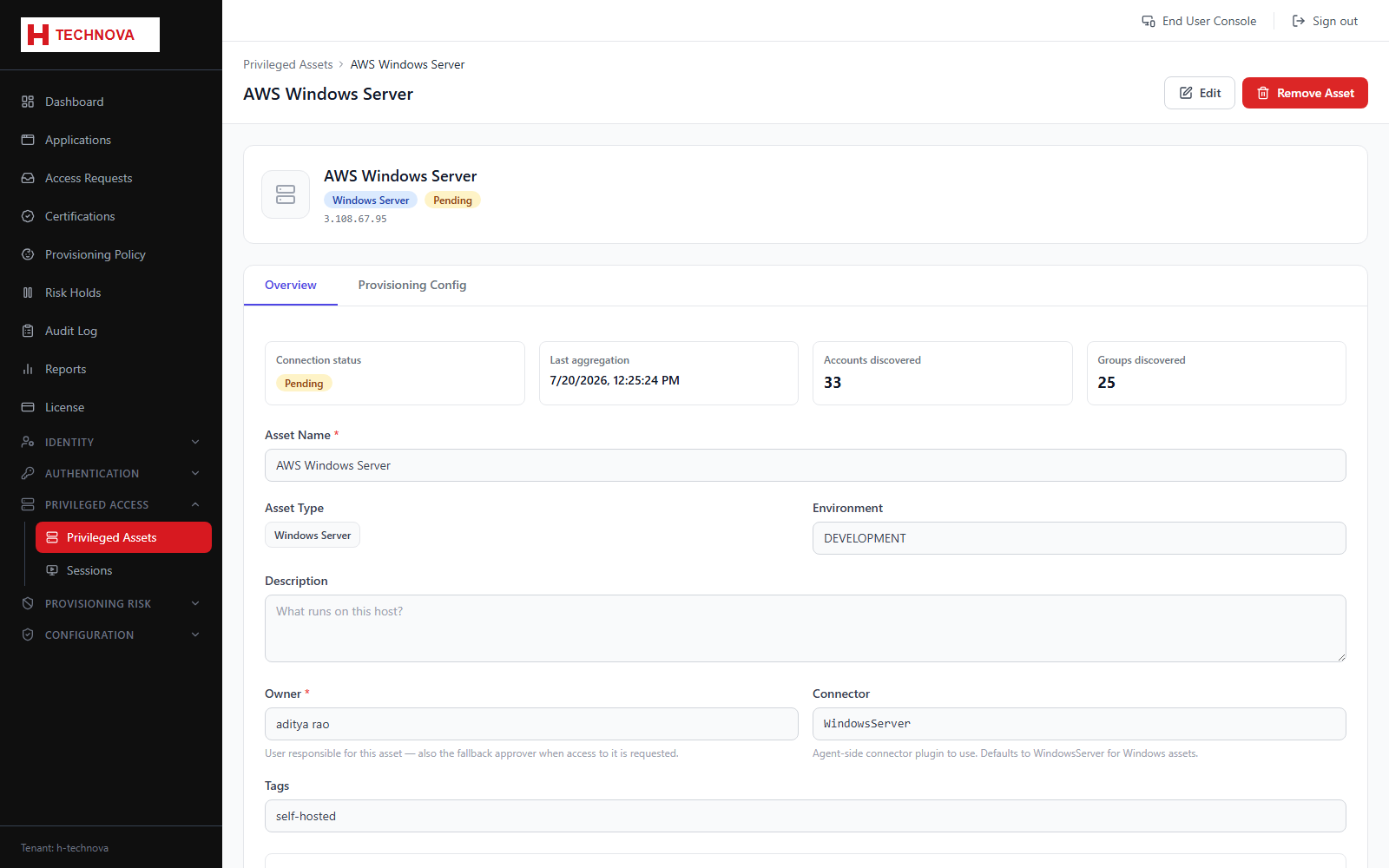
How to use it
- Open an asset and review the Accounts and Groups tabs for what aggregation found.
- Use Account Associations to define how a privileged account is matched to a Zetect identity.
- Open Session Options and configure the four session controls described below.
- Save. Options apply to the next session launched for that asset.
Field reference
| Field | Description |
|---|---|
| Always prompt for password | When on, the stored password is never reused — the user must type it at launch. Any previously stored password is ignored immediately. |
| Session recording | Records the full session to the shared recordings volume for later playback from the Sessions page. |
| Password rotation | Rotates the account password when the session closes, using the selected password policy. Only applies when "Always prompt" is off. |
| SFTP file transfer | Adds a file browser to the session. On Linux this rides the existing SSH connection; on Windows it needs a separate SSH/SFTP service such as OpenSSH Server. |